Reporting day usually exposes the underlying problem. Search Console is open in one tab, GA4 in another, rank tracking lives in its own platform, backlink data sits elsewhere, and technical issues are buried in a crawler report nobody checked last week. Someone still has to pull the numbers together, explain what changed, and defend the plan.
That workflow breaks down faster once AI search enters the picture. Rankings and organic sessions still matter, but they no longer answer every question leadership asks. Teams also need to know where the brand appears in AI-generated results, which competitors get cited, and whether those shifts connect to the work happening across content, technical SEO, and authority building.
Good SEO dashboard software gives you a single working view of search performance. The difference between tools is not just reporting polish. It is how well they combine first-party and third-party data, how much manual cleanup they remove, how flexible the dashboards are for different stakeholders, and whether they are adapting to newer search surfaces instead of treating them as a side note.
I judge these platforms on four practical criteria: data accuracy and depth, workflow and automation, reporting and customization, and future-readiness, especially for AI visibility.
This guide is built to help you choose, not just browse. It compares traditional SEO dashboard features with newer AI-focused capabilities, calls out which tools fit agencies, in-house teams, and consultants, and gives you a workable process for building a shortlist, running a trial, and deciding what belongs in your stack.
1. Surnex
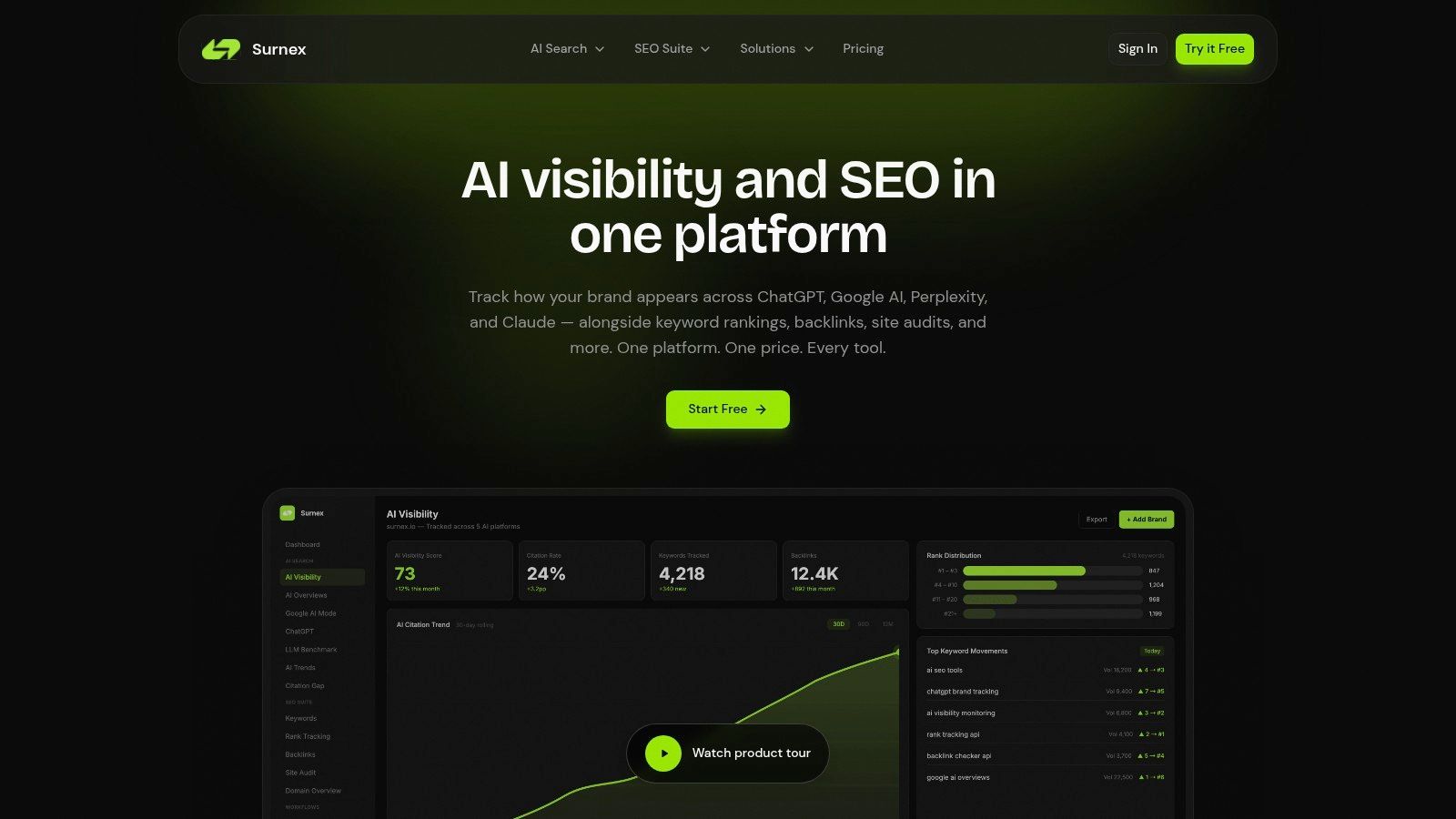
Surnex fits teams dealing with a reporting problem that is really a systems problem. Rankings live in one tool, backlinks in another, technical issues in a crawler, and AI search visibility gets tracked in spreadsheets or screenshots. That setup creates slow reporting cycles and weakens decision-making because nobody is looking at the same search picture at the same time.
Surnex is an option that combines traditional SEO monitoring with newer AI visibility tracking in one platform. Alongside rankings, backlinks, audits, keyword opportunities, Core Web Vitals, and local performance, it also tracks brand presence across Google AI Overviews, AI Mode, ChatGPT, Perplexity, Claude, and other LLM-driven surfaces. That matters for teams that now have to explain both classic organic performance and how the brand shows up in AI-generated answers.
Where Surnex is useful in practice
Its value is less about report design and more about reducing tool-switching. Teams can review ranking movement, technical issues, citation visibility, and competitor presence without stitching together separate exports first.
A few capabilities stand out for evaluation:
- Citation gap analysis: Shows where competitors appear in AI answers and where your brand is missing.
- LLM benchmarking: Lets teams compare responses across models instead of treating one AI interface as a proxy for all of them.
- Unified workflows: Puts rank tracking, backlink review, technical checks, and AI visibility analysis into the same working process.
- API-first setup: Offers REST API access across the platform, which is useful if your team pushes SEO data into internal reporting, product dashboards, or automations.
Practical rule: If SEO data already feeds internal systems, API quality matters as much as the dashboard itself.
Best fit and trade-offs
Surnex makes the most sense for agencies, in-house teams, and product-led organizations that need SEO reporting to be repeatable and easier to operationalize. White-label reporting helps agencies that need client-facing dashboards, while API access and broader data coverage make it relevant for teams building internal workflows.
There are trade-offs. Public pricing detail is limited, so procurement may take more work than with tools that publish every tier upfront. AI visibility tracking also requires ongoing interpretation because the underlying surfaces change often. That is not unique to Surnex, but it does affect how much confidence any team should place in week-to-week AI trendlines.
The practical case for shortlisting Surnex is straightforward. It brings AI visibility and traditional SEO reporting into one operating view, which can reduce manual reporting overhead for teams trying to decide whether they need one platform or several connected tools. The free entry point also lowers the cost of an initial test.
2. Semrush
Semrush is the default choice for teams that want one big suite and don't mind paying for breadth. If your SEO dashboard needs to sit inside a larger marketing stack that includes competitor research, content workflows, and broader search intelligence, Semrush usually covers more ground than point tools.
Its dashboard strength comes from project-level visibility. Technical issues, position tracking, backlinks, and market research can all live in the same platform. That's useful for in-house teams that don't want to manage four vendors just to answer a weekly performance question.
Where Semrush works best
Semrush is strong when your reporting needs go beyond “how are rankings doing?” and into “what is the market doing?” That distinction matters. Stakeholders often want competitor context, topic opportunities, and prioritized issue lists in the same conversation, not separate exports.
The newer AI visibility additions also help close a gap older SEO suites had. You can keep traditional SEO KPIs and emerging AI surface tracking closer together, which is better than forcing the team to maintain a separate AI reporting workflow.
- Best for: In-house teams and agencies that want one broad platform
- Strongest advantage: Deep competitor and SERP data across many markets
- Common frustration: Pricing tiers, add-ons, and seat costs can creep up fast
What to watch before you buy
Semrush can become expensive when a team grows or when reporting needs expand across multiple users and projects. That doesn't always show up in the headline plan price. Total cost of ownership matters more here than with narrower tools.
It's also not the simplest interface on this list. That's the cost of breadth. Teams with one specialist owner usually do fine. Teams that expect every stakeholder to self-serve inside the platform often don't.
3. Ahrefs
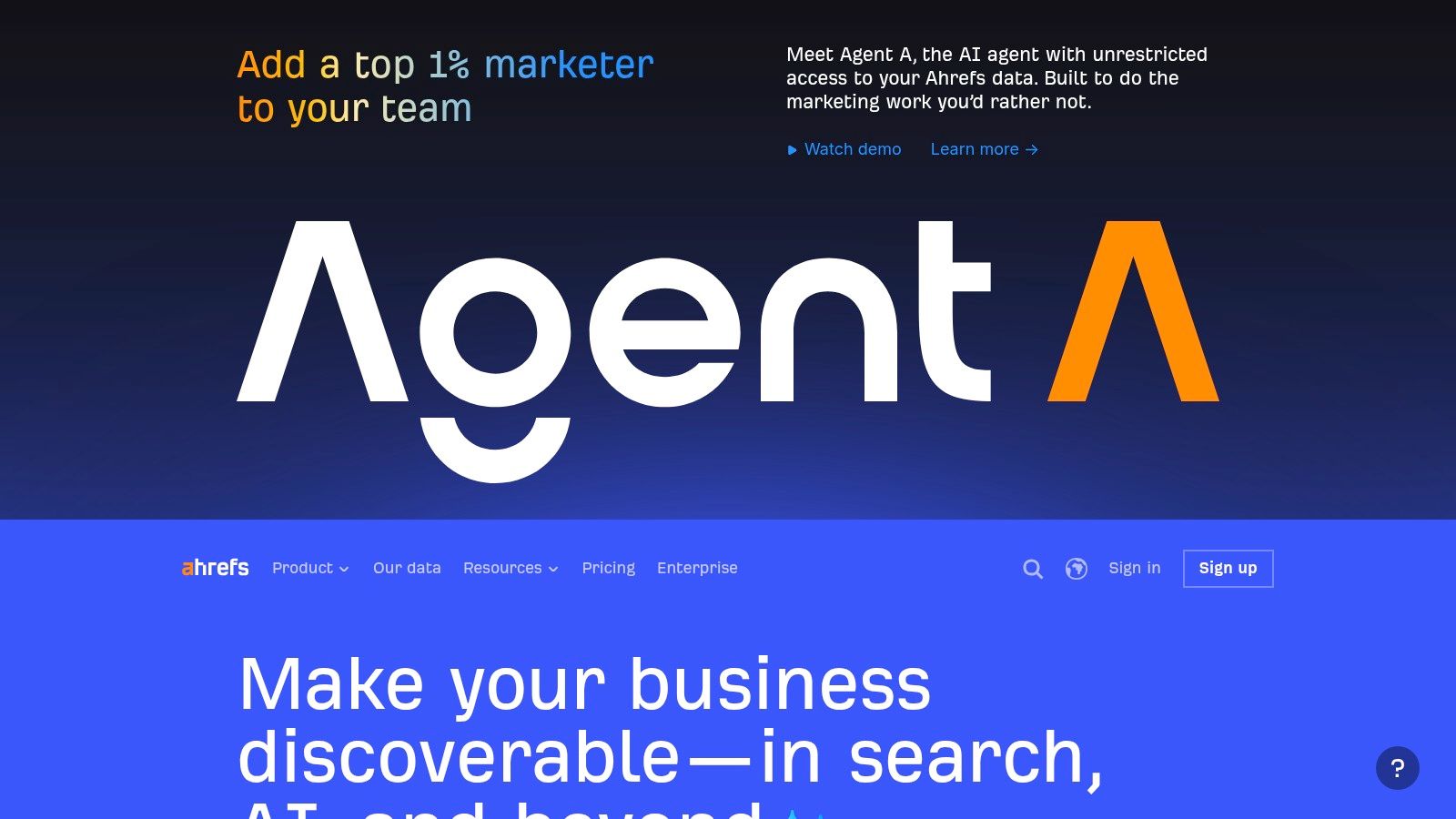
Ahrefs remains the tool I'd recommend when backlink intelligence is the center of the decision. Plenty of platforms say they do links. Ahrefs is still the one many specialists trust first when link profile depth, historical context, and competitive gap analysis matter more than polished client reporting.
Its dashboards do a good job of summarizing project health, rankings, backlinks, and keyword movement without feeling overloaded. That makes Ahrefs useful even when you aren't using every module. If your workflow starts with “why is this competitor outranking us?” Ahrefs usually gives the clearest first pass.
Why specialists still pick it
The biggest advantage is focus. Ahrefs feels built by people who assume the user wants to investigate, not just consume a summary. Site Explorer, content gap analysis, rank tracking, and audits all feed that style of work.
If link analysis is a major buying criterion, it helps to compare platform depth before committing. This review of backlink analysis tools is a useful companion when Ahrefs is on your shortlist.
Ahrefs is at its best when you already know what questions to ask. It's less ideal when you want the tool to do most of the thinking for you.
The trade-off
Ahrefs is not the cheapest route to a dashboard. It's a premium specialist platform that has grown into a broader suite. That means you get strong data and a fast interface, but advanced workflows can still push you toward higher tiers or additional modules.
It's also not my first choice for heavily client-facing reporting if white-label polish is the main goal. It's better as an operator's dashboard than a client communication layer. For SEO leads and hands-on specialists, that's often exactly what you want.
4. Moz Pro
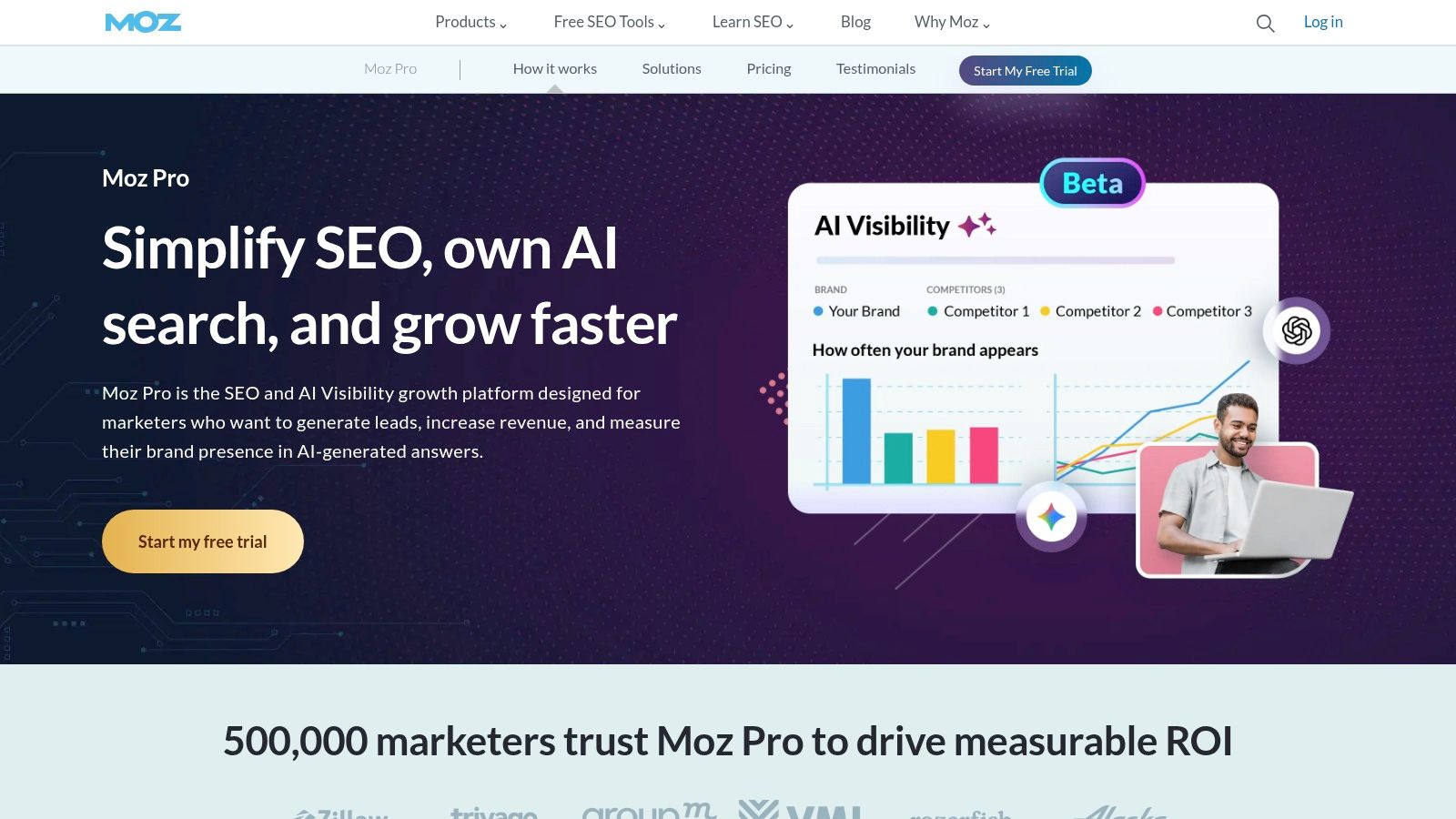
Moz Pro still earns a place on lists like this because ease of use matters. Not every team needs the deepest crawler, the biggest suite, or the most advanced AI layer. Some teams need a platform they can onboard quickly and explain clearly to non-specialists.
That's where Moz Pro works. Campaign dashboards are straightforward. Rank tracking, site health, keyword research, and link metrics are easy to access. For many stakeholders, Domain Authority and Page Authority are still familiar shorthand, even if experienced SEOs know not to treat them as business outcomes.
Where Moz Pro shines
Moz Pro is well suited to SMBs, smaller in-house teams, and agencies that want cleaner workflows and less operational overhead. It's one of the easier tools to put in front of account managers or generalist marketers without a lot of training.
If your team also needs direct access to Moz data in custom workflows, this guide to the Moz API for SEO is worth reviewing alongside the platform itself.
- Good fit: Smaller teams that value clarity over complexity
- Useful for reporting: Familiar proprietary metrics help with stakeholder conversations
- Less ideal for: Enterprise teams that need heavy customization or deeper multi-tool orchestration
Where it falls short
Moz Pro can feel lighter than Semrush or Ahrefs in some research areas. That's the trade. Easier tools often expose fewer layers of data. If your SEO program is highly competitive, international, or technically complex, you may outgrow it.
Still, I wouldn't dismiss it just because it's not the loudest tool in the market. Plenty of teams get more value from a simpler dashboard they actively use than from a bigger suite they barely touch.
5. SEOmonitor
SEOmonitor is a strong agency platform because it treats the dashboard as part reporting layer, part planning system. That sounds subtle, but it changes how teams use it. A lot of SEO dashboards stop at measurement. SEOmonitor pushes harder into targets, forecasting, and objective tracking.
That makes it particularly useful when clients expect SEO to be tied to budget discussions and forward plans, not just retrospective charts. Share of Voice views, forecasting, and opportunity modeling are all designed for that type of relationship.
Why agencies like it
SEOmonitor works best when the team needs to answer, “What should happen next?” not only “What happened?” Agencies with ongoing retainers, roadmaps, and target-setting conversations usually benefit the most.
The client-facing side is also polished. Dashboards are easier to frame around business goals than many more technical platforms. That can reduce the usual reporting disconnect between SEO work and stakeholder expectations.
If clients care about projections and prioritization, not just rankings, SEOmonitor often lands better than a general SEO suite.
The constraint
This isn't the best pick for every site owner. Smaller teams or single-site businesses may not use the forecasting depth enough to justify the cost or complexity. The platform makes more sense when there's an account management layer, multiple objectives, and regular performance reviews.
I'd choose SEOmonitor when the dashboard has to support agency service delivery, not just internal SEO analysis.
6. SE Ranking
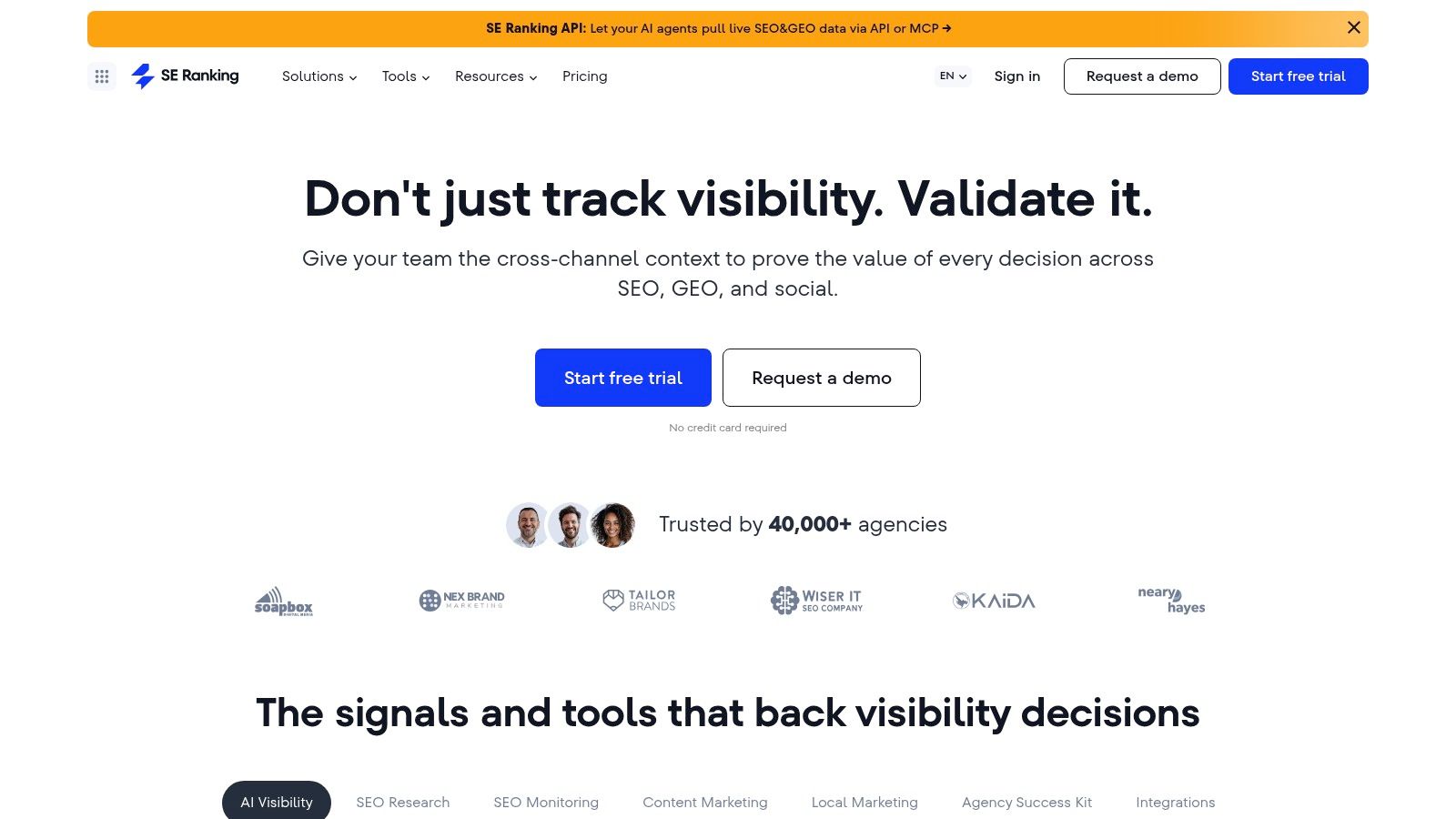
A common agency scenario looks like this. The team needs rank tracking, site audits, competitor monitoring, and client-ready reports, but the budget will not support stacking several premium tools. SE Ranking usually enters the shortlist at that point because it covers the core workflow in one platform and keeps reporting usable.
That matters more than feature count alone. In smaller SEO teams, the actual cost is often tool sprawl, extra logins, duplicate exports, and the time spent stitching reports together. SE Ranking reduces that overhead enough to make it a practical operating dashboard, especially for freelancers, SMBs, and agencies managing several accounts at once.
Why it makes sense for certain teams
SE Ranking works well for buyers who need breadth before depth. You can track rankings, run audits, monitor backlinks, review competitors, and build white-label reports without setting up a more fragmented stack on day one.
It also fits the way many teams now evaluate dashboard software. The question is no longer just whether a tool tracks rankings. The better question is whether it can support the weekly operating rhythm. Check performance, spot issues, package reporting, and give account managers something clear to share. For agencies comparing reporting-first options, this guide to SEO reporting tools for agencies helps clarify where SE Ranking fits versus more presentation-focused platforms.
A useful side-by-side for buyers weighing broad suites is this SE Ranking vs Semrush comparison.
The trade-off to understand
SE Ranking earns its place on a shortlist because the price-to-coverage balance is good. That does not mean it matches higher-end platforms in every area.
Research depth can feel lighter if your team relies heavily on advanced competitive analysis or large-scale link intelligence. Enterprise teams may also run into limits around workflow complexity, cross-team controls, or the level of customization expected in mature reporting environments. AI-related SEO features also tend to matter here. If your evaluation framework includes AI content workflows, automated insight generation, or more advanced predictive support, test those parts directly instead of assuming parity across all-in-one suites.
I'd choose SE Ranking when the goal is to give a team one solid place to run the main SEO motions, keep reporting under control, and avoid paying for power they will not use.
7. AgencyAnalytics
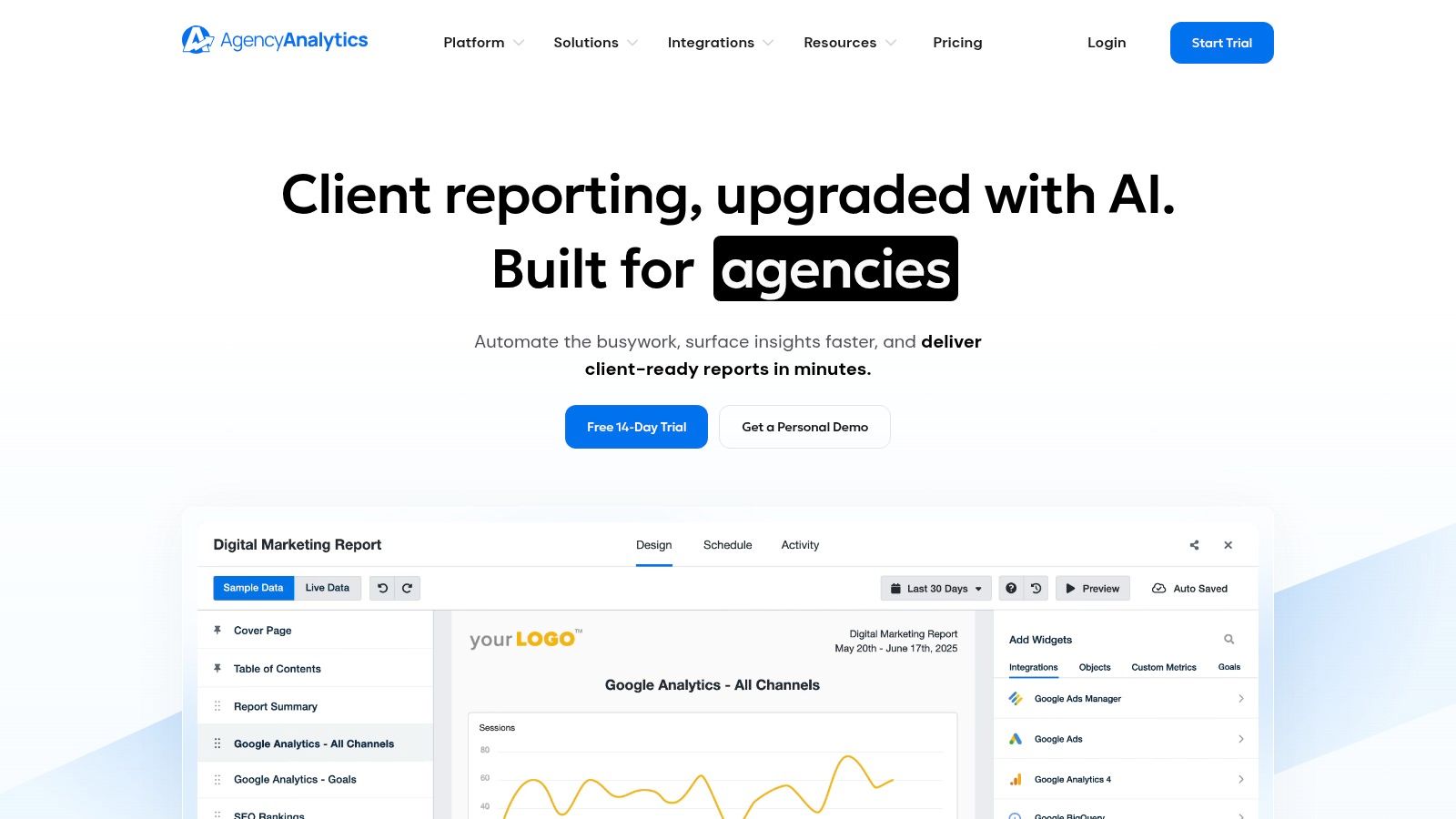
AgencyAnalytics is not trying to be your deepest SEO research platform. It's trying to make agency reporting less painful. That's an important distinction, because many agencies don't need another place to investigate rankings. They need a reliable client dashboard with permissions, automation, and multi-channel visibility.
If your current reporting workflow involves pulling data from GSC, GA4, Semrush, Ahrefs, paid channels, and email platforms into client decks, AgencyAnalytics can simplify that fast. Its structure is purpose-built for recurring client communication.
Best use case
AgencyAnalytics is strongest when the dashboard itself is the deliverable. White-label views, scheduled reports, goal tracking, annotations, and permissions are all useful for agencies that need consistent account-by-account visibility.
If you're comparing options in this specific reporting category, this roundup of SEO reporting tools for agencies helps frame where AgencyAnalytics fits.
The real trade-off
You should be clear on what you're buying. AgencyAnalytics is a reporting hub first. If your SEO team also needs advanced audits, deeper backlink exploration, or more detailed competitive workflows, you'll still want a specialist tool feeding the dashboard.
That's not a flaw. It's the model. Agencies often do better with one operational SEO tool and one reporting tool than with a single platform that does both jobs only halfway well.
8. AccuRanker
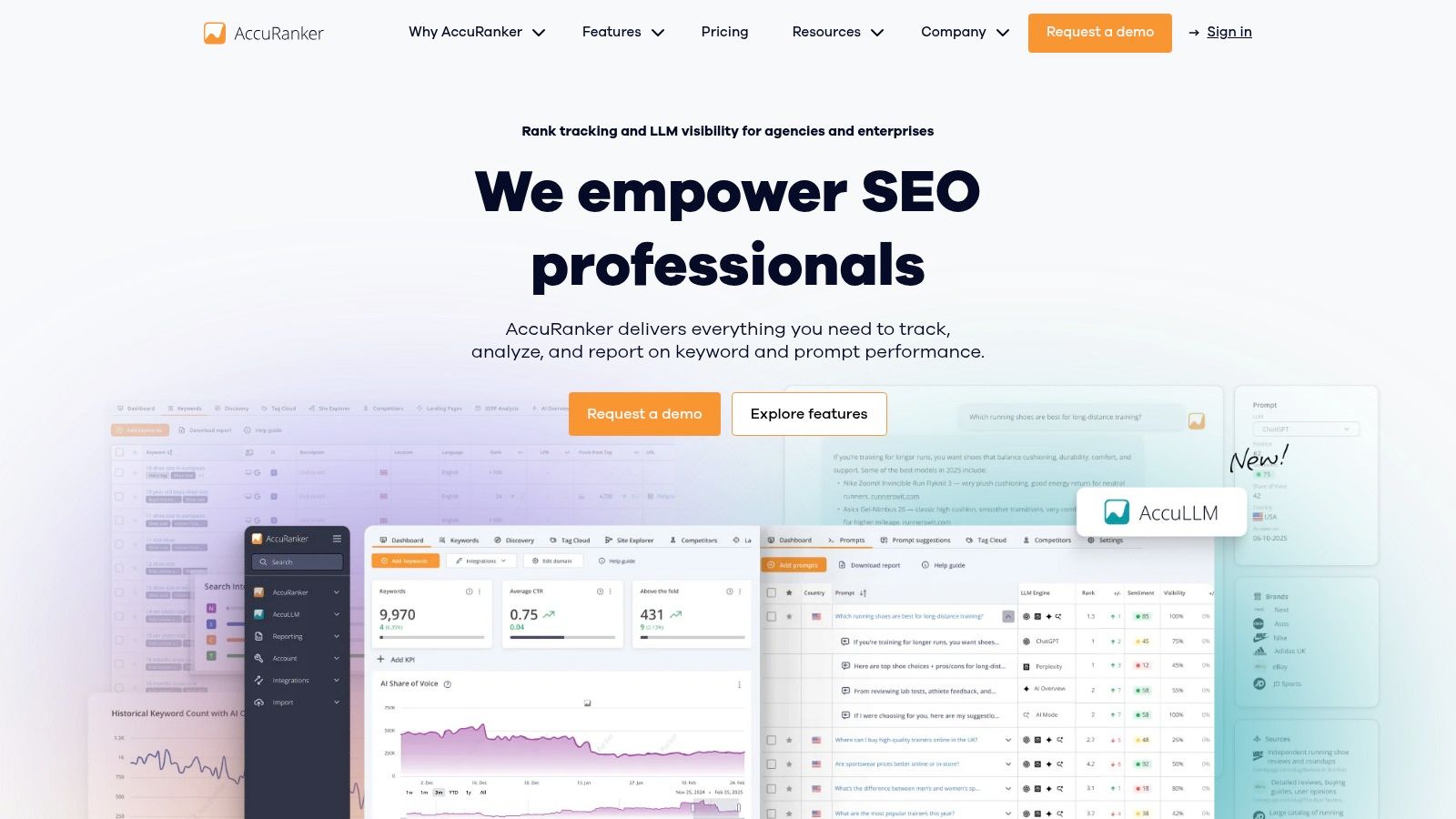
AccuRanker is the specialist pick for ranking data. If your team cares most about fast, granular, high-confidence rank tracking across devices, locations, landing pages, and SERP features, AccuRanker does that job very well.
This is not the dashboard I'd buy as my only SEO platform unless rankings are the overwhelming priority. But if rank accuracy and speed are the weak point in your current setup, it deserves serious attention.
Where AccuRanker stands out
AccuRanker works especially well for enterprise teams, agencies with large keyword sets, and local or multi-region programs where location-level nuance matters. The filtering is strong, and the API and integration support make it easier to slot into a broader reporting stack.
If rank tracking is your primary evaluation area, this guide to rank checker software gives useful context for how dedicated trackers compare.
- Best for: Large-scale rank tracking programs
- Strongest feature: Granular, fast ranking data with strong filters
- Weak point: You'll still need other tools for audits, backlinks, and broader SEO operations
A practical caution
Don't overbuy rank tracking. That happens all the time. Teams get seduced by very detailed ranking dashboards, then realize they still can't answer why performance changed, what technical issue caused it, or how to prioritize next steps.
AccuRanker is excellent when you know rankings are a core operational need. It's less useful as a stand-alone SEO command center.
9. Databox
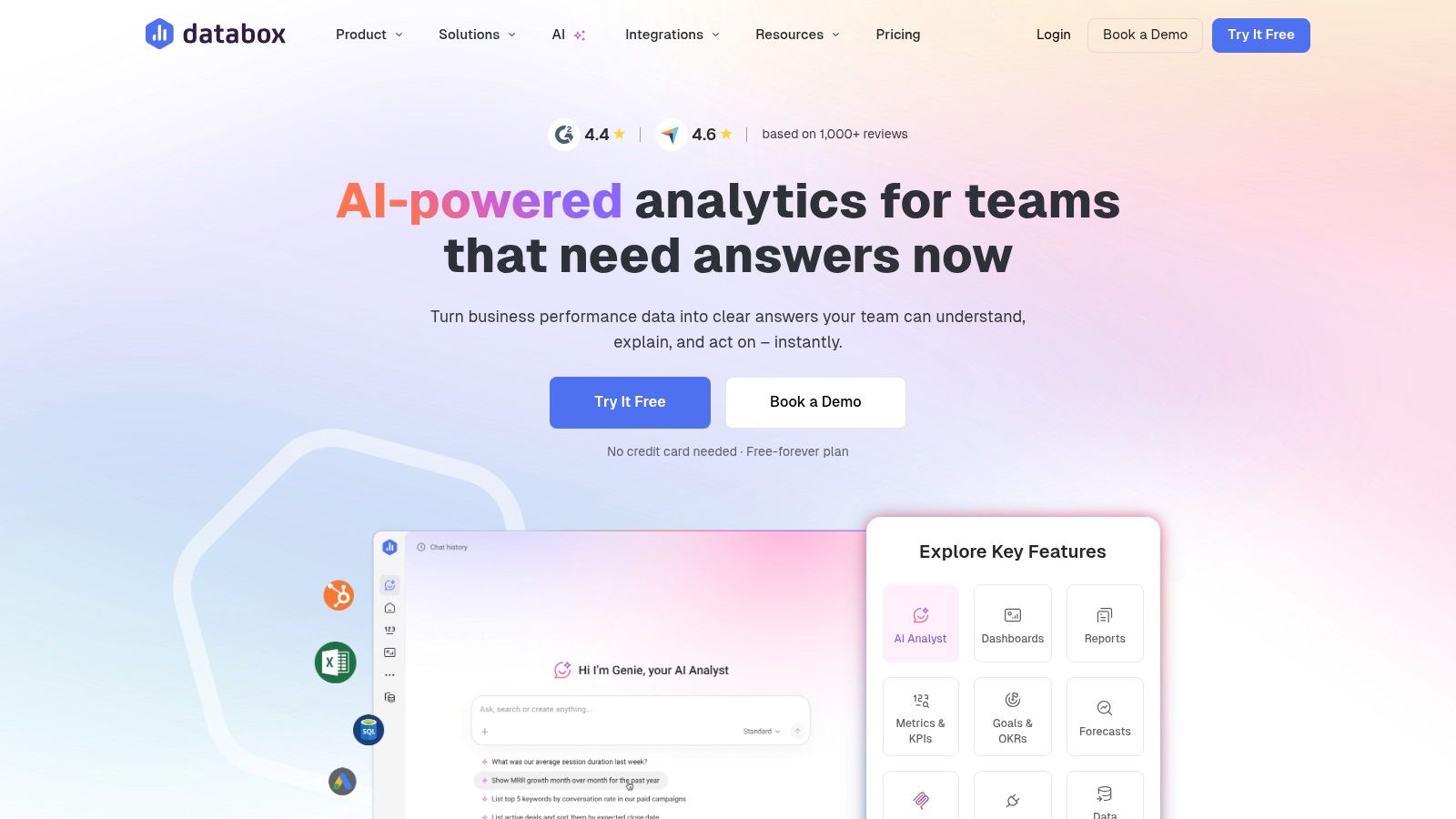
Databox is a smart option when your main challenge is dashboard assembly, not SEO data collection itself. In other words, you already have the tools. You just need a place to combine them into something stakeholders can use.
That's where Databox is effective. It's fast to deploy, works well across multiple sources, and doesn't require you to build every view from scratch. For marketing teams with SEO, PPC, CRM, and web analytics data spread across platforms, that speed matters.
Why teams choose it
Databox is a reporting and KPI operating layer. It gives you templates, visual editing, goal tracking, anomaly alerts, and a reasonable path to cross-channel dashboards without spinning up a full BI project. For many organizations, that's enough.
It's especially useful when SEO reporting must sit beside broader marketing performance. Executive teams often don't want a pure SEO dashboard. They want search in context with leads, revenue, or campaign performance.
A good dashboard doesn't only centralize metrics. It reduces the number of interpretation meetings your team has to run.
Where Databox can become limiting
Databox isn't a replacement for specialist SEO tools. Heavy data modeling, complex transformations, or warehouse-centric analytics can push you into paid add-ons or a more technical stack.
Still, if your problem is “we have too many disconnected views,” Databox is one of the quickest ways to fix that without overengineering the solution.
10. Looker Studio
Monday morning, the CMO wants organic performance by channel, the content lead wants page-level Search Console trends, and finance wants revenue tied back to search. Looker Studio often ends up in the middle because it gives teams a low-cost way to turn scattered data into one reporting layer.
Looker Studio fits teams that already have their SEO stack and need a place to present it. It handles Google sources well, keeps stakeholder access simple, and works especially well when your reporting depends on Search Console, GA4, Sheets, CSVs, or BigQuery.
Why it still matters
Looker Studio remains common because it matches how many SEO programs function. The tools that collect rankings, backlinks, audits, and AI visibility are often separate from the tool that executives review each week. Looker Studio fills that reporting role well if your team can define the metrics, control the inputs, and maintain the logic behind each chart.
That matters more now because dashboard decisions are less about "which SEO tool has reports" and more about "where should reporting live." Some teams want everything inside a platform like Semrush or SEOmonitor. Others prefer a neutral layer that can combine SEO with paid media, CRM, product, or revenue data. If your short-list includes both dedicated SEO dashboards and flexible BI-style reporting, this perspective on real-time decision-making with BI tools is useful context.
The trade-offs to be honest about
- Best for: Teams with analytical ownership in-house
- Big advantage: Free core product, flexible layout, strong Google ecosystem fit
- Big limitation: Connector quality, governance, and advanced data modeling often depend on third-party tools or technical support
The hidden cost is maintenance.
I have seen Looker Studio work extremely well when one person owns definitions, checks data freshness, and cleans up broken blends before stakeholders notice. I have also seen "free" dashboards become expensive in team time once reporting gets more complex. Branded client reporting, row-level controls, non-Google integrations, and stable cross-source calculations are usually where friction starts.
Looker Studio is a strong choice if you treat it as a reporting framework, not a complete SEO operating system. For teams using this article as a decision framework, that distinction matters. If you need collection, forecasting, alerting, and SEO-specific workflows in one place, shortlist platform-led tools first. If you already have the data and need a customizable presentation layer, Looker Studio still earns its place.
Top 10 SEO Dashboard Software Comparison
| Tool | ✨ Core features | ★ UX / Quality | 💰 Value & Pricing | 👥 Target audience | 🏆 Unique selling point |
|---|---|---|---|---|---|
| Surnex 🏆 | ✨ AI visibility + traditional SEO (ranks, backlinks, audits) + REST API | ★★★★☆ Fast setup; agency workflows & white‑label | 💰 Free trial; plans $49–$399/mo | 👥 Agencies, in‑house teams, developers | 🏆 Unified AI+SEO, citation‑gap insights, LLM benchmarking, API‑first |
| Semrush | ✨ Project dashboards, audits, competitor & keyword research, AI visibility | ★★★★☆ Mature UI; broad market data | 💰 Premium tiers; add‑ons can raise cost | 👥 In‑house teams, agencies | ✨ All‑in‑one marketing suite with deep SERP data |
| Ahrefs | ✨ Site Explorer (backlinks), Rank Tracker, Site Audit, Keywords Explorer | ★★★★☆ Fast, clear UI; actionable metrics | 💰 Premium pricing for higher tiers | 👥 SEO specialists, link builders, agencies | 🏆 Industry‑leading backlink index & historical data |
| Moz Pro | ✨ Campaign dashboards, Link Explorer (DA/PA), On‑Page Grader, audits | ★★★☆☆ Beginner‑friendly; clear reporting | 💰 Mid‑range plans; simpler for SMBs | 👥 SMBs, teams new to SEO | ✨ Familiar DA/PA metrics and easy onboarding |
| SEOmonitor | ✨ Share of Voice, forecasting, rank tracking, Opportunity Explorer | ★★★★☆ Client‑focused dashboards & workflow tools | 💰 Premium vs entry tools | 👥 SEO agencies focused on forecasting & ROI | ✨ Forecasting + targets tied to budgets and client reporting |
| SE Ranking | ✨ Daily rank tracking, 120+ audit checks, backlink monitoring, white‑label | ★★★☆☆ Good breadth; user‑configurable | 💰 High price‑to‑features value | 👥 Freelancers, SMBs, budget‑conscious agencies | ✨ Strong value and flexible tracking options |
| AgencyAnalytics | ✨ 80+ integrations, white‑label dashboards, scheduled report automation | ★★★★☆ Purpose‑built agency reporting; reduces manual work | 💰 Costs scale with clients & add‑ons | 👥 Digital agencies needing client reporting automation | ✨ Centralized multi‑channel reporting & client portals |
| AccuRanker | ✨ High‑frequency rank updates, SERP features, landing‑level tracking, API | ★★★★☆ Extremely fast & accurate for large volumes | 💰 Pricing scales with keyword volume | 👥 Enterprises, large agencies with big keyword sets | 🏆 Fast, granular on‑demand rank tracking and filtering |
| Databox | ✨ Prebuilt SEO templates, 300+ connectors, visual editor, alerts | ★★★☆☆ Quick dashboard build; flexible visualizations | 💰 Freemium; many connectors may add cost | 👥 Marketing teams needing cross‑channel dashboards | ✨ Rapid dashboarding across many data sources |
| Looker Studio | ✨ Custom dashboards, native Google connectors, BigQuery integration | ★★★☆☆ Free & flexible but more technical | 💰 Free core; third‑party connectors/Pro features may cost | 👥 Technical teams, analysts, DIY agencies | ✨ Free, highly customizable BI for SEO with Google native connectors |
Unify Your Data, Focus Your Strategy
Monday morning usually exposes a weak dashboard fast. The SEO lead is pulling rankings from one tool, technical issues from another, backlinks from a third, and AI search mentions from screenshots in Slack. By the time the team gets to interpretation, half the meeting is gone. A good dashboard changes that operating rhythm. It gives the team one place to verify what changed, decide what matters, and assign the next action.
That shift matters because an SEO dashboard now sits much closer to the day-to-day workflow than the monthly report. Teams use it to monitor rankings, technical health, content performance, competitor movement, and increasingly AI search visibility. The goal is not cleaner charts. The goal is faster decisions with less debate over whose numbers are right.
Tool choice should follow operating model.
An agency that sends weekly client updates needs polished reporting, permissions, and a setup account managers can maintain without analyst support. An in-house team usually cares more about integration depth, data control, and whether the dashboard fits existing reporting workflows. A rank-heavy program may still need a specialist tracker, even if the broader reporting stack lives elsewhere. Teams already tracking AI Overviews or LLM visibility should account for that early, because bolting it on later often creates another reporting silo.
A short-list process works better than a feature marathon. I use four steps:
- Set the requirements first: Document required data sources, reporting cadence, user roles, and whether AI visibility needs to sit beside traditional SEO metrics.
- Cut the list to two or three tools: Testing too many platforms at once creates confusion and slows feedback.
- Run one controlled pilot: Use the same site, same stakeholders, and same reporting questions in each trial.
- Judge adoption, not just coverage: Check whether the team trusted the numbers, used the dashboard without hand-holding, and could turn findings into actions.
One mistake shows up often in final reporting. Teams centralize data but keep weak measurement logic. If a content refresh, technical fix, and seasonal demand spike all happen in the same window, the dashboard can still tell the wrong story. Segment views carefully, compare against a clean baseline, and isolate major changes where possible. That matters even more when reporting outcomes to clients or leadership, because polished visuals can hide bad attribution.
Start with the bottleneck that wastes the most time. If the problem is client reporting, pick for automation and presentation. If the problem is tool sprawl, pick for consolidation. If the problem is rank tracking at scale, choose accuracy and update speed. If the problem is AI search visibility, choose a platform that measures it directly instead of forcing manual workarounds.
Surnex fits teams that want traditional SEO data and AI visibility in the same workflow. That is a practical advantage, not a branding point. As search behavior shifts, teams that can compare rankings, site issues, and AI discovery signals in one place will usually react faster and report with more confidence.
If your team is still stitching together rankings, backlinks, audits, and AI search screenshots by hand, Surnex is a sensible first trial. It gives agencies, in-house teams, and developers one place to track traditional SEO performance alongside AI visibility across major LLM-driven surfaces, with reporting and API access built for operational use.