Your reporting process probably looks familiar. Search Console for query data, GA4 for conversions, Semrush or Ahrefs for rankings, a crawl tool for technical issues, maybe a backlink tool, then a slide deck or spreadsheet to stitch it all together. That works when you have a handful of clients. It starts breaking when every account manager needs answers fast, every client wants cleaner attribution, and AI search starts changing what “visibility” even means.
That pressure is part of a much larger shift. The broader SEO software market is projected to grow from USD 50.32 billion in 2026 to USD 144.76 billion by 2034, with reporting becoming more central as teams try to consolidate fragmented data into a single view, according to Straits Research's SEO software market analysis. In practice, that means agencies need software that does more than automate PDFs. It needs to reduce tool sprawl, help account teams explain outcomes, and give clients a clearer picture of both classic search and newer AI-driven surfaces.
That last part matters more than most reporting stacks admit. If you're already experimenting with prompt tracking or trying to monitor AI answers directly, this guide to scraping Google for AI is a useful companion.
Here are the tools I'd shortlist if I were choosing SEO agency reporting software in 2026.
1. Surnex
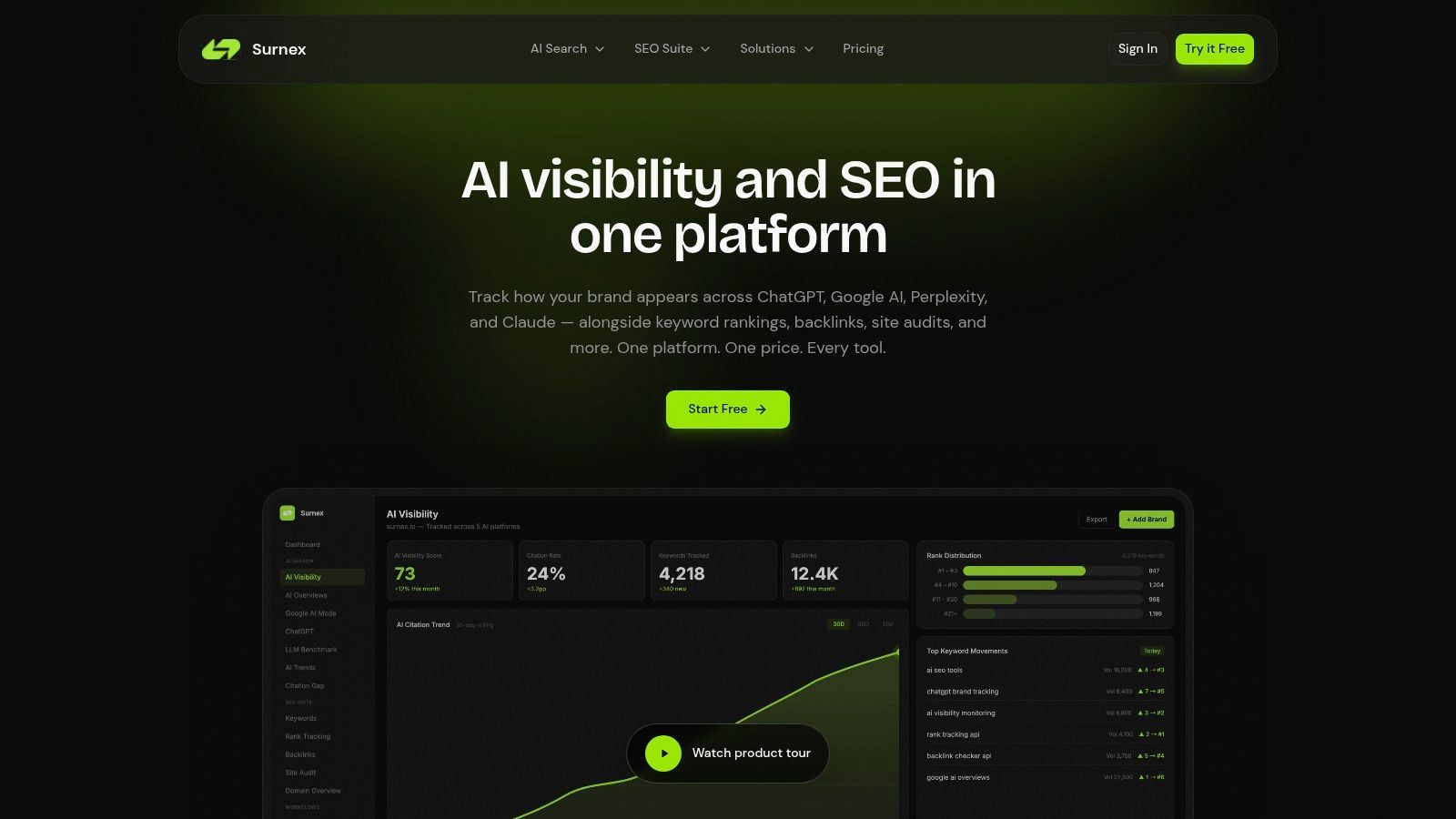
A client calls after a monthly review. Rankings held. Technical health improved. Clicks still slipped, and now they want to know whether AI Overviews, ChatGPT, or Perplexity are diverting attention before a user ever reaches the SERP. That is the reporting problem Surnex is built to address.
Surnex earns its place on this list because it treats AI visibility as part of SEO reporting, not as a separate experiment your team has to explain with screenshots and caveats. Agencies still need the standard operating layer, and Surnex covers that with keyword research, rank tracking, backlink analysis, site audits, Core Web Vitals, and local SEO. What changes the evaluation is its ability to track brand mentions and citations inside AI-generated answers, then put those findings beside traditional search metrics in one workflow.
Where Surnex fits best
I would shortlist Surnex for agencies that see a growing gap between what ranking reports show and what clients ask about in meetings. If your team already spends time answering questions about lost clicks, zero-click search, or why visibility feels weaker despite stable positions, Surnex gives you a better reporting frame.
That matters in real account management. Instead of telling a client that rankings are up but behavior is changing, the team can show whether the brand appears in AI answers, which competitors get cited more often, and where authority is carrying over into new search surfaces. For agencies trying to explain performance clearly, that is a meaningful difference.
What works in an agency workflow
The strongest parts of the product are practical.
- LLM benchmarking: Teams can compare how different AI models respond to the same prompt and which domains get cited. That is useful for competitor reviews and for testing whether brand authority is showing up beyond Google.
- Citation Gap analysis: This turns AI visibility into an action list. Account managers can see where competitors are being referenced and where the client is absent.
- API-first setup: Surnex exposes its features through a REST API, which matters for agencies building custom dashboards, internal QA workflows, or client portals.
- White-label reporting and repeatable audits: The product is designed for recurring delivery, not one-off exports. Agencies that need a clearer way to explain rankings in context can also use Surnex's guide to keyword rankings and visibility reporting.
- Low-friction testing: There is a free account, so teams can trial it on a live client before changing the wider reporting stack.
Trade-offs to know
The main drawback is pricing transparency. If your operations team prefers to compare plans and model margins without speaking to sales, this will feel less convenient than self-serve tools.
The challenge is broader than Surnex itself. AI visibility tracking depends on fast-changing platforms, shifting prompts, and inconsistent citation behavior across interfaces. Agencies should treat this as an active monitoring layer that adds context to SEO reporting, not as a stable metric set that will look identical every month.
For agencies that want one platform to report on classic SEO and the newer AI visibility layer, Surnex is one of the more relevant options to evaluate right now.
2. AgencyAnalytics
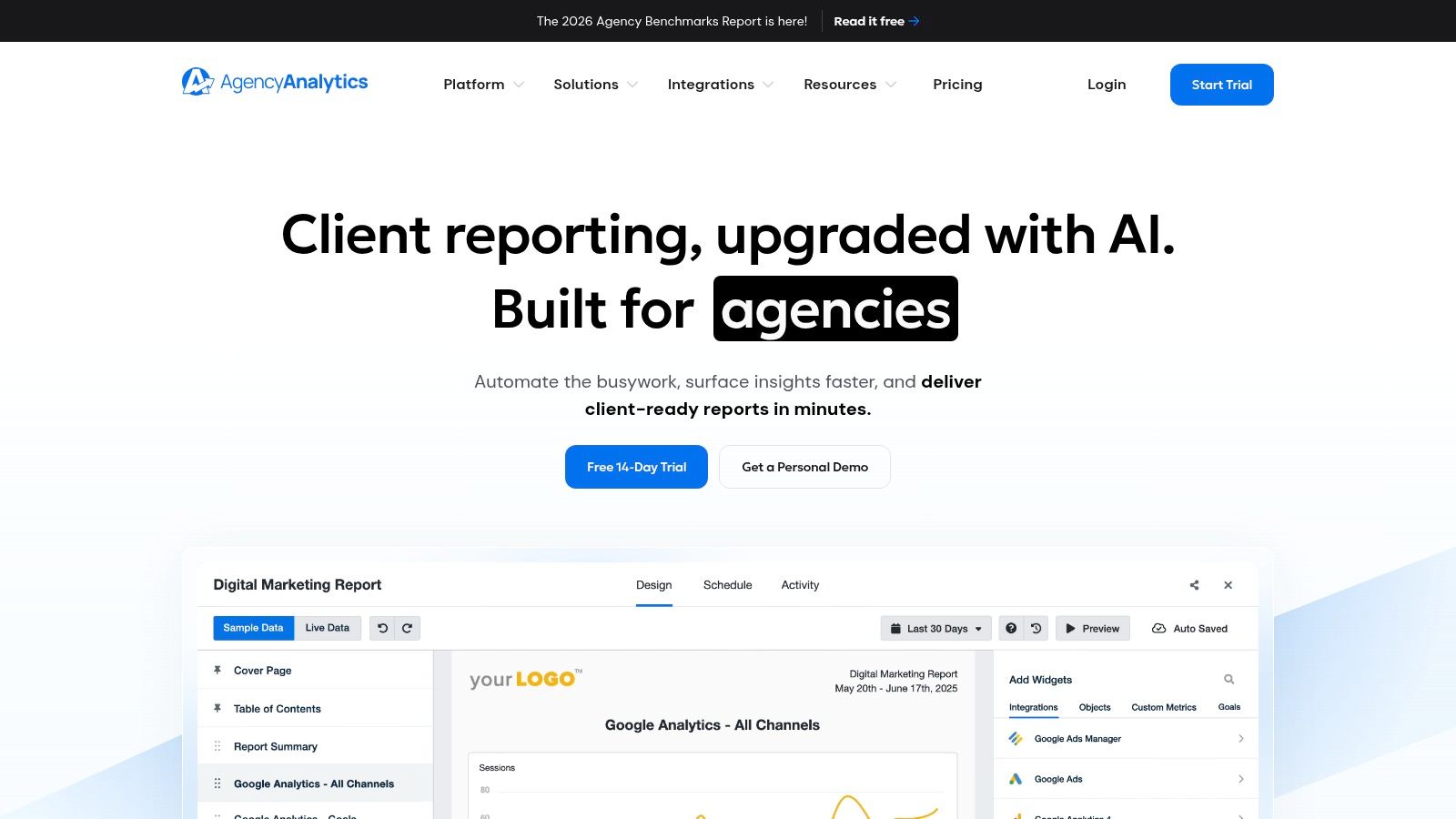
AgencyAnalytics is one of the easiest platforms to deploy when your bottleneck is account-team time, not analyst skill. It was built for agencies first, and that shows in the everyday details like client portals, recurring reports, templates, rank tracking, site audits, and cross-channel connectors.
If your team needs to get polished reports out fast, this is a safe choice. It doesn't ask you to think like a BI engineer. It asks you to pick data sources, choose a template, brand it, and start shipping.
Why agencies adopt it quickly
The big advantage is onboarding speed. AgencyAnalytics offers more than 80 native marketing integrations, which makes it practical for SEO agencies that also report on paid, social, email, and call tracking inside the same client-facing dashboard.
That matters because many agencies don't need unlimited flexibility. They need consistency. They need junior account managers to build a report without breaking it, and they need clients to recognize the same report structure every month. If that's your environment, AgencyAnalytics works.
A useful companion idea here is how you frame rankings inside broader search visibility. Surnex has a good explainer on keyword rankings and visibility reporting, and that mindset pairs well with a platform like AgencyAnalytics.
Where it falls short
Its limits usually show up at scale. Pricing rises with client and campaign volume, so what feels efficient for a small or mid-sized agency can become a budgeting conversation once your roster grows.
AgencyAnalytics is best when you want agency-first reporting software, not a deeply custom analytics stack.
The other trade-off is AI search reporting depth. It handles classic digital marketing reporting well, but agencies that want native AI citation tracking or model-by-model visibility analysis will likely need another layer.
Visit AgencyAnalytics
3. Whatagraph
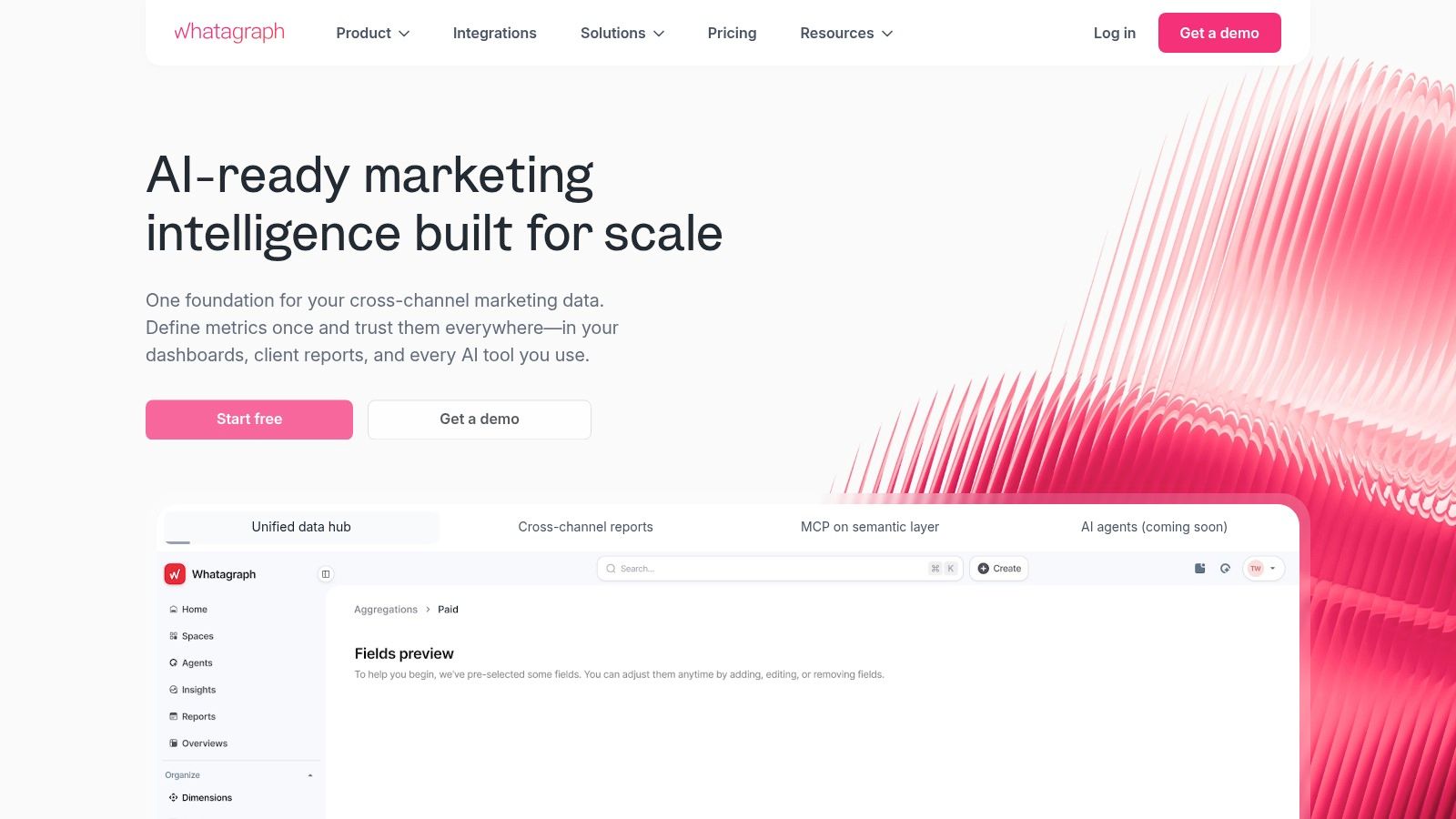
Whatagraph is a strong choice when standardization matters more than deep customization. Agencies that run lots of recurring monthly reports usually like it because the templates are fast, the automation is mature, and the cross-channel story is easy to package.
It's especially effective for teams that want reporting to be a production process. Data refreshes, alerts, scheduled delivery, exports, and shared dashboards are all designed to reduce the amount of human cleanup before a report goes out.
Where it helps most
Whatagraph shines when the reporting workflow is repetitive. If you have a repeatable service model, similar deliverables across clients, and limited tolerance for custom dashboard building, it can save a lot of operational effort.
This category also has a clear blind spot. Existing content about reporting tools tends to overfocus on white-labeling and automation while missing API-first workflows for newer AI visibility needs, and Reporting Ninja's category review found that only 12% of reviewed tools offered API access to non-SEO metrics like LLM benchmarking or AI overview appearance. That's the context to keep in mind with Whatagraph. It's very good at automated reporting. It's less compelling if your team wants to build custom AI-search data pipelines.
Best fit and trade-off
- Best for templated reporting: Strong if your team values speed and consistent report outputs.
- Best for cross-channel dashboards: Useful when SEO sits alongside paid and social in the same client review.
- Less ideal for technical teams: If developers want direct, flexible workflows around AI visibility data, this isn't the most obvious fit.
Public pricing details can also be a little fluid, so plan conversations often continue in product docs or sales chats rather than a fixed pricing page. For many agencies that's fine, but it's worth noting if you want quick budgeting.
Visit Whatagraph
4. DashThis
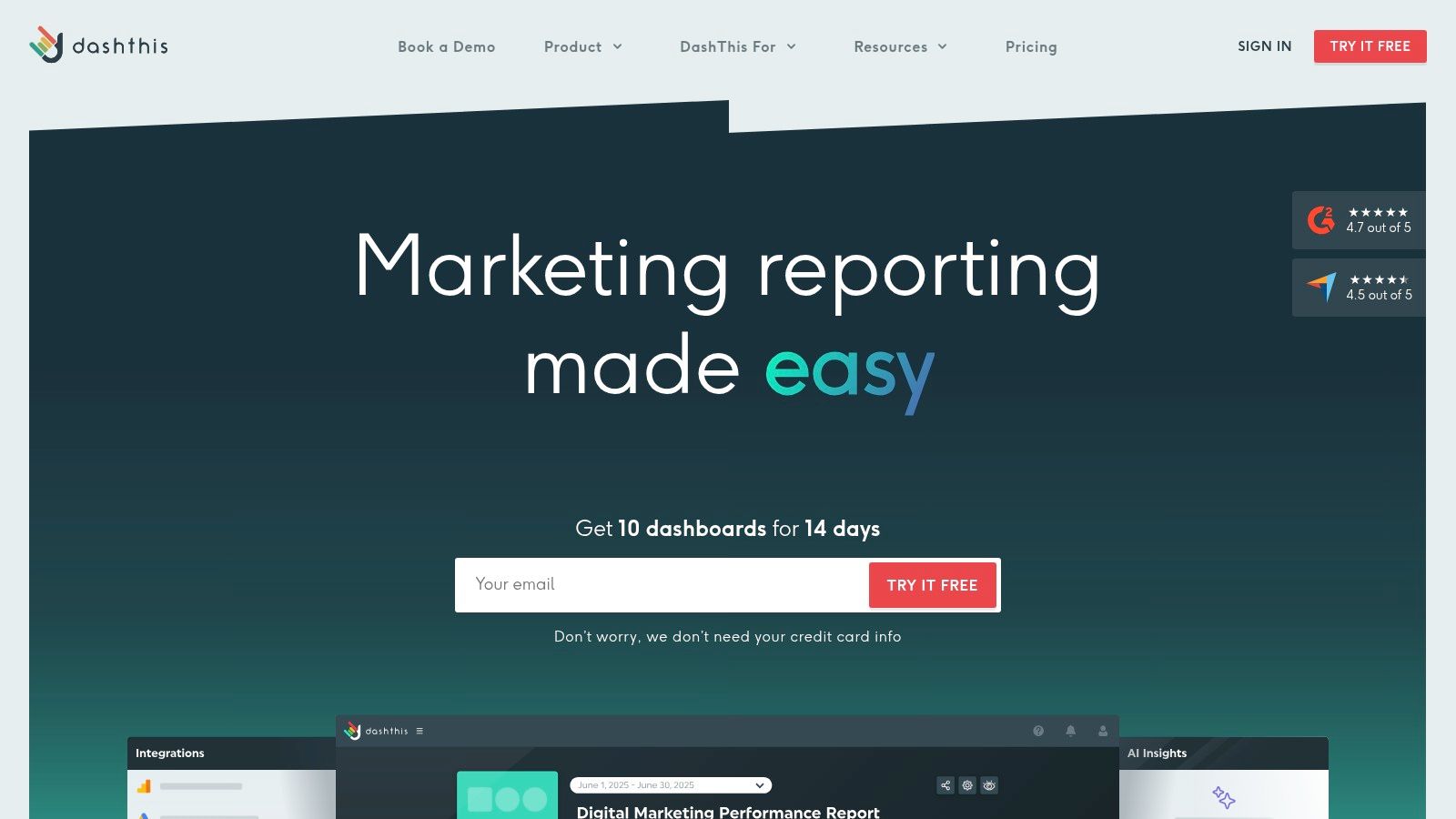
DashThis keeps things simple. Each dashboard is a client report, which makes the product easy to understand and easy to price mentally. For small and mid-sized agencies, that simplicity is often the appeal.
It doesn't try to be a full analytics operating system. It tries to help you build clean recurring reports with low setup friction. That's why agencies with straightforward reporting needs often stick with it.
Why it works
The per-dashboard model is intuitive. You can package reports around clients, use templates, apply branding, automate email sends, and avoid a lot of the complexity that comes with broader BI platforms.
That also makes DashThis good for account teams that don't want to wrestle with schema decisions or data modeling. If your reports are mostly “show me the metrics, trends, and commentary,” it does the job.
For agencies focused on presentation quality, the ideas behind branded SEO reporting for clients line up with how DashThis is commonly used.
Simple reporting tools usually win when the client wants clarity, not dashboard theater.
Trade-offs
The downside is ceiling, not floor. As soon as you have more complex reporting logic, lots of widgets, or larger client demands, limits around dashboards and reports can nudge you into higher tiers or make the product feel constrained.
DashThis also isn't where I'd go if AI search reporting is a strategic priority. It handles unified marketing snapshots well. It doesn't lead the category on emerging AI visibility measurement.
Visit DashThis
5. Databox
Databox is less about static reporting and more about ongoing KPI management. If your agency wants clients to log into a dashboard regularly, watch goals, and respond to alerts, Databox is often a better fit than tools built mainly for monthly report delivery.
That changes the tone of the client relationship. Instead of “here's what happened last month,” the reporting conversation becomes “here's what's trending now, and here's where we need to act.”
Where Databox earns its keep
The platform works well for agencies managing SEO alongside revenue, leads, sales pipeline, or lifecycle metrics. Goal tracking, scorecards, and anomaly alerts help connect organic performance to business movement in a way many SEO-only dashboards don't.
Its connector library is broad, and the white-label options are solid enough for client portals. If you serve B2B clients and need SEO to sit beside CRM or funnel metrics, Databox usually fits better than agency-only reporting tools.
What to watch
- KPI-heavy teams like it: Great for agencies that manage toward targets, not just report on trends.
- Cross-functional reporting is easier: Useful when SEO reporting needs to live beside sales and marketing metrics.
- Scoping matters: Pricing depends on data sources, users, and features, so multi-client setups need careful planning.
Databox can also be more dashboard-centric than some clients want. Not every client logs in. Some still prefer a curated narrative report. If that's your account mix, make sure your team can still package the story clearly.
Visit Databox
6. Swydo
Swydo has been around long enough to feel familiar to a lot of agencies. It focuses on automated reporting, templates, scheduling, and monitoring across SEO, PPC, and social. That positioning still works because many agencies don't need exotic features. They need reliable automation.
The addition of AI-assisted report summaries is also practical. It won't replace strategy, but it can speed up first-draft commentary for account managers who are summarizing similar reports across many clients.
Who should consider it
Swydo is a sensible fit for agencies that value predictable reporting operations. Its pricing logic is tied to data sources, which is easier to understand than feature bundles that change shape as you grow.
That makes it useful for agencies that want to control software costs without moving to a full BI build. It's also a comfortable choice when your team already has a reporting process and just wants to automate more of it.
Limits in practice
Its visuals and modeling are lighter than what you'd get from more flexible dashboard or BI tools. So if clients expect highly custom storytelling, advanced calculated metrics, or unusual data blending, Swydo can feel narrow.
That's not always bad. A lot of agencies overbuy reporting software. Swydo is better viewed as a dependable operations tool than a showcase analytics environment.
Visit Swydo
7. TapClicks
TapClicks is built for agencies with serious scale. If you're managing a large client base, multiple departments, approvals, governed access, and more formal reporting processes, TapClicks deserves attention.
This is not the tool I'd recommend to a lean shop that just wants faster monthly reporting. It's heavier than that. But for enterprise-style operations, the heavier setup is often the point.
Where TapClicks makes sense
Its strength is centralization. Data aggregation, dashboards, workflow, role-based access, and broader marketing operations all live in one environment. That matters when reporting has to serve account teams, leadership, and client stakeholders at the same time.
The “Ask Your Dashboard” style interface is also notable. Conversational analytics can help non-technical users find answers faster, even if it doesn't replace strong dashboard design.
TapClicks is for agencies that need control, governance, and operational scale more than lightweight convenience.
Main trade-offs
Implementation is more involved than with simpler tools on this list. Expect a sales-led process, deeper onboarding, and more internal planning around ownership and governance.
That investment pays off for larger organizations. For smaller agencies, it often feels like too much machinery for the actual problem.
Visit TapClicks
8. NinjaCat
NinjaCat sits in a similar part of the market as other larger agency reporting platforms, but it earns attention for reusable templates, multi-client reporting structure, and integrated call tracking through NinjaTrack. For agencies where phone calls matter to client performance, that built-in connection can simplify reporting.
It's often a good fit for established agencies that have enough complexity to need governance, but still want white-label portals and repeatable delivery across many accounts.
What stands out
The platform supports a broad set of connectors plus custom connectors, and the template reuse is practical. Once you build a solid reporting framework for one client type, you can roll it out across similar accounts without recreating everything.
That sounds basic, but it's where a lot of reporting time disappears. Standardization is one of the easiest ways to protect agency margin.
Where it can be too much
- Better for larger agencies: The product leans enterprise in both positioning and buying process.
- Helpful if call tracking matters: Stronger fit for agencies that need phone attribution inside reporting.
- Not the cheapest path: Total cost can be higher than lighter reporting tools.
If your team just needs SEO dashboards and straightforward white-label exports, NinjaCat may be more platform than you need. If you have many clients and more governance requirements, it starts to make more sense.
Visit NinjaCat
9. Oviond
Oviond is a good middle-ground option. It offers white-label dashboards, automations, templates, custom domains, and an agency API, but without pushing as hard into enterprise complexity as some larger platforms.
For growing agencies, that balance matters. You want flexibility and room to grow, but you don't want a reporting system that takes over your operations.
Why agencies like it
Its per-client pricing model is easier to forecast than many alternatives. If you're hiring, projecting margins, or trying to understand how software costs scale with new business, that predictability helps.
The agency API also makes Oviond more interesting than tools that stop at templates. It gives technical teams some room to build automations or connect reporting into broader workflows.
Practical trade-offs
Oviond won't match the governance depth of heavier enterprise suites. If you need strict controls, advanced hierarchy, or broad internal stakeholder management, you may outgrow it.
For small and mid-sized agencies, though, that's often an acceptable trade. You get enough customization and automation without inheriting enterprise overhead.
Visit Oviond
10. Looker Studio
Looker Studio is still the default custom reporting layer for many SEO agencies because it's flexible, widely understood, and cheap to start with. If you already have GA4, Search Console, and some connector tooling, you can build nearly any reporting view you want.
That flexibility is the appeal and the trap. Looker Studio can produce beautiful client dashboards. It can also become a maintenance project that slowly eats your team's time.
When it's the right answer
If your agency has an analyst, data-savvy SEO lead, or operations person who can own templates and connector hygiene, Looker Studio remains a strong option. It's especially good for agencies that want different dashboard styles for different client types.
The connector ecosystem is broad, and embedding or sharing is simple. If your team wants custom executive dashboards rather than prebuilt agency templates, many begin here.
For teams building a wider marketing reporting stack, this perspective on search engine marketing reports is helpful. And if you're evaluating connector options around it, this Hopted vs Supermetrics comparison is relevant.
What agencies underestimate
Third-party connector costs can become the true price of Looker Studio. The free core product is attractive, but once you add paid connectors, setup time, QA, and maintenance, total ownership can climb fast.
Security and governance also need discipline. Looker Studio is powerful, but it's easy to create brittle dashboards if naming conventions, data sources, and template ownership aren't tightly managed.
Visit Looker Studio
Top 10 SEO Agency Reporting Tools Comparison
| Product | Core features ✨ | Unique selling points ✨ | UX / Quality ★ | Pricing & value 💰 | Target audience 👥 |
|---|---|---|---|---|---|
| Surnex 🏆 | AI visibility + SEO (rank, backlinks, audits, CWV) + REST API | 🏆 LLM benchmarking, Citation Gap, API-first, white‑label reports | ★★★★★ Fast onboarding, agency workflows | Free trial; plans $49–$399/mo, 💰 | Agencies, product teams, developers 👥 |
| AgencyAnalytics | Rank tracking, audits, backlinks, 80+ integrations | Agency-first templates & scheduled client reports ✨ | ★★★★ Easy for non‑technical account teams | Scales by client/campaign (can add up), 💰 | SMB → mid-size agencies 👥 |
| Whatagraph | Cross-channel templates, data refresh, alerts | Pre-built templated reporting for scale ✨ | ★★★★ Fast time‑to‑value | Variable/public pricing; docs clarify, 💰 | Agencies needing standardized monthly reports 👥 |
| DashThis | Dozens of connectors, white‑label dashboards, templates | Predictable per‑dashboard/report pricing ✨ | ★★★★ Very easy to spin up recurring reports | Per‑report/dashboard pricing, 💰 | Small–mid agencies with many client reports 👥 |
| Databox | 100+ integrations, goals, alerts, scorecards | KPI & goal‑oriented workflows with alerts ✨ | ★★★★ Strong for proactive KPI management | Pricing tied to data sources/users, 💰 | Agencies & internal teams tracking KPIs 👥 |
| Swydo | Automated reporting, templates, scheduling, AI summaries | AI‑assisted report commentary for faster delivery ✨ | ★★★ Proven, simple agency workflows | Pricing by number of data sources, 💰 | Agencies focused on scheduled reporting 👥 |
| TapClicks | Centralized data warehouse, dashboards, RBAC | Enterprise scale, data governance + LLM "Ask" chat ✨ | ★★★★ Scales well but heavier implementation | Sales‑assisted / custom pricing, 💰 | Large/enterprise agencies with complex ops 👥 |
| NinjaCat | 100+ connectors, white‑label portals, call tracking | Integrated call tracking (NinjaTrack) & premium white‑label ✨ | ★★★★ Template reuse for high client counts | Enterprise sales‑led; higher TCO, 💰 | Large agencies with governed reporting needs 👥 |
| Oviond | Full white‑label, automations, agency API | Transparent per‑client pricing & agency API ✨ | ★★★★ Good balance of templates/customization | Per‑client pricing (easy forecasting), 💰 | Small/mid agencies growing client counts 👥 |
| Looker Studio | Flexible visual layouts, GA4/GSC, many connectors | Highly flexible free core; Pro adds governance ✨ | ★★★★ Extremely flexible but DIY effort | Free core; connectors (e.g., Supermetrics) add cost, 💰 | Data‑savvy agencies & teams building custom dashboards 👥 |
How to Choose Your Next SEO Reporting Platform
The right SEO agency reporting software depends less on feature lists and more on how your agency works. Start with volume. If you manage a modest roster and need reports out quickly, tools like AgencyAnalytics, DashThis, Swydo, or Oviond usually make more sense than enterprise platforms. They reduce manual work fast and don't demand much technical setup.
If your agency has more operational complexity, the decision changes. Databox, NinjaCat, and TapClicks are stronger when reporting has to serve multiple teams, multiple stakeholders, or broader KPI frameworks. They're not always the fastest to launch, but they can support a more mature reporting operation once you outgrow lightweight tools.
Then there's the issue many agencies still avoid. AI search. The specialized SEO reporting tool market was valued at approximately USD 2.1 billion in 2023 and is projected to surpass USD 3.5 billion by 2026, with growth tied to automated dashboards, AI analytics, and demand for reporting across newer AI interfaces, according to this market overview of SEO reporting tools. That trend matters because clients are already asking questions that older reporting stacks weren't built to answer.
A practical selection process usually comes down to four things:
- Client volume and service model: Agencies with standardized deliverables should favor tools with templates and recurring automation. Agencies with custom engagements may need more flexibility.
- Integration needs: If your reporting depends on GA4, Search Console, ad platforms, CRM data, and internal metrics, make sure the connector strategy is solid before you commit.
- Team skill level: A non-technical account team needs very different software than a team with analysts and developers who can maintain custom reporting logic.
- AI visibility strategy: If your clients care about how brands appear in AI Overviews, ChatGPT, Perplexity, or similar environments, your reporting platform should reflect that shift.
I'd also look closely at what the tool replaces. The best platform isn't just the one with the prettiest dashboards. It's the one that removes enough tool sprawl, reporting labor, and client confusion to improve margin and sharpen strategy. That could mean buying a simple agency-first reporting product. It could mean consolidating around a more modern platform that handles both SEO and AI search in one place.
If you're also evaluating broader SEO stack decisions, this compare SE Ranking and Semrush breakdown is a useful companion.
The strongest reporting systems do three things well. They save your team time, make the client conversation clearer, and help your agency explain where search is going next. In 2026, that last part matters more than ever.
If your agency wants one platform for traditional SEO reporting and emerging AI visibility, Surnex is worth a close look. It gives teams a clearer way to track rankings, audits, backlinks, and AI citations together, so you can reduce tool sprawl and show clients how brand visibility is changing across both classic search and AI-driven discovery.