Google still dominates search, but market share alone is a poor planning metric. A small percentage of global search volume can still translate into a large, high-intent audience if those users search differently, care more about privacy, or rely on AI-generated answers instead of traditional results pages.
That is the practical reason to pay attention to Google search engine alternatives. They are not one bucket. Some are privacy-first wrappers, some run their own indexes, and some are answer engines that reshape how users discover brands, products, and sources. Treating them as interchangeable leads to bad assumptions about visibility, traffic quality, and measurement.
For marketers, the key question is not which engine will replace Google. It is which engines deserve monitoring based on audience fit and channel risk. Privacy-focused engines can surface less personalized rankings. AI-first tools can cite your content without sending a click. Developer-friendly platforms can support API access, indexing workflows, or structured monitoring that smaller search products do not offer.
For developers and SEO teams, this fragmentation changes implementation. Ranking checks, crawl diagnostics, referral analysis, and citation tracking now need separate methods by engine type. Some tools expose useful APIs. Some rely on another company's index. Some give you almost no operational visibility at all.
This guide organizes the options by real use case, not by hype. It covers where each search engine is useful, where it falls short, and how to decide whether it belongs in your stack for privacy research, AI visibility, niche discovery, or broader search coverage.
1. Microsoft Bing
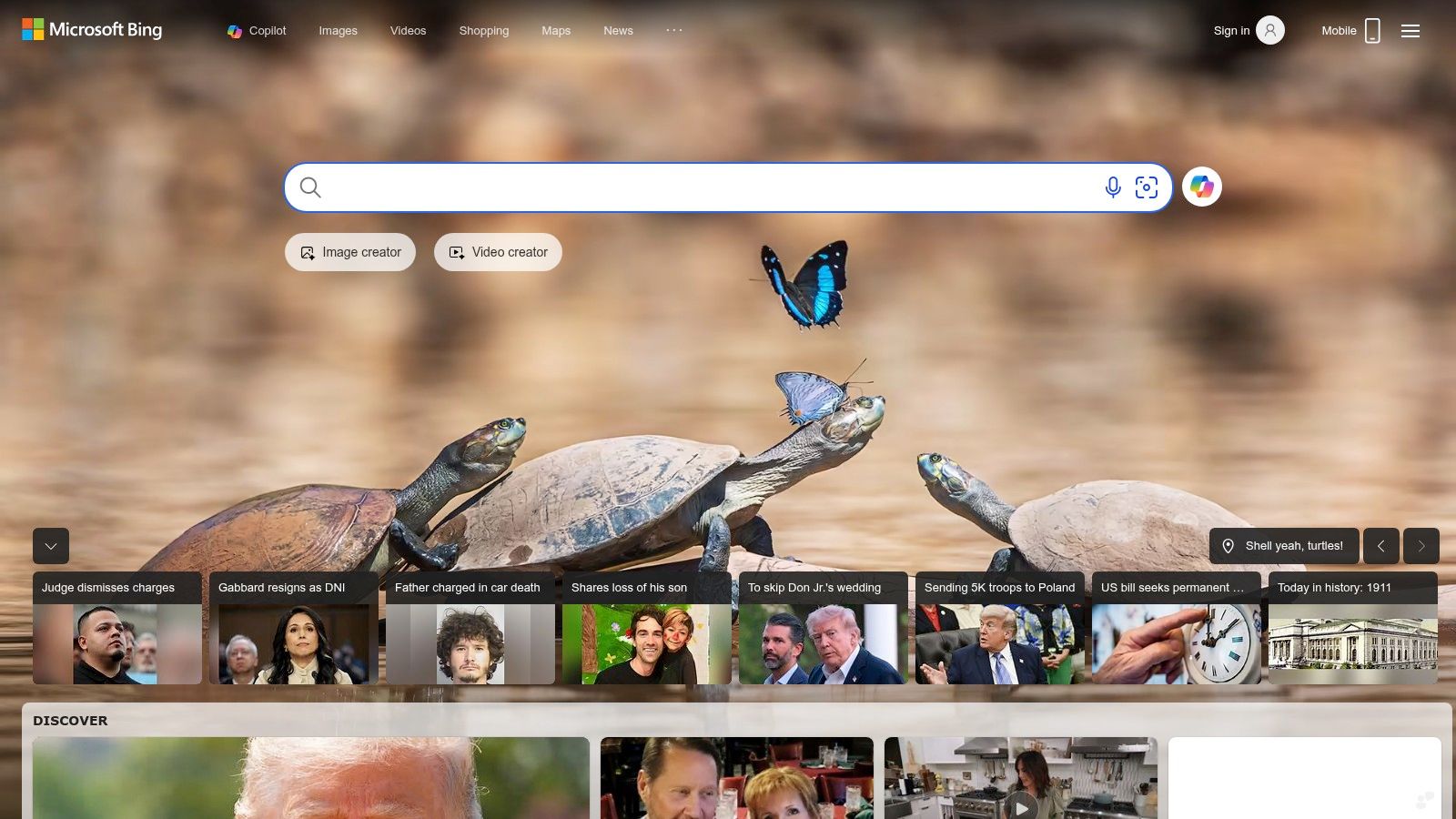
Bing is the only broad Google alternative that belongs in almost every search workflow. It isn't just “the other search engine.” It's the second-largest general search player globally, and it matters even more because other search experiences often depend on Bing underneath.
The practical advantage is infrastructure. Bing has mature webmaster tooling, broad vertical coverage, and a stronger enterprise posture than most alternatives. If you're responsible for crawling, indexing, or programmatic search checks, Bing is usually the first non-Google platform worth wiring into your process.
Where Bing works best
For marketers, Bing is useful when you need a second opinion on commercial intent. Its SERPs often reveal whether your content strategy is too Google-specific. For developers, Bing's APIs and IndexNow support make it a more operational choice than many privacy-led engines.
A few high-value uses stand out:
- Index control: Bing Webmaster Tools and IndexNow help teams push fresh URLs and monitor crawl behavior with less delay.
- Visual workflows: Visual Search and image-driven discovery can uncover product and brand exposure that text-only checks miss.
- AI grounding: Bing's role in AI-assisted search makes it relevant when you're validating what answer engines are likely to surface.
Practical rule: If you only monitor Google, you're not measuring search visibility anymore. You're measuring one layer of it.
The downside is familiar. Ads can feel heavy, and Bing's AI branding keeps shifting around Copilot. That can make stakeholder reporting messy because product names and interfaces change faster than standard SEO workflows do.
Still, Bing is the most important starting point for anyone building a serious map of Google search engine alternatives. Start here, then branch into privacy or AI tools based on your use case. Use Microsoft Bing as your baseline non-Google engine.
2. DuckDuckGo
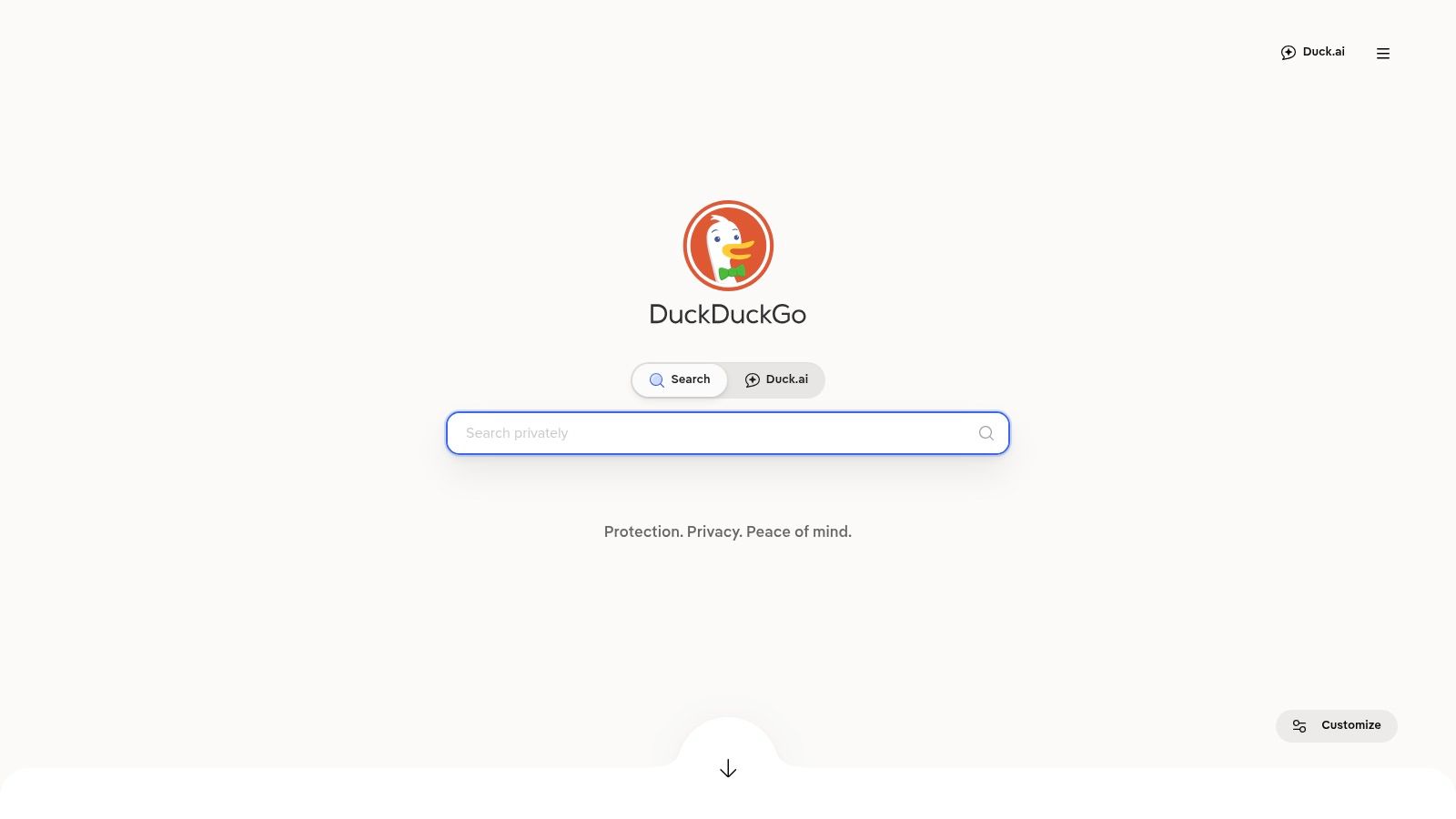
DuckDuckGo handles enough search volume to matter, which is why it belongs in any serious review of Google search engine alternatives. For practitioners, its value is straightforward. It strips out much of the personalization that can distort manual checks, client reporting, and early-stage query research.
That makes DuckDuckGo useful for a different job than Bing. Bing is often the operational choice for indexing and API-driven workflows. DuckDuckGo is better for privacy-first discovery and for validating how your visibility looks when user profiling plays a smaller role.
What it's really good for
I use DuckDuckGo for comparison checks, not as a full replacement for every search workflow. If a brand query looks strong on Google but weak on DuckDuckGo, that usually points to one of two issues: your visibility depends too much on Google-specific signals, or your broader web presence is thinner than your core SEO reporting suggests.
Its practical strengths are clear:
- De-personalized spot checks: Useful for reviewing brand, product, and competitor queries without as much account-history bias.
- Privacy-led user research: Relevant if your audience includes legal teams, healthcare organizations, security-conscious users, or internal research groups.
- Stable manual reviews: The interface is simpler than many AI-heavy search products, which helps when teams need repeatable SERP screenshots and less cluttered audits.
DuckDuckGo also offers Instant Answers and AI-assisted features. Document the exact settings your team uses before you build a repeatable workflow around it. A marketer reviewing standard search results and a developer testing AI-assisted answers may be looking at different experiences.
The trade-off is coverage and control. DuckDuckGo relies heavily on external sources, especially Bing, for many web results, so it is not the best tool for independent index analysis or technical visibility monitoring. It also is not the engine I would choose for API-first product builds, because the implementation options are narrower than what developers get with platforms built for search integration.
Use it for what it does well. Privacy-first search, cleaner SERP checks, and a useful read on how content appears outside Google's personalization layer. For those jobs, DuckDuckGo remains one of the most practical alternatives to keep in your search stack.
3. Brave Search
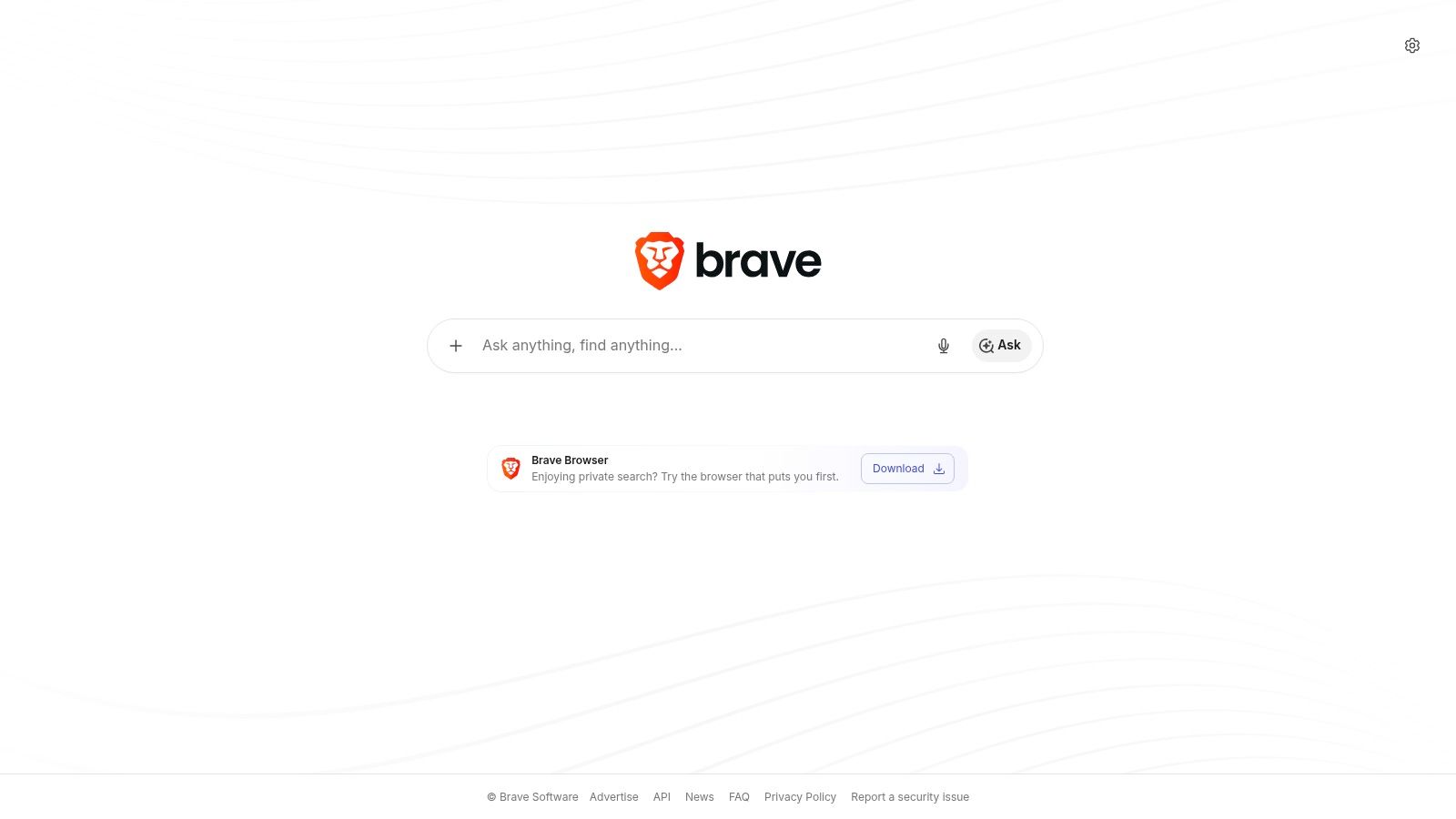
Brave Search matters because it gives marketers and developers something most privacy-first tools do not. An independent index with practical ways to test how search changes once AI summaries, alternate ranking rules, and API delivery enter the picture.
That difference shows up fast in real work. If Google and Bing both miss a source, mirror the same bias, or over-weight major publishers, Brave can surface a different set of documents. I use it less as a pure replacement for Google and more as a second search system for validation, discovery, and product testing.
Best use case for Brave Search
Brave is strongest for teams that need more than a privacy layer. If you need a quick contrast with engines that aggregate someone else's results, this explanation of how a metasearch engine works helps frame the difference. In practice, Brave is useful when you want to check visibility on an index that is not a direct rewrapping of Google or Bing, then see how that visibility carries into AI-driven answers.
Its best use cases are specific:
- Independent SERP validation: Useful for checking whether your pages appear on a crawler and index outside the two dominant engines.
- AI answer monitoring: Helpful for testing whether your content gets cited, summarized, or ignored in Brave's answer layer.
- Custom relevance testing: Goggles lets advanced users apply alternate ranking rules, which is valuable for niche research, publisher analysis, and relevance experiments.
- API-first product work: Brave Search API fits developer use cases such as site search, retrieval pipelines, internal research tools, and agent workflows.
The trade-off is index depth and rollout cost. Brave's coverage can be weaker for very fresh pages, obscure long-tail queries, or hyperlocal intent. Some features and higher-volume usage also push teams toward paid plans, so it is not always the lowest-cost option for broad deployment.
For marketers, the practical move is to treat Brave as a monitoring layer for a fragmented search market. Track branded terms, priority non-branded queries, and citation patterns in AI answers. For developers, test the API early, especially if your product depends on stable query handling, rate limits, or result formatting. Brave is one of the few alternatives here that supports both visibility research and implementation work without forcing you back into a pure metasearch model.
If your team wants privacy, independent indexing, and usable developer access in one tool, Brave Search earns a place in the stack.
4. Startpage
Startpage is the tool I recommend when someone wants Google-like relevance without the full Google experience. It isn't trying to replace search with a new model. It's trying to strip away tracking and profiling while preserving familiar result quality.
That makes it especially useful for marketers. If you need a cleaner view of how a query behaves without your account history nudging the result page, Startpage is one of the easiest ways to get it.
Best use case for Startpage
Startpage is a privacy layer, not a full independent engine. If you need a quick refresher on how that model works, this guide to a metasearch engine is worth reviewing. In practice, that means Startpage is ideal for de-personalized research and less ideal for teams that want their own crawl ecosystem, webmaster tooling, or broad developer integrations.
Its strongest use cases are straightforward:
- Unprofiled SERP reviews: Helpful for checking branded and non-branded queries without your search history shaping the page.
- Anonymous result opening: Anonymous View is useful when you want to inspect a page without immediately passing along your device or IP context.
- Competitive validation: Good for comparing Google-like result ordering against privacy-first surfaces.
The trade-off is dependence. Because Startpage relies on external providers, it won't give you the same ecosystem depth as Bing or the index independence of Brave or Mojeek. You also need to decide whether its privacy model and ownership history align with your organization's policy standards.
For actual day-to-day use, Startpage does one thing very well. It gives you a less noisy, less profiled route into mainstream web results. That's often enough. For de-personalized SEO checks and privacy-sensitive research, Startpage is one of the most practical Google search engine alternatives available.
5. Kagi
Kagi is the search engine for people who are tired of fighting the interface. It's paid, ad-free, and built around control. That changes user behavior beyond common expectations.
When people move to Kagi, they usually aren't chasing privacy alone. They want higher signal and fewer distractions. For research-heavy roles, that matters. An uncluttered result page with ranking controls often beats a larger engine that burns time on ads, modules, and irrelevant detours.
Who should actually use Kagi
Kagi fits researchers, technical SEOs, analysts, and power users who search constantly and care about precision more than mainstream convenience. If your team has already started evaluating ad-free search engines, Kagi is one of the clearest examples of what that model can deliver.
Its strongest advantages are practical:
- Cleaner research sessions: Less ad clutter means faster scanning and fewer accidental detours into low-value pages.
- Tunable rankings: Lenses help users shape what they want to see, which is useful when standard SERPs feel too generic.
- Built-in AI tools: Summarization and translation help compress research time when you're reviewing a lot of material.
Kagi also has a weakness that matters for agencies. It's a premium product, so it's harder to standardize across broad teams or clients who expect free tools. Query caps on lower tiers can also create friction for heavy usage.
The best reason to use Kagi isn't novelty. It's focus. If your team loses time sorting through search clutter, a paid engine can be cheaper than that wasted time.
Kagi is not the best fit for mass-market visibility checks because it isn't where most users search. But for individual productivity, high-signal research, and ad-free discovery, Kagi is one of the most compelling Google search engine alternatives right now.
6. You.com
You.com sits closer to an AI workspace than a classic search engine. That's the point. It combines web retrieval, generative answers, and built-in tools for writing, coding, and image work in one interface.
For most everyday searchers, that can feel busy. For product teams and developers, it can feel efficient. If you're experimenting with AI-assisted search flows, You.com is useful because it shows what happens when search becomes one feature inside a broader task environment.
Where You.com fits
You.com works best when you're prototyping workflows, not when you want a stable, classic SERP benchmark. I'd use it when evaluating how users move from question to answer to action without switching tabs or tools.
The strongest use cases are usually these:
- AI workflow prototyping: Helpful for teams building or testing search-plus-assistant experiences.
- Developer experimentation: Web APIs and model choices make it relevant for product exploration.
- Content operations: Writing and coding tools reduce context switching for teams doing search-backed production work.
The trade-off is trust calibration. AI-heavy interfaces often feel fast, but they can blur the line between retrieved information and generated interpretation. That's fine for ideation and rough research. It's less ideal when you need transparent ranking logic or repeatable SEO comparisons.
You.com is also less useful as a universal visibility benchmark because users aren't interacting with it the way they interact with a conventional engine. They're often consuming answers, tools, and generated outputs in one session.
That doesn't make it weaker. It makes it different. If your team is exploring where search interfaces are headed, You.com is one of the more useful Google search engine alternatives to test in practice.
7. Perplexity
Perplexity isn't a classic search engine at all. It's an answer engine, and that distinction matters. Users come to Perplexity expecting a synthesized response with cited sources, not a page of links to evaluate manually.
That shift has major implications for marketers and developers. Visibility is no longer just “Did we rank?” It becomes “Were we cited, summarized, or skipped?” Many teams still don't measure that well.
Why Perplexity matters now
The reviewed industry coverage notes that Perplexity returns natural-language answers with references, which is one reason answer engines are changing how people discover content. If you're still thinking only in terms of ten blue links, you're missing part of the current search environment.
If you need a framework for that shift, this explainer on search generative experience is a useful starting point.
Perplexity is strongest in three areas:
- Desk research: Fast synthesis with visible references helps analysts and writers move quickly.
- AI feature building: Its API path makes it attractive for teams creating retrieval-backed product features.
- Citation monitoring: It highlights a different kind of discoverability, where inclusion in an answer can matter more than raw ranking.
If your content never gets cited in answer engines, ranking alone won't tell the whole story.
The limitation is that Perplexity compresses the search journey. That's helpful for researchers, but less useful when you want to inspect a broad SERP, compare result types, or understand classic intent patterns. It also means your content needs to be clear, quotable, and easy to summarize. Thin pages and generic listicles tend to disappear faster in answer engines than they do in standard search.
For teams adapting to AI-led discovery, Perplexity isn't optional to test. It's one of the most important Google search engine alternatives because it changes what visibility even means.
8. Ecosia
Ecosia wins on mission faster than it wins on technology. That's not a criticism. It's why people choose it. For organizations with sustainability goals, employee education programs, or CSR messaging, Ecosia gives search a story people can understand.
Its value isn't that it outperforms every major engine on every query. It doesn't. Its value is that it turns a routine behavior into something values-aligned, while still giving users a mainstream search experience.
When Ecosia is the right choice
Ecosia makes the most sense when default search behavior is part of a broader organizational initiative. If a company wants to roll out a privacy-minded tool with an environmental narrative, Ecosia is easier to explain internally than many technically stronger alternatives.
It tends to work well in these contexts:
- CSR-aligned browser defaults: Good for organizations that want a simple, visible sustainability gesture.
- Employee onboarding: Easy to roll out because the product message is simple.
- Lightweight alternative search testing: Useful for seeing how brands appear in a partner-driven engine outside Google.
Earlier verified coverage also notes that Bing powers other services such as Yahoo! and Ecosia. That's important strategically. Ecosia may feel distinct at the brand level, but you should still expect some dependence on upstream providers in the result mix.
The downside is predictability. Partner-based engines can lag on niche topics, highly technical queries, or very fresh documents. If your team needs precise debugging, Ecosia usually isn't the main diagnostic tool.
But if you want a credible search alternative with a clear organizational story, Ecosia is still worth using. Sometimes adoption depends less on technical purity and more on whether people will switch.
9. Mojeek
A handful of search engines still maintain their own web index. Mojeek belongs in that small group, which gives it outsized value for marketers and developers who want to check visibility outside Google and Bing.
That independence is the significant aspect. Mojeek uses its own crawl and ranking systems, so it works well as a diagnostic layer in a fragmented search market. If you only test against the dominant engines, you can miss basic discoverability problems that show up once you leave those ecosystems.
How to use Mojeek in practice
I treat Mojeek as an audit tool first and a daily search engine second. It helps answer a specific question. Can this site, page, or entity get found in an independent index with different crawl priorities and weaker brand bias?
Use it for:
- Independent index checks: Validate whether important pages appear outside Google and Bing-derived environments.
- Crawl footprint reviews: Spot sections of a site that seem visible in major engines but thin or absent in smaller indexes.
- Entity and topic testing: Check how brand names, product pages, or niche topics surface when a search engine is not relying on the same upstream providers.
- Privacy-conscious manual reviews: Run cleaner searches without the personalization and tracking signals that can complicate QA.
There are trade-offs. Mojeek has less index depth than the largest engines, weaker freshness on fast-moving topics, and fewer advanced features for commercial research. For SEO teams, that means it is not a replacement for Google Search Console, Bing Webmaster Tools, or log file analysis. It is a secondary signal.
That secondary signal still matters. If your pages never surface in Mojeek, the issue may be poor internal linking, weak external discovery, limited crawlability, or content that depends too heavily on the ranking patterns of larger engines. For teams already monitoring Bing-adjacent visibility, a separate Yahoo ranking check process can complement Mojeek by showing how your presence holds up across different parts of the search market.
Mojeek is best for teams that want broader search coverage, not just another consumer-facing interface. If your goal is to monitor visibility across privacy-first, AI-driven, and independent engines, Mojeek deserves a place in the test set.
10. Yahoo Search (Yahoo Scout)
Yahoo Search is less interesting as a standalone engine than as a consumer environment. That distinction matters. Plenty of users don't experience search as “open a pure search tool and type a query.” They encounter it inside a broader portal shaped by news, finance, sports, email, and now AI summaries.
That's where Yahoo still has practical value. It shows how search behaves when it sits inside a consumer content ecosystem instead of a minimalist interface.
What Yahoo is actually useful for
Verified data notes that Bing powers Yahoo, so Yahoo web results should be treated as part of the broader Bing-influenced ecosystem rather than a fully separate search index. But the Yahoo layer still changes the user experience, and that can affect visibility, clicks, and perception.
Its best uses are:
- Portal-based brand checks: Useful if your audience overlaps with Yahoo News, Finance, or Mail users.
- Consumer journey reviews: Good for seeing how AI summaries and web results appear in a mainstream portal context.
- Bing-adjacent validation: Helpful as an extra view when you already track Bing performance.
If your team needs to monitor placement there, this guide to a Yahoo ranking check is a practical companion.
The limitation is that Yahoo isn't a strong developer-first platform. If you're looking for powerful APIs, deep indexing controls, or modern search infrastructure you can build on directly, Bing is the better path. Yahoo is better treated as an audience surface than a core technical platform.
That said, Yahoo Search still matters for marketers who care about how brands show up in familiar consumer ecosystems, especially where content, headlines, and summary modules shape the click before the result does.
Top 10 Google Search Alternatives Comparison
| Product | Core features ✨ | UX / Quality ★ | Value & Pricing 💰 | Target audience 👥 | Unique selling point 🏆 |
|---|---|---|---|---|---|
| Microsoft Bing | IndexNow, Visual Search, Copilot Search | ★★★★ | 💰 Free (ads); Enterprise APIs | 👥 Agencies, enterprises, devs | 🏆 Broad verticals + mature APIs |
| DuckDuckGo | DuckDuckBot, Instant Answers, No‑AI toggle | ★★★ | 💰 Free (privacy-first) | 👥 Privacy-sensitive users/teams | 🏆 Strong privacy stance & easy AI opt‑out |
| Brave Search | Independent index, Goggles, Ask Brave | ★★★★ | 💰 Free + paid API/features | 👥 Privacy teams, devs, researchers | 🏆 Independent index + re‑ranking tools |
| Startpage | Anonymous View proxy, partner indexes | ★★★ | 💰 Free | 👥 Auditors, de‑personalized research | 🏆 Anonymous browsing for unbiased SERP checks |
| Kagi | Ad‑free paid model, Lenses, Summarizer | ★★★★★ | 💰 Paid tiers (Starter→Ultimate) | 👥 Power users, researchers, SEOs | 🏆 Ad‑free, tunable rankings & high signal‑to‑noise |
| You.com | Multimodal search, integrated tools, model choices | ★★★★ | 💰 Free + Pro/Enterprise plans | 👥 Devs, product teams prototyping AI UIs | 🏆 Web + LLM tool integrations for fast prototyping |
| Perplexity | Citation‑forward answers, Sonar API | ★★★★ | 💰 Free tier; Pro/Enterprise APIs | 👥 Analysts, engineers, agent builders | 🏆 Citation‑rich answers for research & grounding |
| Ecosia | Privacy metasearch, funds tree‑planting | ★★★ | 💰 Free (ad‑supported, CSR impact) | 👥 Organizations with sustainability goals | 🏆 Search that funds climate projects |
| Mojeek | Own crawler/index, strict no‑tracking | ★★★ | 💰 Free | 👥 SEOs, auditors needing independent index | 🏆 True independence from Google/Bing |
| Yahoo Search | Portal verticals, Yahoo Scout (AI), Bing grounding | ★★★ | 💰 Free (ads) | 👥 Consumers, casual researchers | 🏆 Integrated portal (News/Finance/Sports) with AI layer |
From Choice to Strategy Navigating a Fragmented Search Landscape
The biggest mistake teams make is looking for one replacement for Google. That's usually the wrong frame. Google still dominates search, but search behavior is fragmenting across privacy engines, independent indexes, metasearch layers, and answer engines that skip the classic SERP altogether. The right move isn't to crown a winner. It's to match the engine to the job.
For marketers, that means separating visibility tasks. Use Bing to understand broad non-Google exposure and commercial SERP behavior. Use DuckDuckGo or Startpage when you need less personalized result checks. Use Brave and Mojeek when you want an independent or semi-independent view of how the web is being surfaced. Then test Perplexity and You.com when the question shifts from ranking to citation and summarization. Those are different workflows, and they should stay different.
For developers, the decision gets more technical. Some tools are better as interfaces than infrastructure. Bing and Brave are stronger when you need a search layer with API potential. Perplexity matters when you're building answer-driven experiences that need citations and web grounding. You.com is useful when you want to experiment with multimodal search-plus-tool flows. Startpage and Ecosia, by contrast, are better seen as user-facing options than core developer platforms.
A practical stack often looks like this:
- For unbiased manual research: Startpage or DuckDuckGo
- For broad secondary SERP tracking: Bing
- For independent index validation: Brave Search or Mojeek
- For AI answer visibility: Perplexity and You.com
- For mission-driven adoption: Ecosia
- For high-focus expert research: Kagi
That kind of toolkit is far more useful than chasing a single “Google killer.” Different engines reveal different weaknesses in your content. A page might rank in Google, disappear in Mojeek, show up weakly in Bing, and never get cited by Perplexity. Each outcome tells you something different. Together, they give you a much more honest picture of discoverability.
This is also where reporting gets harder. Traditional rank tracking alone won't cover the full search surface anymore. Teams now need to monitor classic SERPs, AI Overviews, answer engines, and branded presence across multiple retrieval layers. If you're still stitching that together manually, you'll lose time and miss patterns.
That's why platforms like Surnex matter. Surnex gives agencies, in-house teams, and developers a unified way to track how brands surface across traditional search and emerging AI experiences. Instead of juggling separate tools for rankings, citations, audits, and visibility checks, teams can work from one system that reflects where search is heading. If your strategy still treats search as a Google-only channel, it's already behind. A better framework starts with diversified monitoring, smarter tooling, and a clear view of how discovery now works across the web and AI. That's also the right mindset when comparing organic search vs paid ads, because the organic surface itself is no longer one surface.
If you need one platform to track that fragmentation without adding more tool sprawl, Surnex is built for it. It helps agencies, in-house teams, and developers monitor rankings, backlinks, audits, AI visibility, and brand presence across modern search experiences from a single dashboard and API.