A client asks a simple question during a monthly review: “Are we showing up in AI search, or are we only tracking Google rankings?”
That’s the moment most legacy SEO reports fall apart.
A standard rank tracker can still tell you where a page sits for a target keyword. It can show movement by device, market, and landing page. But it often can't explain why traffic softened when rankings stayed steady, why a competitor keeps getting cited in AI answers, or why brand visibility looks stronger in one search experience than another.
A modern keyword rankings and visibility report has to do more than list positions. It has to connect traditional organic rankings, SERP features, AI Overview presence, and citation gaps into one reporting system that a strategist can use and a client can understand.
The teams that handle this well usually aren't collecting more screenshots. They're building a cleaner reporting model. They define a single keyword universe, map it to business goals, layer in AI-specific prompt tracking, and calculate visibility in a way that reflects how search works now. Then they package the output into dashboards that show movement, diagnose problems, and point to the next action.
That shift matters because the reporting job has changed. It isn't just “did we move from position six to position four.” It's “where are we visible, where are we absent, and what should we fix first.”
Why Traditional SEO Reports Are No Longer Enough
Traditional SEO reports were built for a simpler search environment. Track a set of keywords, compare positions month over month, add traffic from Search Console and Analytics, then summarize wins and losses. That still has value. It just isn't enough on its own anymore.
The gap shows up when stakeholders ask questions that the old report can't answer. Why did branded visibility look stable in organic results, but competitor mentions increased in AI summaries? Why does a page rank well and still get less attention than expected? Why are some topics surfacing in AI Overviews while others never appear there?
Those aren't edge cases now. They're routine reporting questions.
Rankings still matter, but they no longer tell the whole story
A page can hold a decent organic position and still lose attention when AI-driven experiences appear above or around the classic blue links. That means the old reporting habit of leading with average position and stopping there leaves out real visibility loss.
A better report separates three ideas:
- Rank position tells you where you appear.
- SERP visibility tells you how prominent that appearance is.
- AI presence tells you whether your brand or page is part of the answer layer at all.
If you only report the first one, you miss the shift in how users discover content.
Traditional rank tracking explains placement. Modern visibility reporting explains exposure.
Reporting now has two audiences at once
One audience wants strategy. The other wants explanation.
The strategist needs enough detail to identify whether a drop came from intent mismatch, page decay, a competitor update, or lost AI citations. The client or executive needs a clear narrative: what changed, why it changed, and what happens next.
That’s why a unified report works better than a stack of separate exports. When organic rankings live in one place, AI citation tracking in another, and technical context in a third, teams spend too much time reconciling views that should already be connected.
The useful report is the one that drives a decision
A modern keyword rankings and visibility report should answer practical questions fast:
- Where are we gaining the most visibility
- Which keyword groups are slipping out of high-value positions
- Which topics trigger AI experiences
- Where are competitors cited and we are not
- Which pages deserve immediate updates
If the report can't support those decisions, it's a scoreboard, not a working tool.
Laying the Foundation with Clear Goals and KPIs
The report gets easier to build once the goals are clear. Most reporting problems don't start in Looker Studio, Sheets, Ahrefs, or Semrush. They start earlier, when teams dump every available metric into one template and hope the story will emerge later.
It usually doesn't.
The cleaner approach is to define the reporting purpose first. For one client, the main job may be protecting non-branded visibility for commercial pages. For another, it may be expanding topic ownership and showing up in AI-generated summaries for high-consideration searches. The report should reflect that difference.
Start with the business question
Before choosing a KPI, define what the business is trying to prove or improve.
Common reporting goals include:
- Lead generation focus. Show whether high-intent pages are becoming more visible for the terms that drive qualified traffic.
- Topic authority focus. Measure whether the brand is appearing consistently across a topic cluster, not just for a few head terms.
- Competitive displacement focus. Track where a competitor owns top rankings or AI citations and where you can realistically challenge them.
- Executive visibility focus. Give leadership a compact view of search presence without forcing them to read a raw keyword export.
That decision changes what belongs at the top of the report. It also changes what can stay in an appendix.
Use KPIs that reflect visibility, not just movement
Large keyword databases make this possible at scale. Tools like Ahrefs maintain databases of approximately 500 million keywords, updated monthly, and track positions in the top 100 across 155 countries, which is why serious reporting needs a structured KPI model rather than a simple ranking list (Ahrefs keyword rank checker).
That same source is useful for grounding the core metrics. Visibility reports commonly include average position, estimated organic traffic, and visibility score, defined as the estimated percentage of clicks from tracked keywords that go to a website. It also notes that keywords in the Top 3 often capture over 50% of clicks in traditional SERPs, which is why “moved from position nine to position four” usually matters far more than “moved from position thirty-four to position twenty-seven” in stakeholder reporting.
Traditional SEO KPIs vs. AI Visibility KPIs
| Metric Category | Traditional SEO KPI | AI Visibility KPI |
|---|---|---|
| Search presence | Average position | AI Overview presence |
| Click potential | Visibility score | Citation rate in AI responses |
| Traffic context | Estimated organic traffic | Prompt-level visibility by topic |
| Competitive view | Share of rankings vs. competitors | Competitor citation gaps |
| SERP ownership | Featured snippets and other SERP features | Presence across AI-generated answer surfaces |
| Trend analysis | Ranking distribution over time | LLM benchmark performance over time |
This table isn't a suggestion to bloat reporting. It's a reminder that AI visibility needs its own KPI column. If it doesn't, teams default back to classic rank tracking and miss the newer discovery layer entirely.
Build a KPI stack with layers
A practical reporting stack usually works best in three layers:
Executive KPIs
These are the numbers or status indicators that belong near the top. Keep them limited. Visibility score, estimated organic traffic trend, top keyword group movement, and AI presence trend usually cover enough ground for leadership.
Diagnostic KPIs
These help the SEO team explain movement. Ranking distribution, page-level visibility, SERP feature ownership, and keyword group performance belong here.
Workflow KPIs
These are the operational metrics that keep reporting maintainable. Tag coverage, refresh cadence, prompt grouping quality, and template consistency matter more than is commonly realized. If your raw inputs are messy, the dashboard will be messy too.
For teams still building parts of this in spreadsheets, it helps to optimize KPI workflows in Excel before pushing everything into a dashboarding layer. The point isn't to stay in Excel forever. It's to make sure the metric definitions are stable before automating them.
Practical rule: If a KPI doesn't support a decision, remove it from the main report.
Selecting and Tracking Your Complete Keyword Universe
The scope of what teams track is often too narrow. They gather target keywords, add a competitor set, maybe segment by intent, then stop. That used to be enough for a serviceable SEO report. It isn't enough for a visibility report that has to account for AI-driven search behavior.
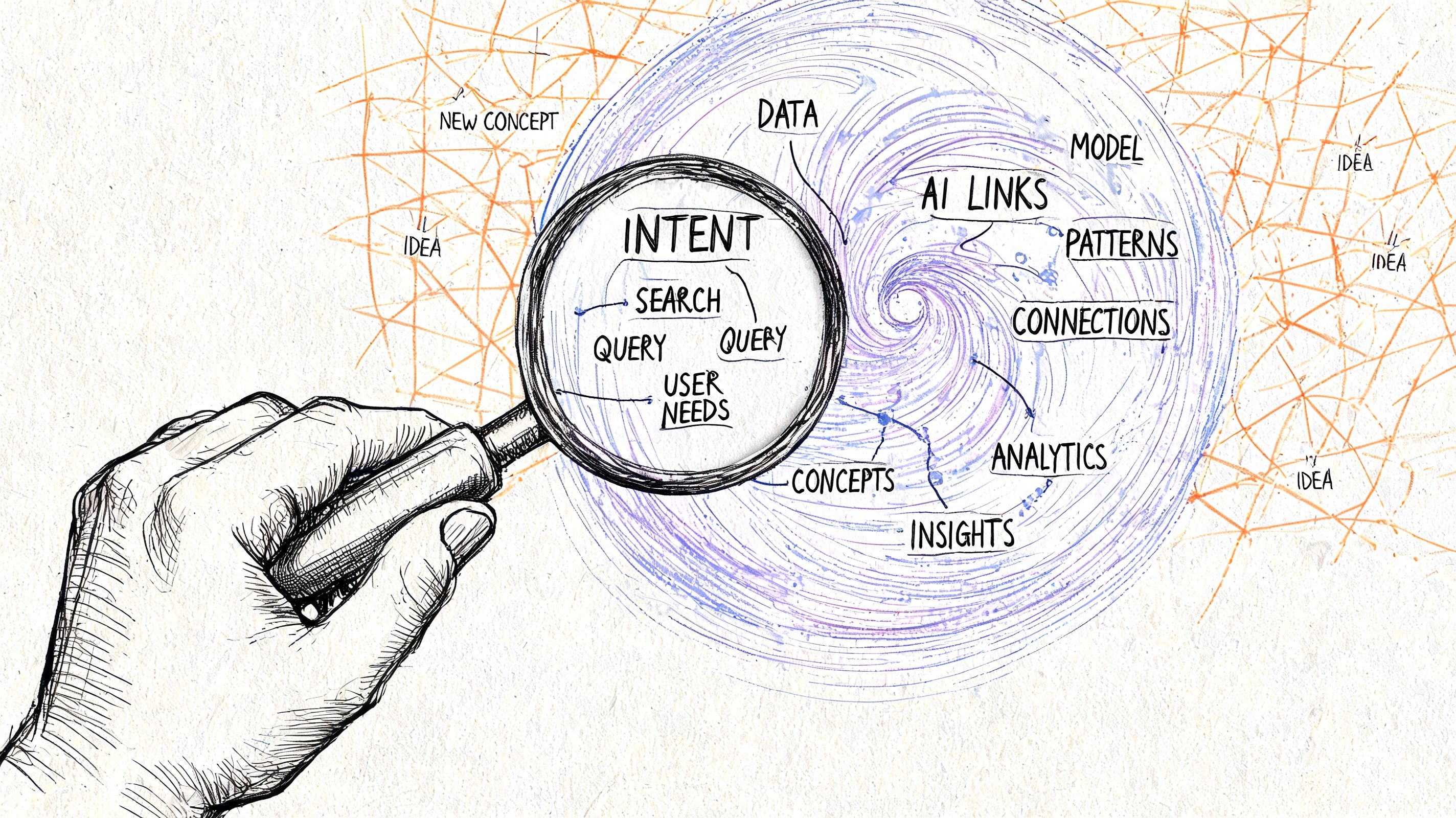
Your tracking universe needs two parallel inputs. The first is the classic keyword set. The second is a prompt and topic set that reflects how AI search surfaces trigger and cite content.
Build the traditional keyword set with intent and page mapping
The old process still matters. You should still group keywords by topic, intent, funnel stage, and landing page. Without that structure, the report becomes a list of disconnected terms.
A solid tracking universe usually includes:
- Primary commercial terms tied to money pages or conversion pages
- Supporting informational terms that build topical authority
- Branded and non-branded splits so visibility changes don't get hidden inside aggregate numbers
- Geographic variants where location changes SERP behavior
- Modifier patterns such as comparisons, alternatives, pricing, use cases, and problem-based terms
Many teams over-track. They add everything the tool recommends and end up maintaining a keyword set they can't interpret. A better standard is relevance plus reporting usefulness. If a keyword won't influence strategy, it probably doesn't need to live in the main tracking set.
Add the AI layer with prompts, questions, and topic scenarios
This is the part most guides skip.
AI visibility isn't just another keyword tab. It includes the questions, prompts, and topic formulations that trigger AI Overviews or shape discovery inside LLM-style interfaces. Those inputs often look less like conventional keywords and more like natural-language requests.
That changes how you build the universe. Instead of only asking “what do people type,” ask:
- What questions trigger answer-style search results
- Which comparison prompts cite competitors
- Where does our topic show up without our brand being referenced
- Which problem-oriented prompts produce AI summaries before traditional results get attention
Research on this gap is clear enough to change reporting behavior. AI Overviews influence 20-30% of queries in major markets, yet only 15% of agencies report combined AI/SEO metrics, which explains why so many teams are still juggling disconnected tools and struggling to explain AI ranking shifts cleanly (Search Engine Land gap analysis guide).
Treat prompt tracking like a research discipline
The useful prompt set isn't random. It should be built from recurring patterns.
Start with Search Console queries
Search Console gives you the actual language users already associate with your pages. Pull queries with impressions, then identify informational variants, comparison phrases, and problem statements that deserve prompt-level tracking.
Add competitor citation patterns
Look at the pages and topics where competitors appear in AI outputs but your brand doesn't. This creates a better opportunity list than broad keyword gap reports because it highlights absence in the answer layer, not just the ranking layer.
Group by topic, not only by exact phrase
AI reporting gets noisy fast if every prompt is treated as a separate unit. Group prompts into themes such as “software comparisons,” “how-to troubleshooting,” “vendor evaluation,” or “best tools for [use case].” That lets you report on topic presence instead of drowning in variant phrasing.
Keep one master source of truth
This matters more than the tool choice.
You need one table or model that connects:
| Input Type | What to Track | Why It Matters |
|---|---|---|
| Keyword | Query, intent, volume context, landing page | Supports classic rank and visibility reporting |
| Prompt | Topic, phrasing pattern, answer trigger type | Captures AI-specific discovery behavior |
| Page | Canonical target, page type, owner | Ties visibility changes to execution |
| Competitor | Competing domain or cited source | Supports gap analysis |
| Tag | Funnel stage, business line, market | Keeps reporting usable |
If you want to centralize the research side before reporting, a dedicated keyword research workflow helps keep traditional queries and AI-oriented topic discovery in the same operating model.
The biggest mistake isn't under-tracking or over-tracking. It's tracking two separate universes and pretending they describe the same thing.
Calculating Visibility and Core SEO Metrics
Once the tracking universe is clean, the next challenge is turning raw positions and appearances into something useful. A spreadsheet full of keyword positions isn't a visibility model. It's raw input.
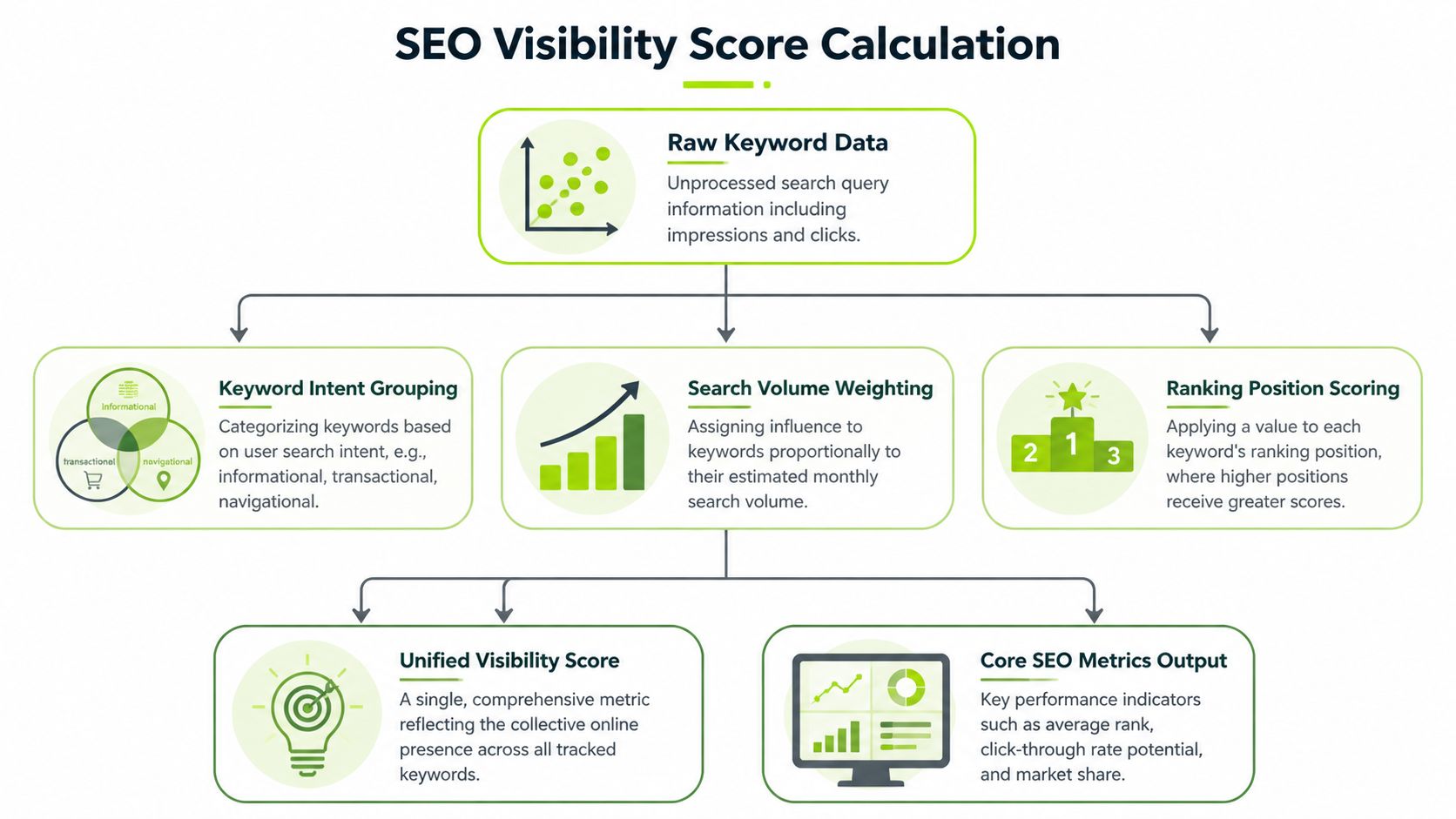
The metric that usually matters most is visibility score, because it ties ranking strength to likely attention instead of treating every position as equal. In practice, that means a top result for an important term should count more than a low-ranking appearance for a minor term.
Use a weighted visibility model
A practical method is to calculate visibility by summing the product of search volume and a position-based factor for each tracked term. Modern reporting commonly follows that logic, and reports now often include 15+ KPIs. The same reporting approach can show 92% AI Overview presence on tracked terms, up 30% YoY, while also tracking a 25% overlap between top organic ranks and AI citations. For enterprise sites, benchmarking a visibility score above 5% is a common goal, and prioritizing high-volume, low-rank keywords can produce a 40% traffic lift in 90 days when the updates are well chosen (tracking AI Overviews and visibility methods).
You don't need to overcomplicate the math to make it useful. What matters is consistency. Pick a model, document it, and keep it stable over time so the trendline means something.
Separate score types instead of forcing one blended number
I usually recommend three views instead of one overloaded metric.
Organic visibility score
This is your classic weighted score based on keyword position and search demand. It helps answer whether the site is gaining or losing ground in traditional results.
AI visibility score
This reflects prompt-level presence and citation frequency across the AI experiences you're tracking. It won't be perfectly comparable to organic visibility, so treat it as its own score family.
Unified reporting layer
This is not always a single number. Often it's a dashboard view that places organic visibility, AI presence, and overlap side by side. Trying to compress everything into one number can hide too much nuance.
Keep core metrics close to the score
A visibility score is useful, but it isn't self-explanatory. Pair it with the metrics that explain movement.
- Average position is still helpful as a directional metric
- Ranking distribution shows how many keywords sit in high-value bands
- Estimated organic traffic gives practical context
- SERP feature ownership explains why attention may shift even when rankings don't
- Page-level contribution reveals which URLs are carrying or losing visibility
- Competitor comparison shows whether a drop is site-specific or market-wide
That combination turns a score from a vanity metric into a diagnosis tool.
Normalize competitor comparisons
One common reporting mistake is comparing raw visibility across domains with completely different keyword sets. That leads to misleading “share of voice” slides that look precise but aren't.
Use one controlled keyword universe when comparing competitors. If the tracked set changes, annotate it. If a region, device, or topic set changes, annotate that too. Otherwise a visibility gain may come from a reporting change, not a market change.
Add operational context from other SEO systems
The report gets much stronger when visibility changes are paired with adjacent signals:
| Context Layer | What It Adds |
|---|---|
| Technical audit data | Explains whether indexing, crawlability, or template issues align with visibility drops |
| Backlink monitoring | Adds authority context when competitors gain ground |
| Landing page analytics | Shows whether improved rankings lead to meaningful visits or engagement |
| Content update logs | Helps tie movement to known on-page changes |
| AI citation tracking | Reveals whether the brand is visible in answer engines even when organic positions are stable |
If you're managing this in a platform environment rather than separate exports, a unified rank tracking setup makes it easier to keep keyword positions, competitors, and visibility trends connected in one workflow.
A visibility score should reduce ambiguity, not create another number that needs its own explanation every month.
Building Dashboards and Visualizing Performance
The hardest part of reporting usually isn't data collection. It's deciding what deserves attention on screen.
I've seen teams build dashboards with every filter imaginable and still fail to answer the first question a client asks. Then I've seen simpler dashboards work well because they present the right sequence: what changed, where it changed, and what needs action.
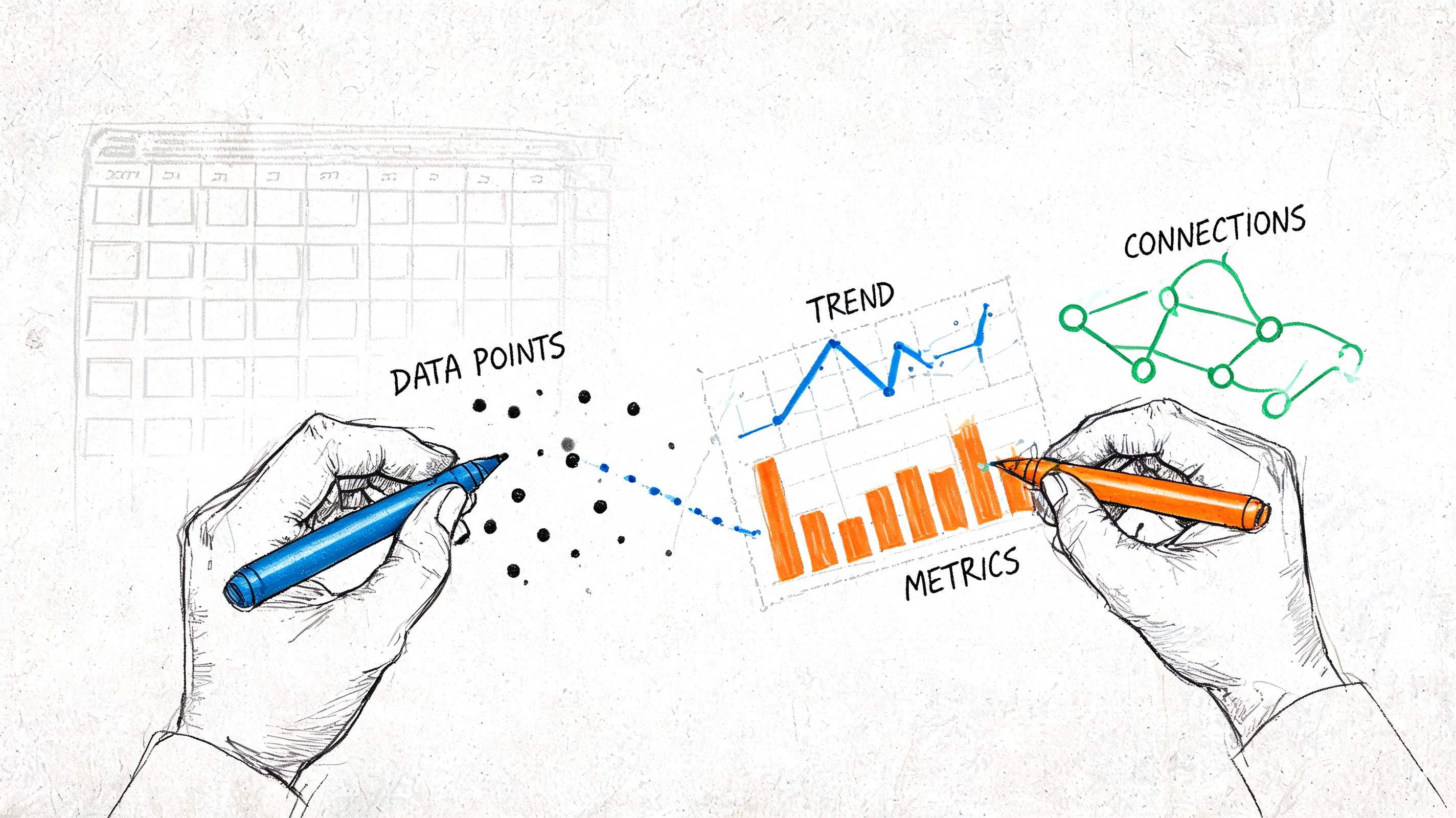
Start with the top-line story
The first panel should answer the broadest question. Are we more visible, less visible, or roughly stable?
That opening view usually works best with a small set of visuals:
- Trend line for visibility over time
- Bar comparison for brand vs. key competitors
- Distribution chart for Top 3, Top 10, and lower bands
- AI presence summary by topic group or prompt cluster
If the dashboard starts with a giant keyword table, you've already made the report harder to read.
Design for drill-down, not data dumping
A useful dashboard acts like a conversation. The stakeholder starts broad, then narrows into the issue.
A common flow looks like this:
Summary view
Show overall visibility, the major movement since the last period, and the keyword groups or topics driving change.
Segment view
Break performance out by market, device, page type, topic cluster, or funnel stage. Many hidden patterns become apparent through such segmentation.
Diagnostic view
Add page-level movement, keyword interval changes, competitor gaps, and notes tied to content or technical changes.
This is one reason teams often move from static PDFs to interactive reporting environments. They need one dashboard that can support both a quick executive read and a strategist's investigation.
A short product walkthrough can help clarify how this kind of reporting flow works in practice:
Choose visual forms that match the question
Not every metric belongs in the same chart type.
| Reporting Need | Better Visualization |
|---|---|
| Visibility trend over time | Line chart |
| Competitor comparison | Horizontal bar chart |
| Ranking distribution | Stacked bar or histogram |
| Topic-level AI presence | Heat map or grouped bar chart |
| Page-level winners and losers | Sorted table with conditional formatting |
| SERP feature ownership | Compact comparison table |
The wrong chart creates confusion fast. A pie chart for ranking distribution is harder to read than a simple stacked bar. A giant table for monthly trend analysis forces people to do mental math the dashboard should have done for them.
Build annotations into the dashboard
This is the difference between a pretty dashboard and a useful one.
Add notes when a migration happened, a set of pages was refreshed, a competitor launched a new cluster, or AI visibility changed on a tracked topic set. Otherwise viewers invent explanations from the visuals alone.
For client-facing workflows, a system for client-ready reporting is useful when you need dashboards that support both presentation and drill-down without rebuilding the narrative every month.
Good dashboards don't show everything. They remove excuses for misreading the data.
Interpreting Insights and Automating Your Reporting
A report becomes valuable when it leads to a better decision. That means the analyst has to move from “we saw a drop” to “this is the kind of drop it is, these pages are involved, and this is what we should fix first.”
That interpretation step is where mature reporting teams separate themselves from teams that only export charts.
Diagnose ranking losses by interval, not by averages
Averages hide too much. If one set of terms improved while another fell out of valuable positions, average position can look flat and still conceal a real business problem.
A stronger workflow segments terms by ranking intervals such as 1-3, 4-10, 11-20, 21-50, and 51-100. By filtering for keywords that moved out of important intervals, analysts can achieve diagnostic precision in 80-90% of cases. Cross-referencing those keyword groups with page-level data helps prioritize content fixes. For agencies tracking over 10,000 keywords, automating this workflow through an API can reduce manual reporting time by up to 60% (Advanced Web Ranking on keyword ranking distribution).
That method works because it reflects how visibility changes. A term slipping from position three to seven is usually more important than a term moving from forty-two to thirty-one, even though both are “drops or gains.”
A practical review sequence
When a visibility report lands on my desk, I want the review path to be short and repeatable.
- Check interval movement first. What left Top 3 or Top 10, and what entered those bands?
- Review page concentration. Are the losses spread across the site or clustered on a page type, directory, or template?
- Look for intent mismatch. Did the result type in the SERP shift toward comparison pages, product pages, local results, or AI summaries?
- Compare competitor movement. If the whole set moved, the issue may be market-wide. If only your pages dropped, focus inward.
- Cross-check technical and content changes. Redirects, indexation issues, title rewrites, content pruning, or weak refreshes often explain more than teams expect.
- Review AI visibility gaps. If organic positions are stable but AI citations dropped, the content may still rank while losing answer-layer prominence.
Automate the boring part, not the thinking
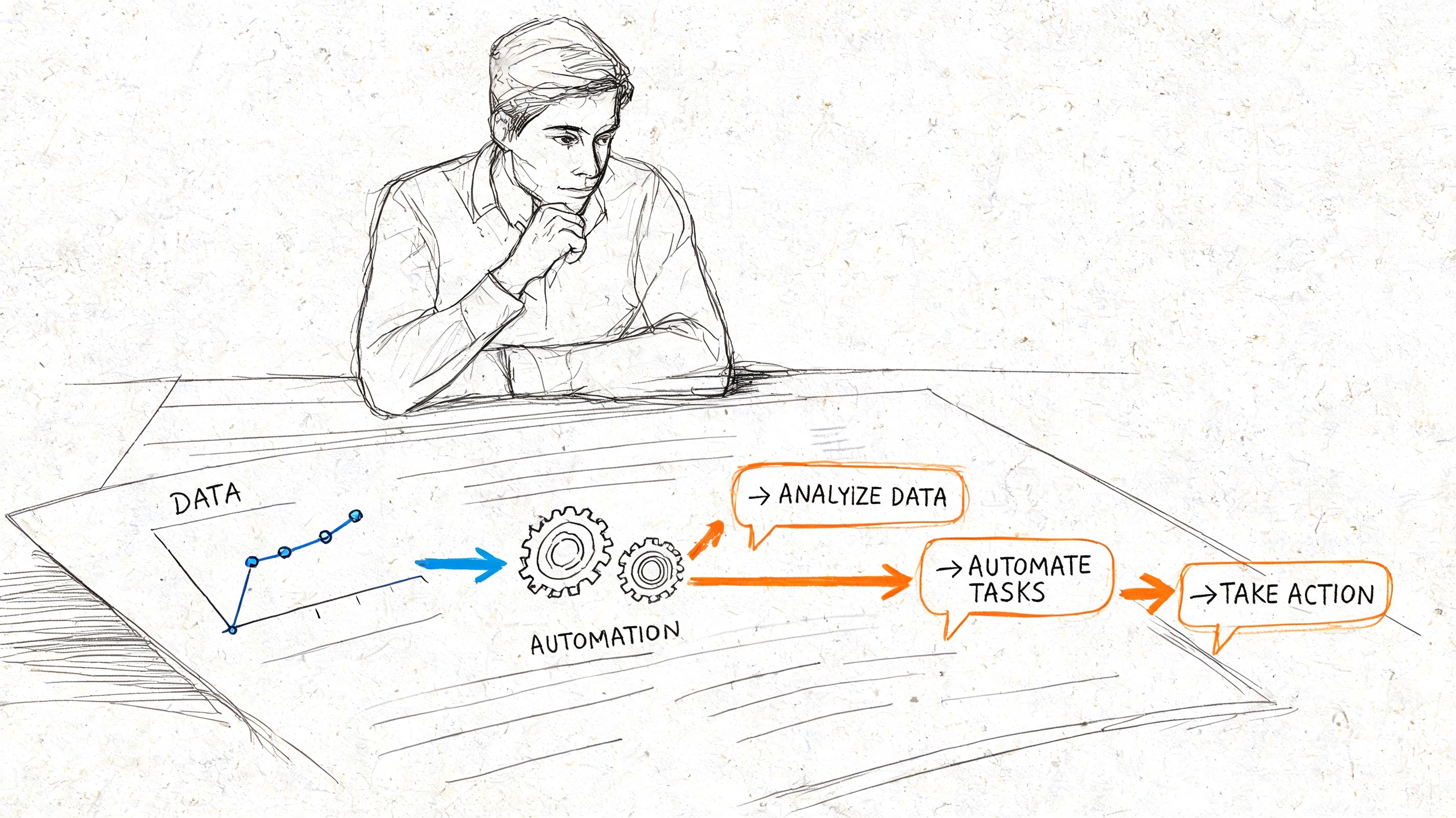
Agencies waste time when strategists manually export rank data, merge CSVs, copy notes into decks, and rebuild the same charts each month. That work should be automated as early as possible.
Good candidates for automation include:
- Scheduled data pulls from rank trackers, Search Console, analytics tools, and audit systems
- Keyword grouping rules based on tags, page patterns, or topic clusters
- Anomaly flags for major visibility changes
- Template population for recurring client or internal reports
- API-based joins that keep keyword, page, and AI visibility data connected
For teams building custom internal tools, it can also be useful to see how others add analytics to Laravel admin panels. The implementation details differ from SEO reporting, but the principle is the same: bring reporting into the workflow where people already operate instead of making them jump between systems.
Use automation to support interpretation
Automation should make the human review sharper, not less careful.
A mature reporting setup should surface:
| Alert Type | What the Team Does Next |
|---|---|
| Top interval loss | Audit the affected pages and SERP changes |
| AI citation drop | Review cited competitor content and answer formatting |
| Topic cluster decline | Check internal links, content freshness, and intent fit |
| Competitor surge | Compare page depth, SERP features, and AI presence |
| Stable rankings with weaker traffic | Review CTR context and result presentation |
When AI reporting is part of the stack, an AI visibility audit workflow helps teams investigate where prompt-level presence is missing even when classic rankings remain intact.
Automation should eliminate repetitive assembly work. It shouldn't replace analyst judgment.
Frequently Asked Questions About Visibility Reporting
The questions below come up often once teams move from a classic rank report to a broader visibility model.
| Question | Answer |
|---|---|
| What should be the primary KPI in a keyword rankings and visibility report? | Use the KPI that matches the business goal. For many teams, visibility score works well as the lead KPI because it reflects more than raw rank position. But it should sit alongside context, not replace it. |
| Should AI visibility live in the same report as traditional SEO? | Yes, if the goal is stakeholder clarity. Separate systems make diagnosis harder and force teams to explain one search reality through disconnected reports. |
| Is average position still useful? | Yes, but only as a supporting metric. It becomes misleading when used alone because it can hide losses in critical ranking bands or page-level problems. |
| How many keywords should a team track? | Track enough to reflect the business, not every possible variation. A smaller, well-tagged universe is more useful than a giant list with no reporting logic. |
| How often should these reports be updated? | That depends on the pace of change and the audience. Operational teams may want frequent monitoring, while client or executive reporting usually benefits from a steady recurring cadence with clear annotations. |
| What’s the biggest mistake in AI-era reporting? | Treating AI visibility as a separate experiment instead of a core part of search reporting. That usually leads to tool sprawl and weak explanations when stakeholders ask why visibility changed. |
| Do I need a separate prompt list for AI tracking? | Usually yes. Traditional keywords and AI-triggering prompts overlap, but they aren't identical. Tracking both gives a more honest picture of search presence. |
| What makes a report actionable? | It should show what changed, where it changed, why it likely changed, and which pages or keyword groups deserve action first. If it only reports movement, it isn't finished. |
If your team needs one place to track rankings, AI visibility, and reporting workflows without stitching together separate tools, Surnex is built for that kind of modern search reporting. It gives agencies, in-house teams, and developers a way to monitor traditional SEO performance alongside AI presence and citation gaps so the report reflects how search works now.