What signal do you need when someone asks, “what CMS is this site using?” A browser extension can answer quickly during a prospecting call, but that same result may be too weak for a migration plan, technical audit, or client report. Headless builds, customized templates, reverse proxies, and partially decoupled architectures can hide the platform that manages content.
The practical choice depends on confidence, speed, scale, context, and workflow fit. Some tools identify a CMS from visible HTML fingerprints. Others add hosting, frameworks, analytics, themes, plugins, historical technology changes, or API enrichment. None should be treated as infallible, especially when a site has removed generator tags or serves a front end separately from its content system.
This list organizes ten resources by real agency use, from a fast browser check to bulk research, manual validation, and broader SEO and AI-search analysis. If you need the basic distinction first, this guide to what a CMS platform is provides useful context.
1. Surnex
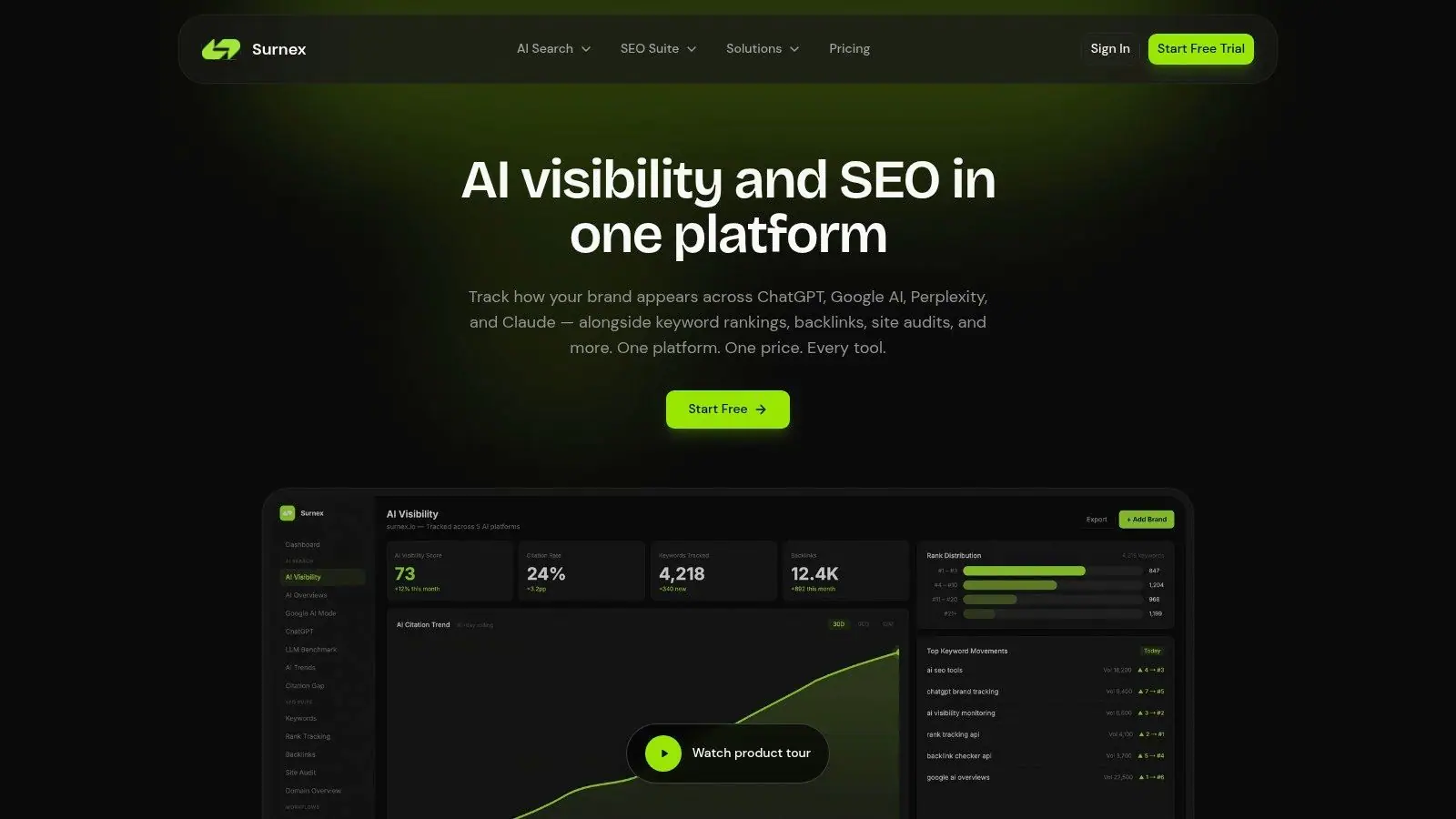
Surnex fits agencies that need CMS discovery within a broader search-visibility workflow. Its Tech Stack Checker identifies technologies and services behind a website, including development, server, analytics, marketing, and security tools. That context helps explain how a site is rendered, measured, secured, and optimized, since a CMS label alone rarely answers those questions.
A practical workflow can begin with the stack check, then connect the findings to rankings, backlinks, site audits, Core Web Vitals, local monitoring, and content opportunities. Surnex also monitors brand visibility across Google AI Overviews and AI Mode, ChatGPT, Perplexity, and Claude. Teams can compare model responses, review competitor citations, and use those gaps to set content and authority priorities.
Where it fits best
Surnex suits agencies, in-house SEO teams, developers, and product teams that need repeatable reporting instead of a single lookup. Its REST API makes every capability available for integrations and automation, allowing developers to connect technology findings with dashboards, internal systems, or agent-led workflows. Unlimited clients, projects, and users support multi-account delivery, while white-label reports help agencies standardize client reporting.
Practical rule: Treat CMS detection as an input to an SEO decision, not the decision itself.
The main trade-off is plan limits. Four monthly plans range from $49 to $399, and the 14-day trial of the Growth plan requires no card, according to the Surnex pricing page. High-volume teams must monitor usage. The product pages also do not present public customer case studies, awards, or certifications, so teams seeking external validation should check results against another profiler or manual evidence.
2. Wappalyzer
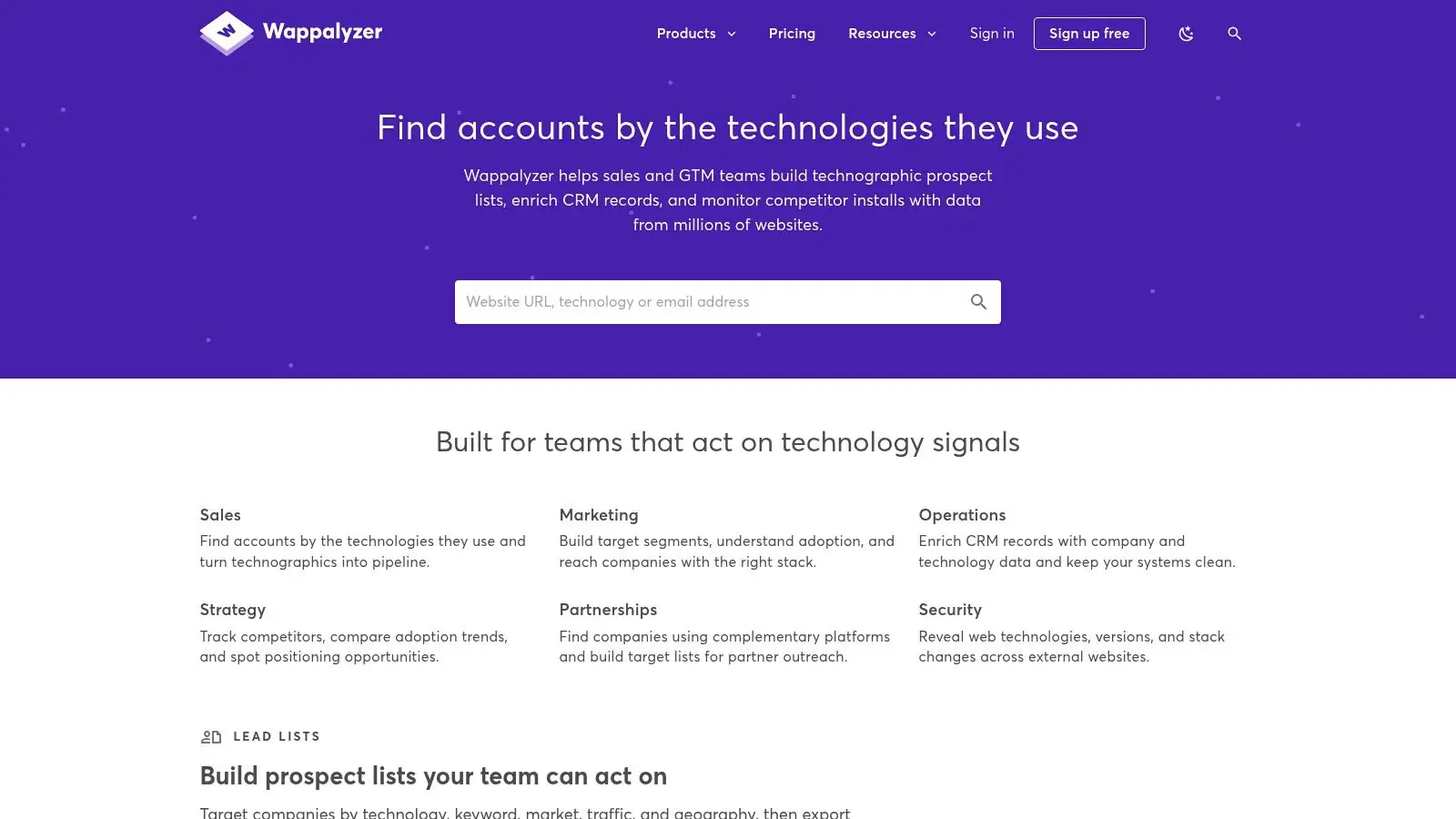
Wappalyzer suits the familiar “I'm browsing a prospect's site and need an answer now” workflow. Its browser extension identifies CMSs, ecommerce platforms, frameworks, analytics products, and infrastructure while you're on the page. The web lookup is useful when installing an extension isn't appropriate, while bulk uploads and the REST API support lead enrichment and recurring research.
The platform supports CSV and TXT uploads of up to 100,000 URLs per file, according to its product documentation. That makes it materially different from extension-only tools. An agency can collect a prospect list, enrich it with technology fields, and pass the results into sales or account-planning systems without manually opening every domain.
What works and what doesn't
Wappalyzer's breadth is its main advantage. A CMS result becomes more useful when you can also see the frameworks, ecommerce layer, analytics, advertising tags, or hosting signals around it. Its published crawler policies and bot contact information also give site administrators more visibility into how the service operates.
The limitation is confidence. Obfuscated or customized implementations can create false positives and false negatives, and advanced API or lookup access may require a higher-tier plan. For a quick sales conversation, that trade-off is usually acceptable. For a migration or security-sensitive report, validate the result through another profiler or direct source inspection.
For teams that want to connect this discovery step to broader technical and search analysis, Surnex's technology stack workflow provides a more integrated route. Wappalyzer is the better specialist choice when the immediate job is broad technology enrichment across many URLs.
3. BuiltWith
BuiltWith is designed for teams that want to understand not only what CMS a domain uses today, but also how its technology profile has changed. Its per-domain profiles can include technology history, while its Domain, Lists, and Trends products support prospecting, market research, alerts, exports, and competitive tracking.
That historical layer changes the question. Instead of asking only “what CMS is this site using?”, an agency can ask whether the site recently moved platforms, replaced an analytics provider, adopted an ecommerce system, or changed infrastructure. Those signals can inform outreach timing, migration research, and competitive account planning.
Best for research-led prospecting
BuiltWith makes sense when CMS identification feeds a sales or business-intelligence process. Its large datasets and multiple delivery modes support UI research, APIs, lists, and broader datasets. A web development agency could search for businesses using a platform it specializes in. A marketing agency could monitor a competitor set for technology changes rather than checking domains manually.
The downside is proportionality. BuiltWith is oriented toward sales and research use cases, so its pricing can be difficult to justify for a single one-off CMS lookup. The product also has a learning curve because the most valuable workflows involve lists, trends, exports, and historical interpretation rather than a simple result page.
A platform change is often more valuable as a timing signal than as a label.
Use this guide to competing web analytics when technology data needs to sit alongside broader competitor analysis. For enterprise WordPress context, the WordPress enterprise guide by Alpha Omega Digital is a useful complementary reference, but it doesn't replace direct detection.
4. WhatCMS
WhatCMS keeps the job focused. If the central question is which CMS powers a site, rather than which advertising, analytics, hosting, and frontend tools it uses, a dedicated detector can reduce noise. The service covers more than 1,200 CMS systems, according to its product description, and uses multiple signals to support its result.
The web interface works well for a single domain. Batch detection and a tiered API make it more suitable for agencies that need to process client prospect lists or audit many sites without adopting a full technology-intelligence platform. Its related hosting and WordPress theme detection can add useful context during an SEO or design review.
A focused answer has real value
WhatCMS is easier to interpret than a large stack profile when the deliverable only needs the CMS, hosting provider, and perhaps theme information. Its transparent API pricing by URL also helps teams estimate volume without buying into a wider sales-intelligence product.
That narrow scope is also the limitation. You won't get the same depth on analytics, CDNs, frameworks, or broader infrastructure that a general technology profiler may provide. A result can tell you that a site appears to use WordPress, but not whether the public front end is a conventional WordPress theme, a headless frontend, or a heavily customized implementation.
For a broader audit workflow, pair the lookup with this website audit process from Surnex. Use WhatCMS when CMS certainty is the primary task, then add manual checks before making technical recommendations.
5. WhatRuns
WhatRuns is a strong browser-first option for marketers who discover websites during normal research. Install the extension, open a page, and it surfaces technologies such as the CMS, frontend frameworks, analytics, fonts, and other visible services. There's no separate data pipeline to configure, which keeps the workflow fast.
Its free core extension is useful for prospecting and competitor reviews. A salesperson can identify whether a business appears to use WordPress, Shopify, or another platform before discussing redesign, SEO, or integration services. A strategist can inspect the tools around a website while reviewing its content and conversion experience.
Convenience over scale
WhatRuns also provides change alerts, which can help teams notice when a site starts or stops using a detected technology. Its optional Leads module extends the product toward technology-based prospecting, but the core experience remains an on-page browser check.
That makes the limitation clear. This isn't a bulk enrichment platform, and it doesn't offer the historical or trend depth associated with larger data providers. Extension results are also still fingerprints, not access to the site's private architecture. A custom or headless build may expose only the frontend layer, or nothing conclusive at all.
Use WhatRuns for an immediate answer while browsing. If the result affects a client recommendation, record the detected signals and confirm them through a second method rather than treating the extension badge as proof.
6. Netcraft Site Report
Netcraft Site Report approaches CMS discovery from the infrastructure side. Its public report provides a domain snapshot that can include hosting, server, technology, and historical signals. That perspective is valuable when CMS identification sits inside security review, supplier due diligence, or infrastructure research.
A dedicated CMS detector may give you a cleaner platform answer, but Netcraft can help explain the environment in which that platform operates. Hosting and server clues can support questions about ownership, deployment, risk, and operational changes. For larger research programs, Netcraft's commercial datasets extend beyond the public lookup.
Choose context over convenience
Netcraft is a sensible choice when a technology result needs to sit beside security or infrastructure information. It has the credibility of a long-running internet measurement company and provides more than a marketing stack label. That can make it useful to technical consultants reviewing an unfamiliar domain before an engagement.
The trade-off is CMS coverage. Results may be less complete than those from a tool dedicated to CMS and web-technology profiling. Enterprise access is also quote-based and aimed at security, research, and large-scale buyers, so it isn't the natural purchase for a freelancer checking one site.
Use the report as a corroborating signal. If Netcraft identifies a likely server or platform but doesn't expose a clear CMS, compare the finding with source-based fingerprints, a focused CMS detector, or a broad profiler.
7. W3Techs Site Info
W3Techs Site Info offers a lightweight way to check a site's CMS and surrounding technologies. Its per-site checker can report the CMS, programming language, server, and host. The service also publishes methodology and market-level technology information, which gives analysts a clearer basis for interpreting the result than an unexplained browser badge.
That transparency is particularly useful when a finding appears in a client report. W3Techs reports that, as of 17 September 2026, WordPress was used by 58.8% of websites using a CMS and 43.1% of all websites overall in its CMS usage data. Those figures describe platform prevalence across the web, not the certainty of any individual site's detection.
A good validation reference
W3Techs also offers a Site Info JSON API for programmatic retrieval. That can support lightweight automation when a team needs repeatable checks but doesn't need a sales database, lead list, or full stack-intelligence product.
Its weakness is workflow scale. The interface isn't built for extensive list building, and the API is positioned separately from sales-operations tooling. If you need to search companies by technology, monitor large account sets, or enrich records across many systems, another platform will likely fit better.
Use W3Techs when you want a respected second opinion with documented methodology. It works especially well alongside a browser extension or a focused detector, because its public approach helps you challenge an unsupported result rather than accepting it.
8. CMS Detect
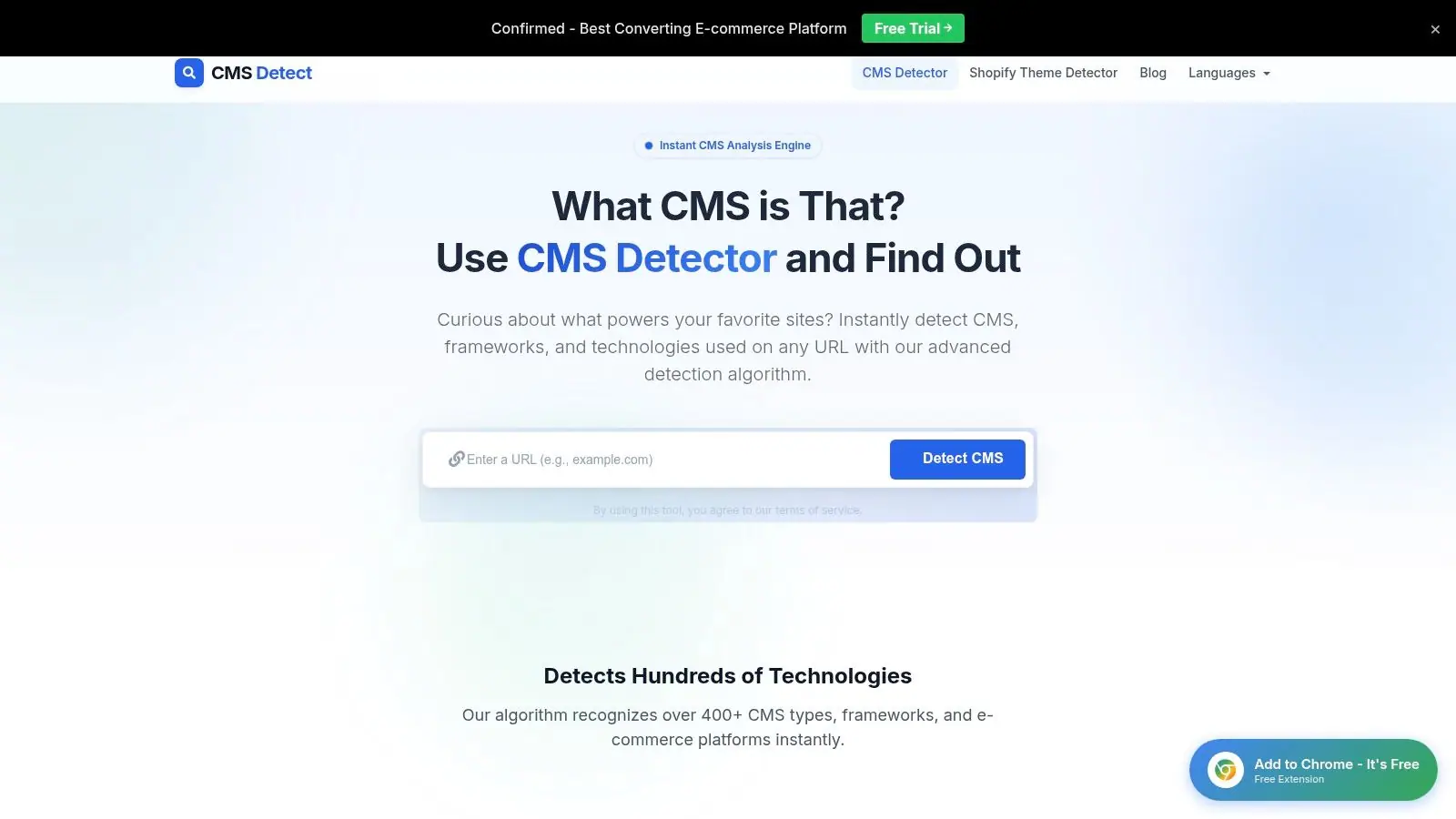
CMS Detect works well as a quick browser check when an agency needs a second opinion on a site's CMS, framework, or website builder. The interface is straightforward, so a strategist or developer can verify a result without adopting a larger technology-research platform.
Its best fit is targeted validation. Test a domain, compare the platform with the first detector's result, and spend manual review time only on disagreements. That workflow is faster than investigating every site in depth, especially during competitor research or an initial SEO audit.
Know what the result can't prove
CMS Detect looks for public fingerprints such as HTML generator tags, CMS-specific file paths, login patterns, robots.txt directives, HTTP headers, cookie names, and browser-extension signals. Its documentation outlines broad detector coverage, but these signals can disappear when a site uses a custom or headless stack. A missing match therefore does not prove that the site has no CMS.
The public interface also reveals less about fingerprint sources and update timing than larger technology profilers. It does not provide a public API or pricing information for a broader automated workflow, so bulk enrichment requires another tool or manual handling.
Use CMS Detect as a cross-check, not a final authority. Agreement between tools and consistent fingerprints increase confidence, while conflicting results call for source inspection, response-header checks, asset-path review, and examination of public content endpoints before the CMS enters an audit.
9. Gochyu Theme Detector
Gochyu Theme Detector goes deeper than the basic CMS question by looking for themes and plugins where the public site exposes them. That makes it particularly useful for WordPress and Shopify competitor analysis, design benchmarking, and content audits where the implementation details influence recommendations.
A strategist might use it to identify the apparent WordPress theme behind a competitor's blog, inspect visible plugins, or compare how several ecommerce sites assemble their storefronts. Theme information can help a development team assess whether a redesign uses a common commercial base or a more customized build.
Useful depth, limited breadth
Gochyu is most valuable when the site appears to rely on a popular CMS with recognizable theme or asset patterns. Its guides also explain manual detection methods, which can help analysts understand why a result appears rather than copying it blindly. Some discovered items may include pricing or related details, adding context for design and implementation research.
The specialization creates a clear boundary. Custom stacks and less common CMSs receive less value than WordPress or Shopify sites, and the service isn't intended to replace a full technology profiler. A theme match also doesn't establish that the site uses the default theme configuration. Developers may override templates, remove identifiers, or serve a separate frontend.
Use Gochyu when the question is “which CMS, theme, and plugins appear to support this experience?” For a migration decision, corroborate the CMS with headers, source paths, or another detector before treating theme findings as architectural evidence.
10. SimilarTech
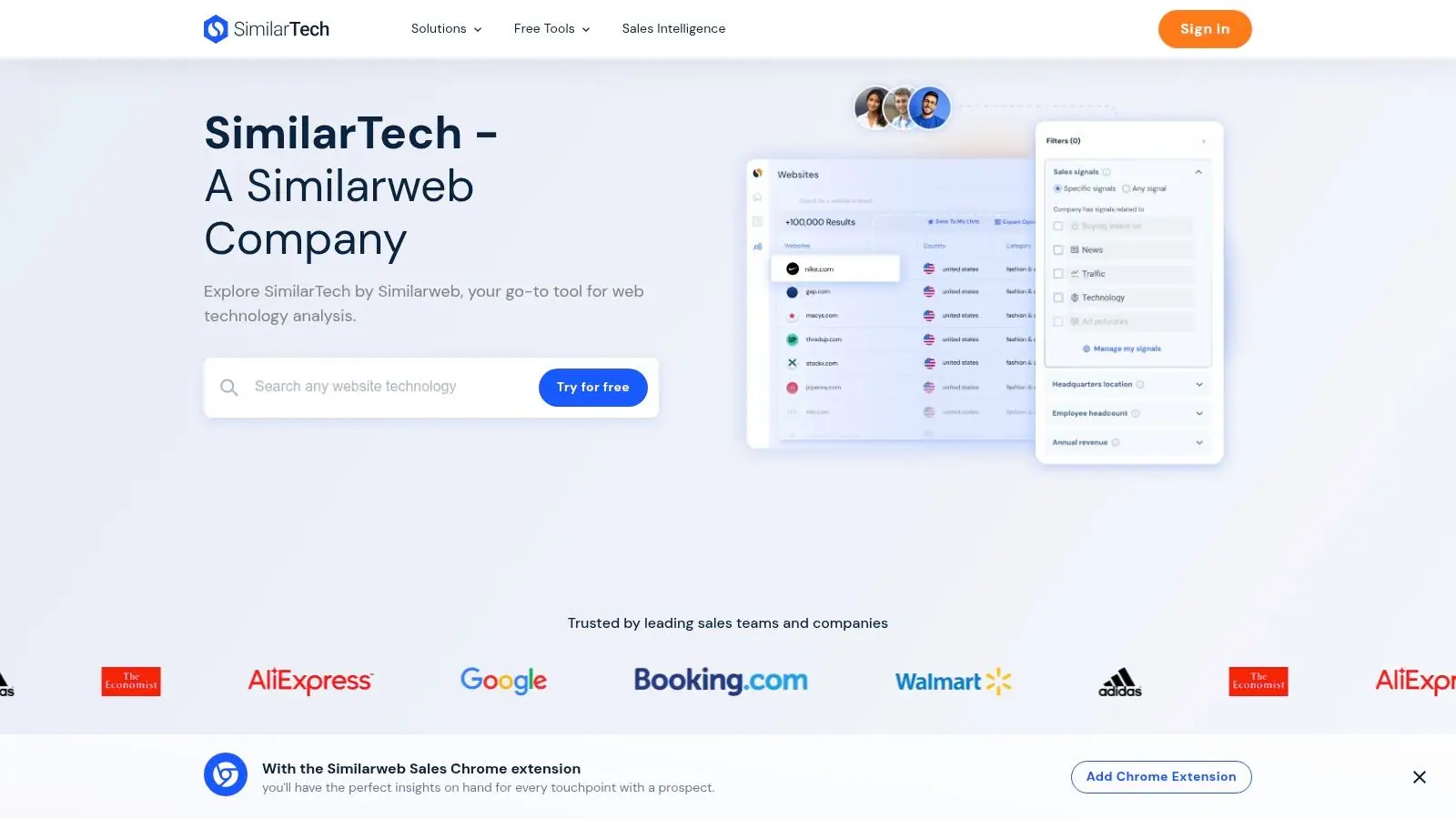
SimilarTech connects technology detection with go-to-market research. It provides per-site technology breakdowns, comparisons between competitors, and searches for companies using specific technologies, including CMS platforms. Its Chrome extension supports quick checks, while integration with Similarweb Sales Intelligence links technology signals to territory planning and lead enrichment.
That combination suits agencies and vendors that don't just need to identify a CMS. They want to find companies with a certain implementation, segment accounts by technology, compare stacks across competitors, or build outreach lists around a technical need.
Best for technology-led account research
SimilarTech's strength is the surrounding dataset and the connection to commercial workflows. A web development agency could use technology filters to find likely prospects for a migration service. A marketing agency could compare the technology mix across a target market before shaping its pitch. Teams can also use the per-site view to add context to individual account research.
Pricing isn't shown publicly, and full access is typically sales-assisted, with limited try-before-buy functionality. That makes it harder to justify for occasional CMS checks. It also means teams should define the business use case before requesting access, especially if they only need a handful of domains.
For a related competitive-research workflow, Surnex's guide to finding similar sites can help connect technology discovery with search-performance analysis. SimilarTech is the better fit when account discovery and sales intelligence matter as much as the CMS result.
Top 10 CMS Detection Tools Comparison
| Product | Core capabilities | 👥 Target | ★ Quality | 💰 Price/value | ✨ USP |
|---|---|---|---|---|---|
| Surnex 🏆 | AI visibility + full SEO toolkit (rankings, backlinks, audits, LLM benchmarking, REST API) | Agencies · In‑house teams · Developers | ★★★★★ | 💰 Four monthly plans ($49–$399); 14‑day free trial | ✨ Unified AI + SEO, citation‑gap analysis, API‑first |
| Wappalyzer | Tech profiler: extension, web lookup, bulk uploads, REST API | Agencies · Devs · Analysts | ★★★★ | 💰 Free extension; paid API tiers for scale | ✨ Broad fingerprints; multi‑form factors (extension, bulk, API) |
| BuiltWith | Per‑domain tech profiles, historical trends, lead lists, APIs | Sales · BI · Researchers | ★★★★ | 💰 Enterprise/dataset pricing (can be expensive) | ✨ Deep historical datasets & market lists |
| WhatCMS | Dedicated CMS detection, batch/API, hosting & theme signals | SEOs · Auditors · Agencies | ★★★ | 💰 Affordable per‑URL / bulk API tiers | ✨ Focused CMS + theme detection with corroborating signals |
| WhatRuns | One‑click extension detection, change alerts, optional Leads | Marketers · PMs · Quick checks | ★★★★ | 💰 Free core extension; paid Leads module | ✨ Instant on‑page tech detection; change alerts |
| Netcraft Site Report | Infra & tech snapshots, historical internet datasets, enterprise data | Security · Research · Enterprises | ★★★ | 💰 Quote‑based enterprise pricing | ✨ Infra/security context + long‑running internet datasets |
| W3Techs Site Info | Per‑site tech checker, documented methodology, JSON API | Researchers · SEOs · Analysts | ★★★ | 💰 Free checks; API priced separately | ✨ Transparent methodology and market usage stats |
| CMS Detect | Fast CMS/framework/site‑builder detection; simple UI | SEOs · Auditors · Quick validators | ★★★ | 💰 Free/simple web tool (no public API) | ✨ Lightweight, fast cross‑validation tool |
| Gochyu Theme Detector | CMS detection + theme & plugin discovery (WP/Shopify depth) | Content/Design teams · Agencies | ★★★ | 💰 Freemium / specialized features | ✨ Deep theme/plugin intel for WordPress & Shopify |
| SimilarTech | Per‑site tech breakdowns, company search, Chrome extension, Similarweb integration | Sales · GTM · Market researchers | ★★★★ | 💰 Sales/enterprise pricing (not public) | ✨ Connects tech detection to go‑to‑market & Similarweb signals |
Turn a CMS Guess Into a Defensible Workflow
The right resource depends on the consequence of being wrong. For a quick browsing answer, use WhatRuns or the Wappalyzer extension. They reduce friction and help a strategist identify a likely CMS while reviewing a prospect or competitor. A browser result is usually enough for an early conversation, but it shouldn't automatically become a technical recommendation.
For CMS-first work, WhatCMS is the practical focused option. It keeps attention on the platform, hosting, and theme signals rather than surrounding the user with a long list of unrelated technologies. CMS Detect and W3Techs Site Info work well as second opinions, especially when a result from the first tool looks incomplete or surprising.
Choose Wappalyzer when you need to move from individual lookups into bulk enrichment, API workflows, or a broader technology profile. Choose BuiltWith or SimilarTech when the finding supports prospecting, account segmentation, historical research, competitor comparisons, or sales intelligence. Netcraft Site Report belongs in infrastructure, security, and due-diligence workflows, where server and hosting context can matter as much as the CMS.
Surnex fits a different but increasingly practical requirement. Its stack checker can identify technologies and services, while the wider platform connects those findings with keyword research, rank tracking, backlinks, site audits, Core Web Vitals, local monitoring, and AI-search visibility. Teams can track brand presence in Google AI Overviews and AI Mode, ChatGPT, Perplexity, and Claude, then use citation-gap analysis and LLM benchmarking to understand why competitors appear in answers.
Validate before you publish
A detector reads public fingerprints, not the private architecture diagram. Independent documentation explains that detectors combine HTML, headers, cookies, and asset paths, while customized, headless, or partially decoupled sites can hide the CMS or expose only a frontend layer. A large detector database claims coverage of over 97% of CMS-using websites, but coverage isn't the same as certainty for a particular domain, as explained by CMS Detect's fingerprinting reference.
Use at least two independent signals when the result affects a migration, prospect qualification, audit, or client report. Compare tool outputs with the page source, response headers, robots.txt, recognizable asset paths, public login routes, and any CMS-specific content endpoints. Record the result as confirmed, likely, or undetermined, and preserve the evidence behind that label.
CMS discovery also feeds broader agency work. A WordPress finding can shape technical SEO questions, plugin-risk checks, template analysis, and migration planning. A Shopify result can change the ecommerce audit path. A headless or unknown result should prompt questions about rendering, content workflows, structured data ownership, and which system controls the pages search engines and AI crawlers see.
Use the CMS as a starting point, not a shortcut around analysis. The strongest workflow turns a platform signal into better prioritization across technical SEO, competitor research, reporting, and search visibility.
Surnex combines technology-stack discovery with rankings, audits, backlinks, AI-search visibility, citation-gap analysis, and an agent-ready REST API. Visit Surnex to test how a CMS finding can become part of a repeatable SEO and AI-search workflow.