
You search for a straightforward answer, and the page gives you a paragraph-long AI summary, a panel you didn't ask for, product blocks, forum snippets, and then finally a few links. If you're trying to verify a claim, compare documentation, debug code, or find a small independent site, that experience gets old fast.
That's why interest in the non-AI search engine category keeps growing. Classic search still dominates overall behavior. Google held about 89.56% of the global search engine market in mid-2025, while AI search and chatbot platforms collectively reached about 7.82% of combined search-plus-AI traffic by June 2025. The same reporting also found a 34:1 traffic gap between the top ten search engines and the top ten AI chatbots over Apr 2024 to Mar 2025, which shows link-first search is still the default for the majority of users according to Bloola's reporting on search and AI traffic.
That said, the reason people switch isn't just privacy. It's control. A classic results page is often better for source checking, technical research, and getting past AI-generated synthesis when you want the raw material. If you're already rethinking how search works, it's also worth reading Keyword Kick's insights on AI SEO, because the same shift affecting users is also changing how content gets found.
1. DuckDuckGo
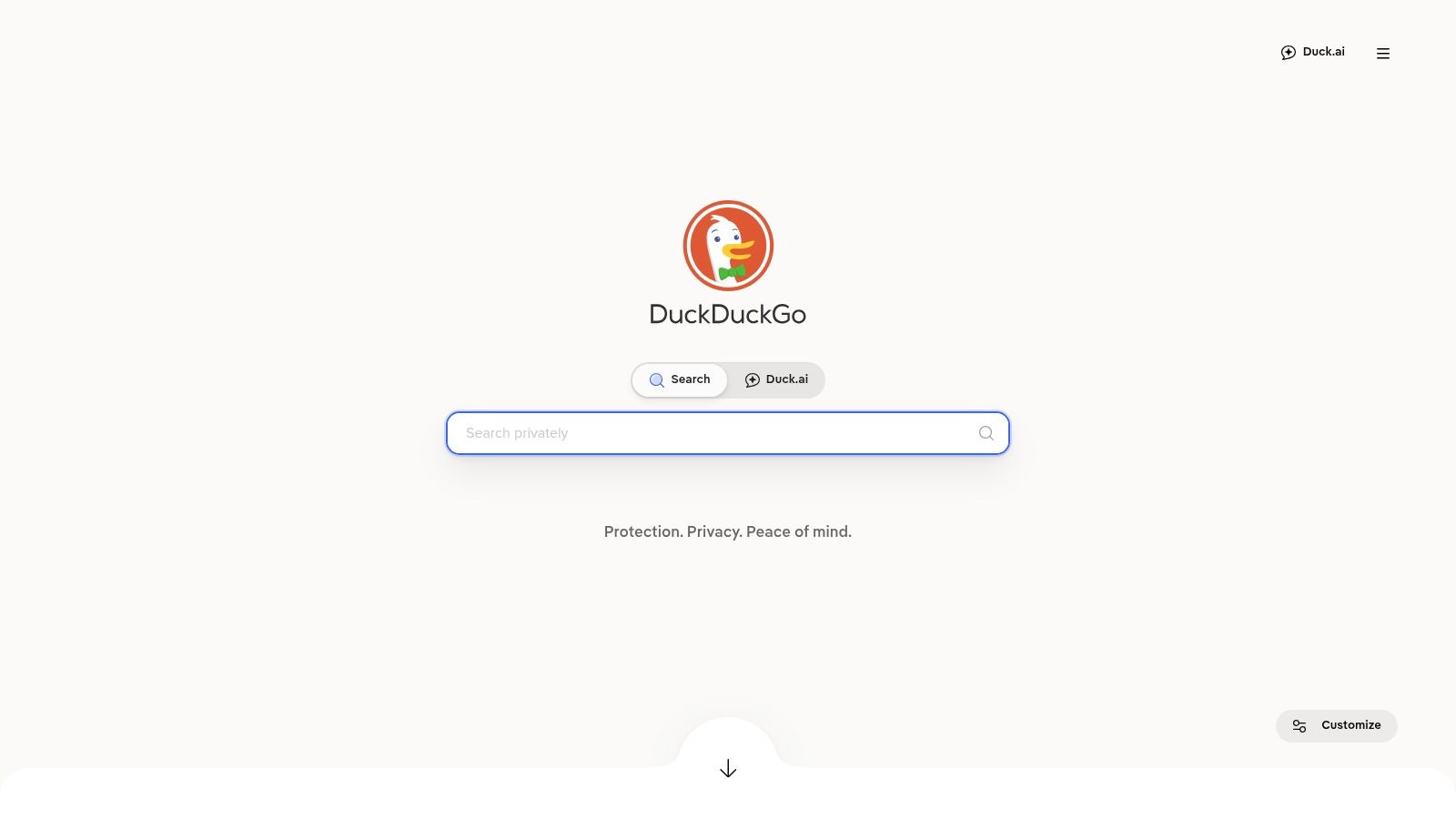
DuckDuckGo is the easiest starting point if you want a non-AI search engine without changing your habits much. The interface feels familiar, results are clean, and you don't have to build a new workflow just to get away from forced AI summaries.
For everyday search, it works well because it keeps friction low. You type a query, you get links, and you can still use useful shortcuts like Instant Answers and bangs. If you regularly jump to GitHub, Stack Overflow, YouTube, Reddit, or a specific store, the bang system is still one of the fastest features in search.
Where It Works Best
DuckDuckGo is strong for day-to-day queries, quick reference lookups, and lightweight research sessions where privacy matters but speed matters too. It also gives users a clearer path to avoid AI features through settings or the no-AI version of the site.
Practical rule: Use DuckDuckGo as your default if you want less clutter, then switch to a second engine only when a query gets unusually niche.
A few practical trade-offs matter:
- Best for everyday use: It feels close enough to mainstream search that users can switch without resistance.
- Best shortcut system: The bang commands save time if you already know which site you trust.
- Best privacy posture for casual users: You don't need to tune much to get a private, simpler experience.
Its limits show up in deeper local search, some shopping queries, and very specific long-tail research. Because it relies partly on partners for some web results, it can miss depth that power users expect from larger ecosystems. If you're comparing options, Surnex also has a useful overview of Google search engine alternatives.
You can try it at DuckDuckGo.
2. Startpage
Startpage is the choice for people who still want Google's core relevance but don't want Google's tracking. That distinction matters more than ever, because a lot of users aren't trying to leave good results behind. They're trying to leave personalization, surveillance, and AI-heavy presentation behind.
Among non-AI search options, Startpage has one of the clearest value propositions. It provides Google results anonymously, which makes it one of the most practical compromises in the category as explained in Big Leap's overview of alternative search engines without AI.
Why People Stick With It
The biggest strength here is predictability. If a query usually works well on Google, Startpage often preserves that usefulness while stripping out a lot of the baggage. That's especially helpful for product research, documentation lookups, and broad consumer searches where relevance quality matters more than power-user customization.
Its Anonymous View feature is also useful. Opening a result through a proxy adds a layer of separation that privacy-first users appreciate, especially when they're checking unknown sites.
- Best for familiar relevance: You get results quality that many users already trust.
- Best for privacy-minded mainstream users: It doesn't require a learning curve.
- Best for classic presentation: Results stay link-first and restrained.
The downside is that some rich search features are limited by design. That's part of the trade. If you want every advanced vertical, every interactive widget, and every enhanced card, Startpage can feel sparse. But if you've been frustrated by Google's shift toward AI-heavy experiences, that sparseness may be the point. For context on that broader shift, Surnex's explainer on search generative experience is worth a read.
You can use it at Startpage.
3. Brave Search
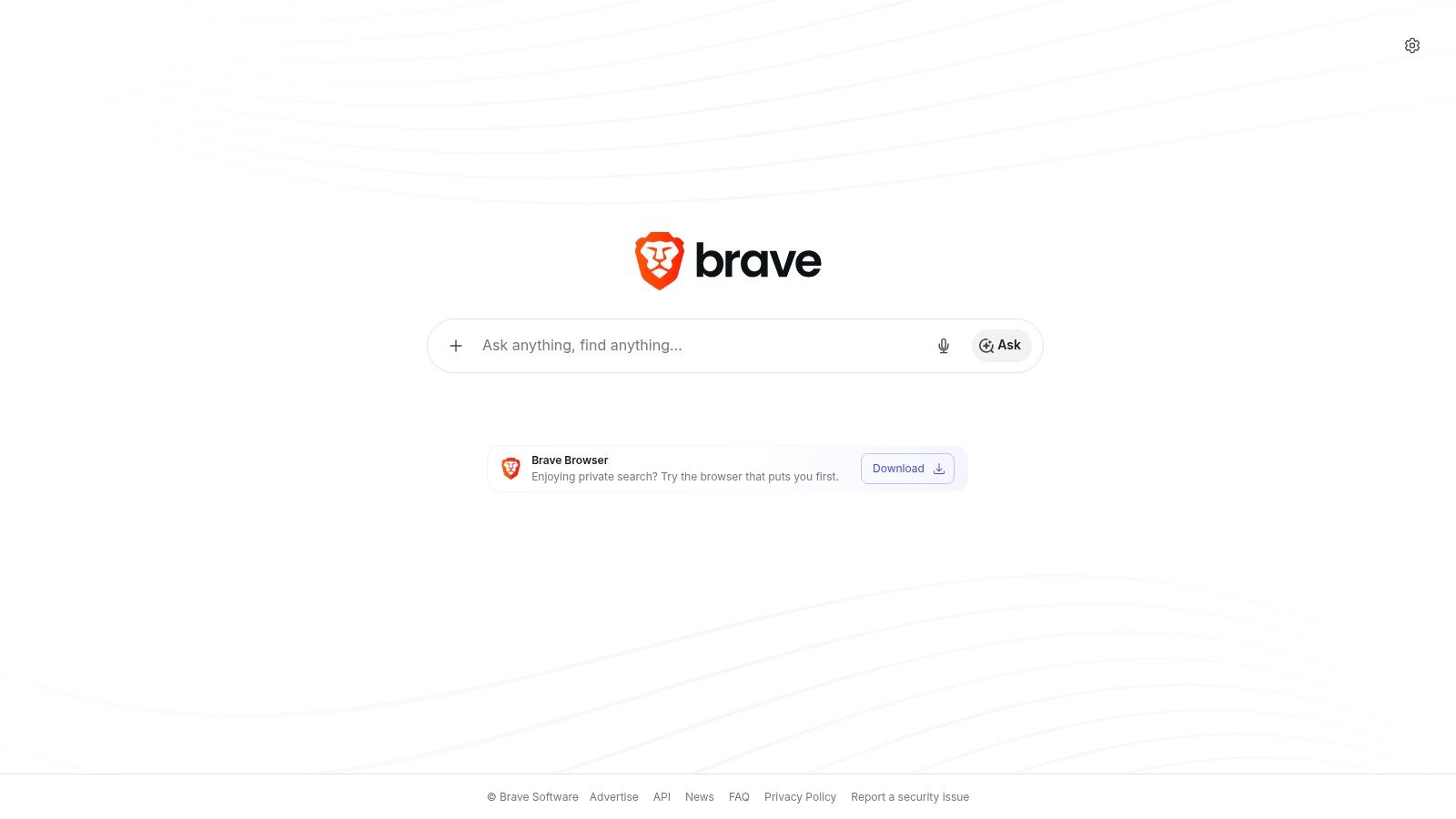
Brave Search stands out because it isn't just another wrapper around somebody else's results. It has its own index, and that matters if you're trying to reduce dependence on the Google and Bing duopoly.
That independence is part of a bigger market shift. Brave Search served 1.56 billion monthly search queries in August 2025, which signals that alternative engines with distinct approaches are no longer fringe experiments in Search Engine Journal's review of alternative search engines.
Best for Power Users
Brave is a good fit when you want a non-AI search engine that still gives you knobs to turn. Goggles let you reshape ranking logic with custom lenses, and the Discussions feature can surface community conversations in a more deliberate way than standard search tabs.
If your complaint is "search keeps showing the same polished commercial pages," Brave is one of the few tools that lets you push back against that pattern instead of just accepting it.
Brave proves useful for research, coding, and SEO work. You can inspect a topic through a different ranking lens, reduce dependence on mainstream defaults, and compare what an independent index thinks is relevant.
A few trade-offs are worth knowing:
- Best for ranking experimentation: Goggles gives advanced users unusual control.
- Best for diversification: It's one of the clearer ways to step outside the biggest search ecosystems.
- Watch the defaults: Brave does include an AI summarizer, so you may want to turn that off if your goal is a cleaner experience.
Brave still has gaps on some obscure or very local queries. It also asks a little more from the user than DuckDuckGo or Startpage. If that's fine with you, it's one of the strongest tools in this list. Surnex also has a related guide to ad-free search engines if reducing clutter is part of your goal.
Try it at Brave Search.
4. Mojeek
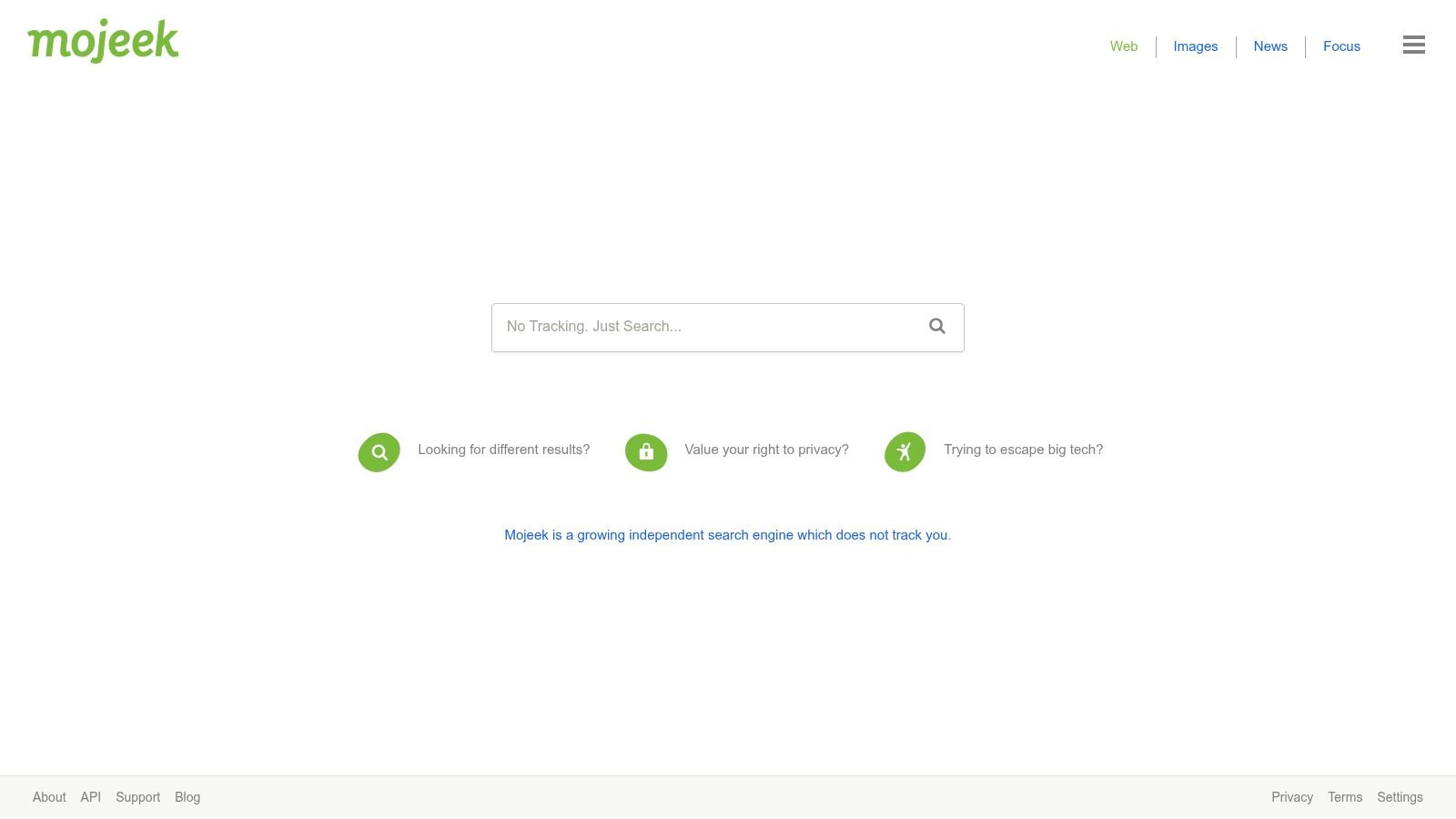
Mojeek is one of the purest examples of what people usually mean when they say they want a non-AI search engine. It crawls and indexes the web with its own crawler, MojeekBot, rather than reusing Google or Bing results. That's a meaningful architectural difference, not just a privacy slogan.
In practice, Mojeek feels stripped back in a good way. You search, you get links, and the page doesn't try to become your research assistant.
Best Use Case
Use Mojeek when independence matters more than convenience. If you're an SEO trying to understand how alternative indexes surface pages, or a researcher trying to escape homogenized rankings, Mojeek is valuable precisely because it's smaller and less blended.
That also creates the obvious drawback. A smaller independent index means you'll hit misses on obscure topics, newer pages, or heavily commercial queries. It isn't the engine I would use for every task, but it is one of the best tools for checking whether the broader web still exists beyond the biggest ranking systems.
- Best for independent-index testing: You get a cleaner read on non-Google, non-Bing discovery.
- Best for classic SERPs: The interface stays direct and link-first.
- Not ideal for convenience search: Local, shopping, and specialized verticals are thinner.
For practitioners, Mojeek is useful as a second opinion engine. When major search results all look crowded, repetitive, or overly optimized, Mojeek can reveal a different slice of the web.
You can search with it at Mojeek.
5. Qwant
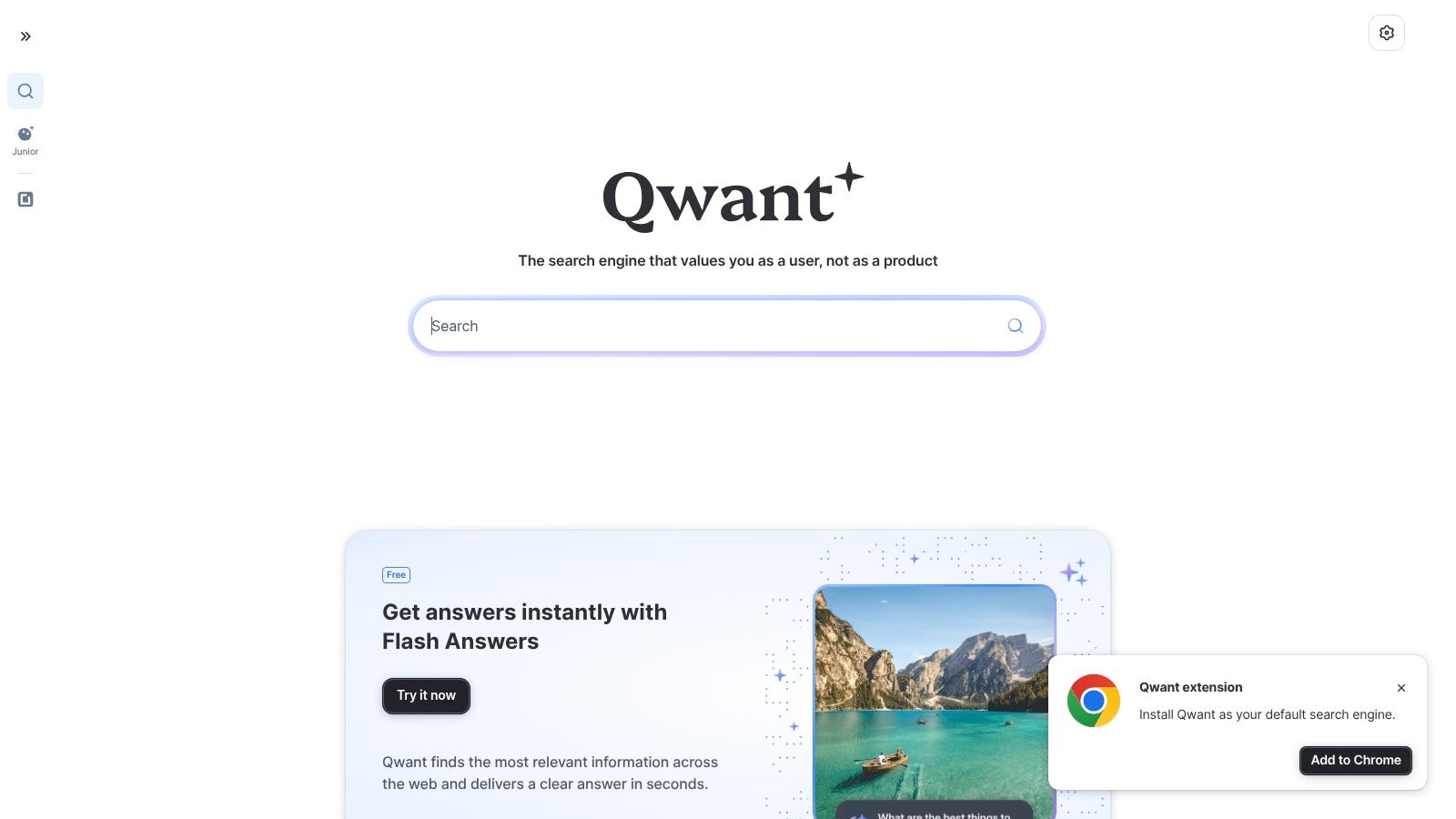
Qwant is a practical middle-ground option. It has a privacy-first identity, a clean interface, and a more mainstream feel than smaller indie engines. For users in Europe, or for teams that care about a stronger privacy posture without jumping to a highly specialized tool, Qwant is often easier to adopt than niche alternatives.
The reason to use Qwant isn't that it beats every engine on relevance. It doesn't. The reason is that it often feels calmer and less invasive while still handling general web search comfortably.
When Qwant Makes Sense
Qwant works best for broad web search, news, images, and family-safe use cases where you want a conventional results page and don't want AI summaries taking over the screen. Qwant Junior also makes it more useful for schools or households that want safer defaults.
Its search stack combines its own indexing components with metasearch inputs, so results quality can vary by query type. In some cases that hybrid model helps. In others, it makes the engine feel less distinct than Mojeek or Brave.
The best way to treat Qwant is as a steady general-purpose backup. It isn't the most opinionated engine here, which is exactly why some users prefer it.
A few trade-offs stand out:
- Best for privacy-oriented mainstream search: It stays accessible for normal users.
- Best for a clean interface: The results page is easy to scan.
- Less reliable for US-specific local intent: Some location-heavy searches can feel uneven.
You can use it at Qwant.
6. Kagi
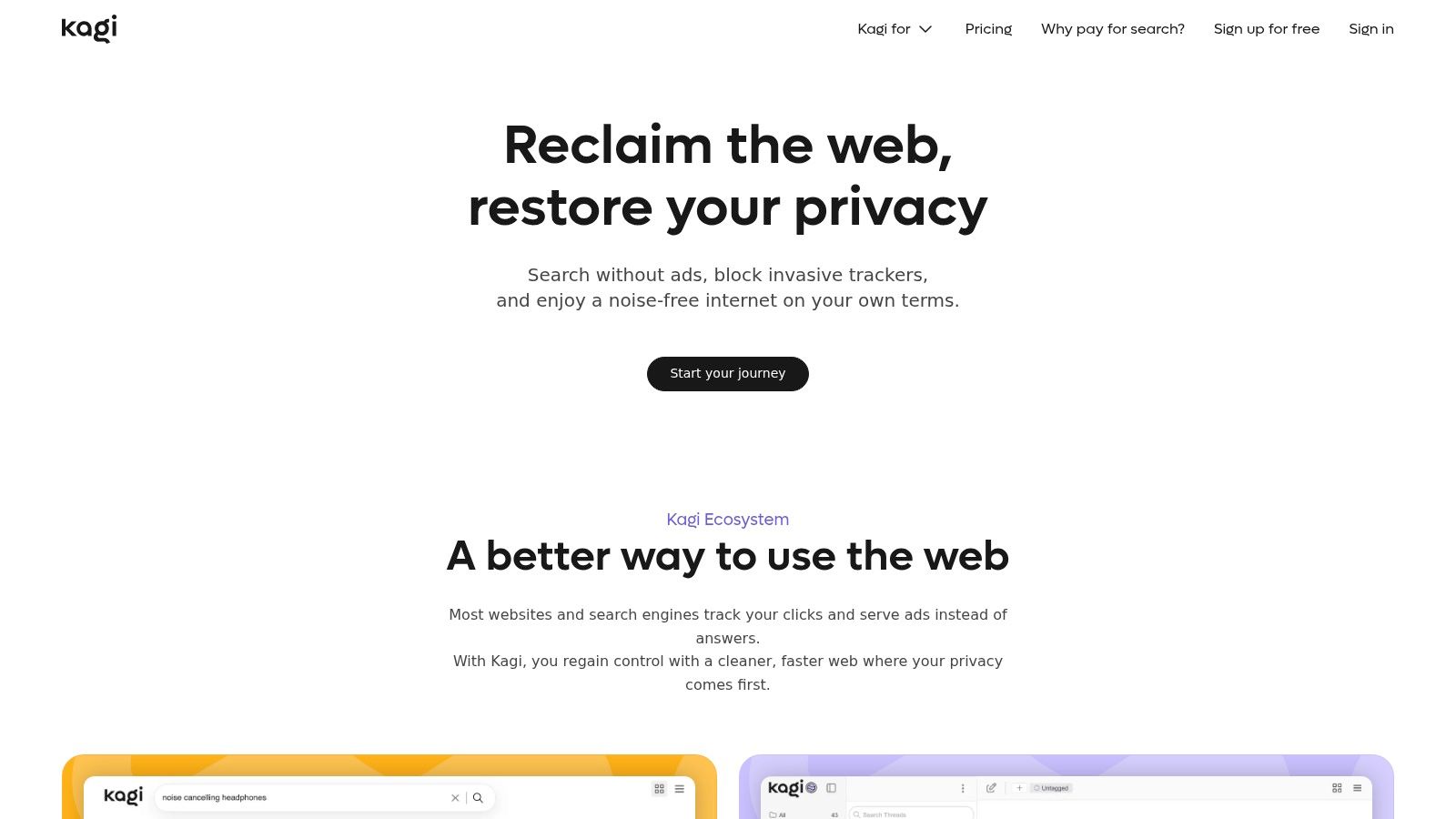
Kagi is the search engine for people who've stopped thinking of search as a free utility and started treating it like a work tool. It's paid, ad-free, highly configurable, and built for users who care about ranking control more than mass-market simplicity.
For serious research, Kagi is one of the few products that feels designed for adults doing focused work. You can block sites, boost sites, build lenses, and shape your own results environment instead of accepting whatever the default feed gives you.
Best for Research and Technical Work
Kagi shines when your problem isn't "find an answer fast" but "find the right sources with less noise." That makes it especially useful for developers, analysts, writers, and SEO teams who repeatedly search the same topic areas and want to tune the results over time.
The biggest catch is obvious. You have to pay, and you need enough search volume and enough frustration with mainstream search to justify that. If your searching is casual, Kagi can feel like overkill.
- Best for source curation: Blocklists and boosts change the quality of repeated searches.
- Best for high-signal work: It reduces the ad-driven and SEO-heavy feel of mainstream search.
- Not best for everyone: Casual users may not need this much control.
Kagi can include assistant features and optional AI integrations, but you can still use it as a link-first engine. That flexibility matters because many people don't want all AI removed forever. They want control over when it appears.
You can try it at Kagi.
7. MetaGer
MetaGer is less polished than the big names on this list, but that's part of its appeal. It's a German nonprofit metasearch engine with a strong privacy stance, optional proxying, and Tor access. If you care about minimizing exposure while comparing results from multiple sources, it's worth keeping in your toolkit.
This is not the engine I'd hand to someone who wants a beautiful interface. It is the engine I'd use when I want a second or third perspective and I don't want that perspective tied to a single dominant index.
Why It Belongs in a Serious Toolkit
MetaGer is useful as a comparison engine. When one search source looks repetitive or suspiciously commercial, a metasearch tool can help you sanity-check what else is out there.
If you're not familiar with the concept, Surnex has a concise explainer on what a metasearch engine is. That framing helps with MetaGer, because this tool makes more sense as a complement than a replacement.
- Best for privacy-first comparison searching: It helps you cross-check major engines.
- Best for nonprofit-minded users: Its organizational model will matter to some people.
- Weakest area: The interface is functional, not inviting.
For English-language users, the experience can feel utilitarian. That's fine if your priority is privacy and perspective rather than polish.
Use it at MetaGer.
8. Ecosia
Ecosia is the easiest recommendation for people who want a conventional search experience with a clear mission attached to it. It feels familiar, the setup is simple, and the company is known for publishing regular reporting around its environmental work.
That doesn't make it the most independent option here. In practice, Ecosia is better understood as a mission-driven general search engine than as a hardcore independent-index play.
Best for Easy Adoption
If you want a default engine that doesn't overwhelm family members, coworkers, or clients, Ecosia is one of the least disruptive choices. You can switch, keep a classic results page, and feel like your searches are supporting something outside the usual ad loop.
Its downside is that relevance often tracks the strengths and weaknesses of partner sources. So if you already know Bing-style results frustrate you on certain query types, Ecosia won't fully solve that.
Use case that works: Ecosia is a good "set it and forget it" engine for users who want a normal search flow and don't want to think about configuration.
A few practical notes:
- Best for simple migration: Browser and mobile setup are straightforward.
- Best for mission-aligned default search: The social angle is central, not decorative.
- Less ideal for specialized research: It's better as a general search companion than a deep research engine.
You can use it at Ecosia.
9. Swisscows
Swisscows takes a firm stance on privacy and family-friendly filtering. That makes it useful for some environments and frustrating in others. If you manage devices for a family, school, or conservative workplace, those stronger filters can be a feature. If you do broad research on sensitive or adult-adjacent topics, they can become a limitation quickly.
The interface is light, direct, and link-first. That's a plus if your only goal is to avoid generative answers and reduce clutter.
Who Should Actually Use It
Swisscows works best for users who want predictable filtering and a safer default search environment. It can also work for general browsing where depth matters less than consistency.
Where it falls short is breadth. Filters can hide legitimate material, and the search depth often mirrors the limitations of partner-powered ecosystems. For journalism, academic work, or unrestricted competitive research, that can get in the way.
- Best for family-safe defaults: Strong filtering is built in.
- Best for a simple interface: It stays focused on links.
- Worst fit for unrestricted research: The safety posture can be too aggressive.
Swisscows is one of those tools that makes sense only if its philosophy matches your actual use case. If it does, it's straightforward and useful. If not, you'll bounce off it fast.
You can try it at Swisscows.
10. Marginalia Search
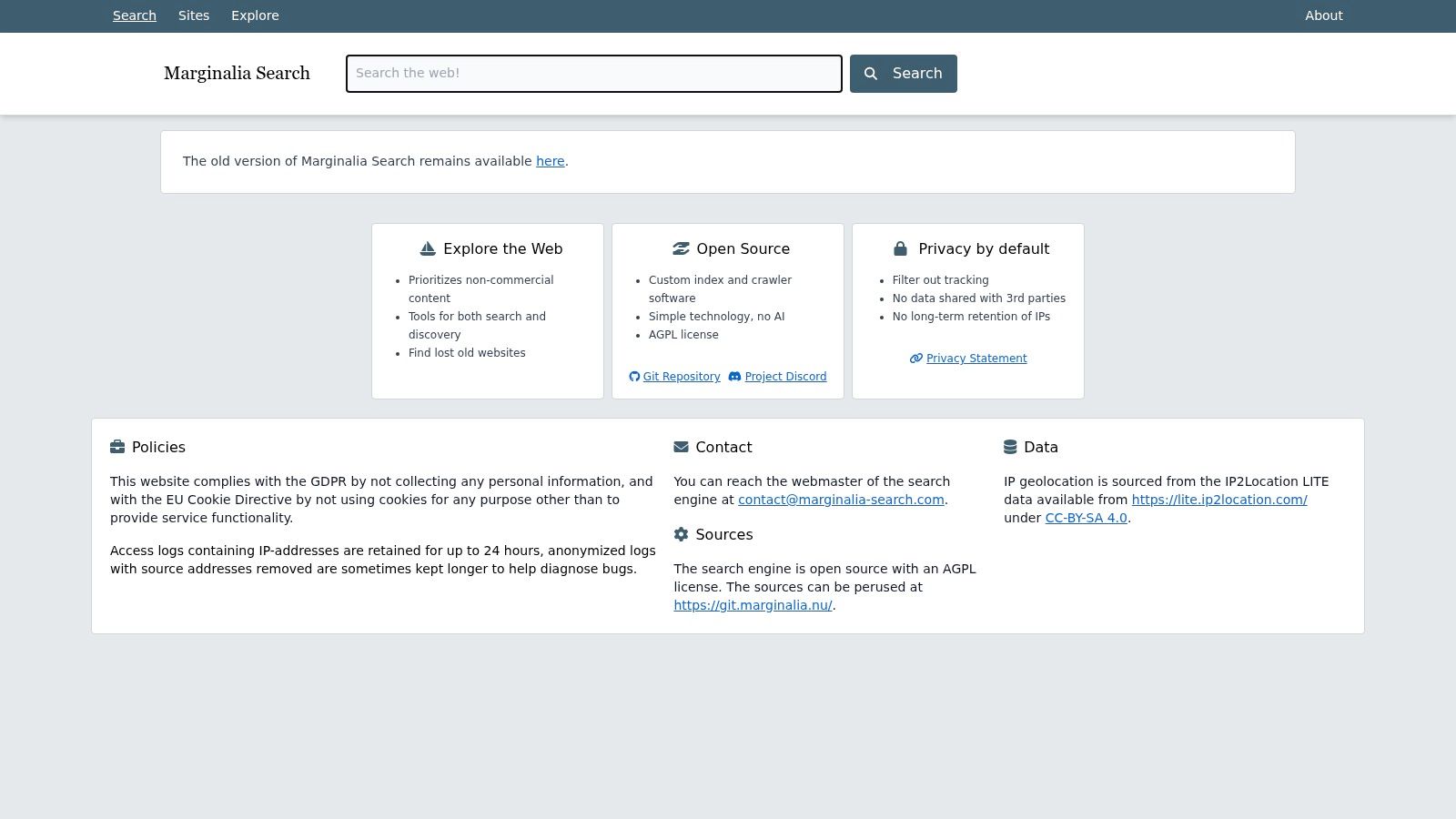
Marginalia Search is the most distinctive option in this list. It prioritizes text-heavy, non-commercial, often small websites. If your complaint about modern search is that everything looks optimized, monetized, templated, and interchangeable, Marginalia is the antidote.
This is not a complete replacement for mainstream search. It is a discovery engine for the older, weirder, more human web.
Best for Discovery Beyond SEO Noise
Marginalia is excellent when you want blog posts, hobbyist sites, independent documentation, niche essays, and pages that don't fit the standard commercial mold. For researchers and writers, that can be particularly valuable because some of the best source material doesn't rank well in large engines anymore.
The flipside is scale. A smaller index means you'll miss plenty of pages, and you won't get the robust verticals people expect from bigger engines.
"Use Marginalia when you want to discover perspectives, not when you need complete coverage."
Its best use cases are surprisingly specific:
- Best for independent web discovery: It surfaces sites that large engines often bury.
- Best for avoiding commercial spam: Affiliate-heavy and overbuilt pages are less central.
- Best used alongside another engine: It complements, not replaces, broader search tools.
For anyone working in SEO or content, Marginalia is also a reminder that discovery is fragmenting. Great pages can still exist outside the rankings commonly tracked.
You can search with it at Marginalia Search.
Top 10 Non-AI Search Engines Comparison
| Engine | Core Features & Privacy | AI stance / SERP ✨ | Relevance & UX ★ | Who it's for 👥 | Price / Value 💰 |
|---|---|---|---|---|---|
| DuckDuckGo | Privacy-first; no logging; Instant Answers & !bang ✨ | AI-free mode available; optional AI features off | ★★★★, familiar, simple; partner gaps | 👥 General privacy-minded users | Free 💰 |
| Startpage | Private proxy for Google results; Anonymous View ✨ | Classic Google-style SERP; no AI summaries | ★★★★, high relevance; fewer verticals | 👥 Users wanting Google relevance privately | Free 💰 |
| Brave Search | Independent web index; Goggles & Discussions ✨ | Optional AI summarizer (can be disabled) | ★★★★, diversifying results; growing depth 🏆 | 👥 Power users & privacy seekers | Free; opt-in features 💰 |
| Mojeek | Own crawler & index; strict no-tracking ✨ | No AI summaries; link-first SERP | ★★★, true independence; smaller index | 👥 Users valuing independence & classic SERP | Free 💰 |
| Qwant | EU-focused privacy; own + metasearch index; Qwant Junior ✨ | No AI summaries by default | ★★★, clean UI; regional relevance varies | 👥 EU users, families, privacy-conscious | Free 💰 |
| Kagi | Paid, ad-free; lenses, boosts, blocklists ✨ 🏆 | Optional AI assistant; highly customizable SERP | ★★★★★, high signal-to-noise for research | 👥 Researchers, power users, devs | Paid subscription 💰 (premium) |
| MetaGer | Non-profit metasearch; Tor & anonymous proxy ✨ | Aggregated results; no AI summaries | ★★★, utilitarian UX; source-dependent depth | 👥 Privacy-first researchers & comparators | Free / donations 💰 |
| Ecosia | Bing-powered; funds tree-planting; transparency ✨ | Classic SERP; no forced AI summaries | ★★★, familiar; follows Bing limitations | 👥 Users wanting impact + easy switch | Free 💰 |
| Swisscows | Family-friendly SafeSearch; link-first interface ✨ | No generative answers; conservative filtering | ★★★, predictable; filters may restrict results | 👥 Families & conservative-filter users | Free 💰 |
| Marginalia Search | Open-source crawler; text-rich, non-commercial focus ✨ | No AI features; link-first, research-oriented | ★★★, excellent niche discovery; small index | 👥 Researchers & niche-content hunters | Free / open-source 💰 |
Choosing Your Search Lens A Final Takeaway
A late-night search session usually makes the choice clear. One engine keeps sending you to polished landing pages and recycled SEO articles. Another gets you the forum post, the GitHub issue, the old blog entry, or the tiny site written by someone who solved the problem.
That is the practical case for non-AI search. It is not a purity test, and it is not about picking one winner for everything. It is about choosing the right search lens for the job.
Daily browsing and quick fact-finding often work fine on DuckDuckGo. Startpage is useful when you want Google's index but do not want to hand Google the full search relationship directly. Brave Search and Mojeek matter for a different reason. They give you a way to check results outside the dominant indexing pipelines, which is useful when the mainstream SERP feels too commercial or too uniform.
The trade-offs get more obvious in focused work.
Kagi is often the strongest option for research because you can tune the result set instead of accepting whatever the default ranking gives you. Marginalia Search is valuable for coding, documentation hunts, and obscure technical questions because it tends to surface smaller, text-heavy pages that larger engines bury. MetaGer works well as a comparison layer when you want another pass across sources without switching your whole workflow to a new default.
This shift matters for anyone publishing online. Analysts at Wix reported growing use of AI search in their Wix Studio analysis of AI search vs. Google. At the same time, classic link-first search still plays a big role in how people research products, verify claims, and find niche information. Discovery now happens across multiple systems, and each system favors different content formats.
The label "non-AI search engine" also needs precision. For many users, it means the interface does not put a generated answer in front of the links. Some engines still use machine learning in ranking or spell correction, a point raised clearly in this Hacker News discussion about AI-free search. The useful question is more direct. Do you want search results you can inspect, compare, and open yourself?
That change affects SEO and brand visibility. If your team needs a clearer view of how a brand appears across classic search results and newer AI discovery surfaces, Surnex tracks those patterns across both. That is useful now that attention is splitting between link-based search, answer engines, and recommendation layers.