A client call is in an hour. Rankings are in one platform, backlink data is in another, technical issues sit in a crawl report, conversions live in analytics, and nobody has a reliable answer about whether the brand appears in AI-generated search results. The team can stitch everything together manually, but that process creates delays, inconsistent definitions, and reports that explain activity rather than business impact.
Useful SEO reports software should do more than export charts. It should give your team control over the underlying data, branded client delivery, scheduled automation, dependable connectors, API access, and pricing you can forecast as accounts grow. It should also help explain visibility beyond traditional rankings, including citations and brand mentions across AI search surfaces.
The tools below fall into three practical groups: unified SEO suites that generate and report their own data, reporting-first platforms that combine multiple sources into client dashboards, and AI-search-oriented systems built to measure emerging visibility. The SEO software market's expansion into a major global software category reinforces why agencies should treat reporting infrastructure as a core operating system, not an experimental add-on. One forecast places the market at USD 74.82 billion in 2024, USD 84.94 billion in 2025, and USD 265.91 billion by 2034, with a projected CAGR of 13.52% from 2025 to 2034 (SEO software market forecast). For broader context on how agencies are adapting to AI-search workflows, see this guide to AI SEO automation.
1. Surnex
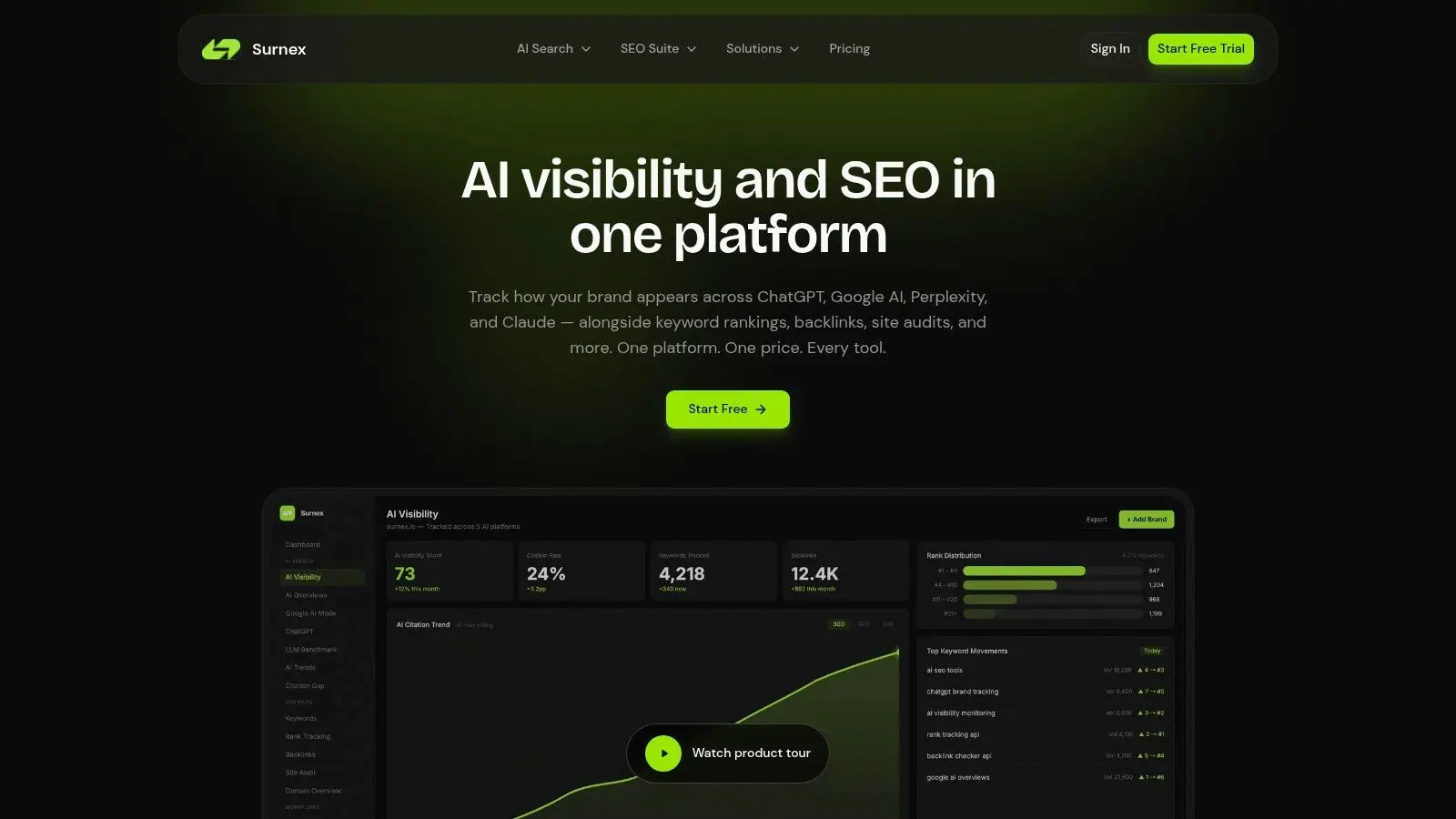
Surnex is the strongest fit when a client report must explain both conventional SEO performance and what happens inside AI-generated answers. It combines rank tracking, keyword research, backlink analysis, site audits, Core Web Vitals, domain overviews, and local SEO workflows with visibility monitoring across Google AI Overviews, Google AI Mode, ChatGPT, Perplexity, and Claude.
That combination changes the reporting conversation. A traditional report can show that a page ranks well, but it won't necessarily show whether a competitor is being cited in an AI answer while the client is absent. Surnex adds citation gap analysis and LLM benchmarking, giving strategists a more useful way to identify content and link opportunities.
Best for unified AI and SEO reporting
Surnex is API-first, so it suits agencies that want a dashboard today and a more automated reporting stack later. Teams can use white-label reports for recurring client delivery, while developers can connect the platform to internal dashboards, agents, or products through its REST API and automation hooks.
Every plan includes unlimited users and projects, and white-label reports start on the Agency plan. Usage is organized through four monthly plans priced from $49 to $399, and the trial gives 14 days of the Growth plan without a credit card (Surnex pricing). That model is transparent, but agencies must forecast how often they track keywords, prompts, domains, and AI surfaces.
Practical rule: Run the trial against one representative client before standardizing your reporting template. Measure the data consumed by a normal reporting cycle, not just the initial setup.
Surnex's main limitation is visible social proof. Its website doesn't present formal customer quotes, published case studies, awards, or certifications prominently, so larger agencies should validate fit through the trial or direct references. For teams that need AI visibility, traditional SEO data, white-label delivery, and automation in one workflow, the trade-off is worth testing.
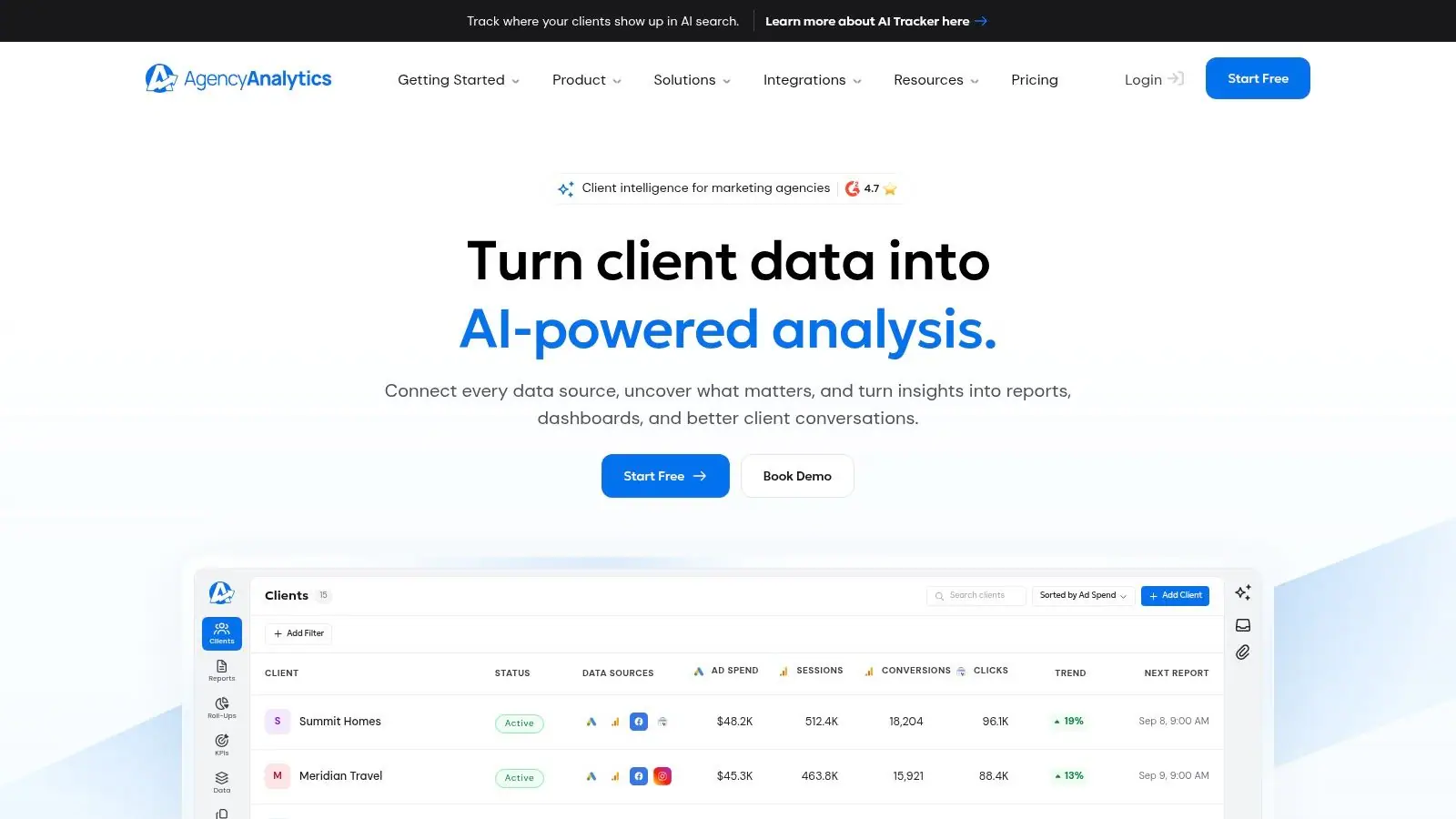
2. AgencyAnalytics
AgencyAnalytics is built around the agency's recurring client-reporting problem. It brings together 85+ marketing and SEO integrations, including GA4, Google Search Console, Semrush, Ahrefs, Google Business Profile, social platforms, call tracking, ecommerce sources, databases, Google Sheets, and API connections.
The platform's strength is delivery rather than native SEO research. Agencies can create branded dashboards, scheduled reports, secure client portals, custom domains, and branded sender email without forcing clients to log into the underlying data sources. Roll-up reporting helps teams review multiple accounts, while anomaly detection and AI summaries can standardize the internal review before a report goes out.
Where the pricing model helps
AgencyAnalytics uses per-client pricing with unlimited users, reports, and data sources. That's easy to explain internally because the cost follows the number of active client accounts rather than every seat or dashboard. It works particularly well for agencies with many collaborators who need access to the same accounts.
The limitation is that rank tracking and AI visibility tracking are optional add-ons. An agency that starts with dashboards and later adds native tracking needs to recalculate its margin per client. Some advanced roll-up views also don't cover every integration, so test the exact multi-client view you plan to use before promising executive reporting.
For a detailed look at how agencies can structure recurring workflows, review this guide to SEO agency reporting software. AgencyAnalytics is a strong choice when your data already lives across many systems and the main job is to normalize it into a polished client experience.
3. DashThis
DashThis is designed for teams that need a presentable dashboard quickly, without turning every account into a reporting engineering project. Its templates combine sources such as GA4, Google Search Console, backlink tools, and other marketing platforms into dashboards that clients can access through secure URLs or scheduled email delivery.
The interface is the main appeal. A strategist can start with an SEO template, adjust the widgets, apply agency branding, and produce a report that feels consistent across accounts. White-label options include a custom domain and custom sender email, while PDF export supports clients who still prefer a document for monthly reviews.
A good reporting layer, not a full SEO suite
DashThis works best when another platform already generates the SEO data. It can present rankings, traffic, and backlink information clearly, but it isn't the tool I'd choose as the primary environment for keyword discovery, technical diagnosis, or backlink prospecting. The optional AI Insights Pro add-on can help with narrative analysis, though teams should still review generated explanations before sending them to clients.
Pricing is based on the number of dashboards and data sources, with unlimited users across plans. That makes user access simple, but agencies must forecast dashboard growth carefully. A client with separate regional, business-unit, or campaign dashboards can consume capacity faster than the account count suggests.
A polished report can't repair inconsistent source definitions. Decide which platform owns each KPI before you build the template.
DashThis is a practical fit for small and mid-sized agencies that value speed, visual clarity, and low training overhead. It becomes less attractive when the agency wants native SEO intelligence, AI citation analysis, or deep workflow automation in the same subscription.
4. Swydo
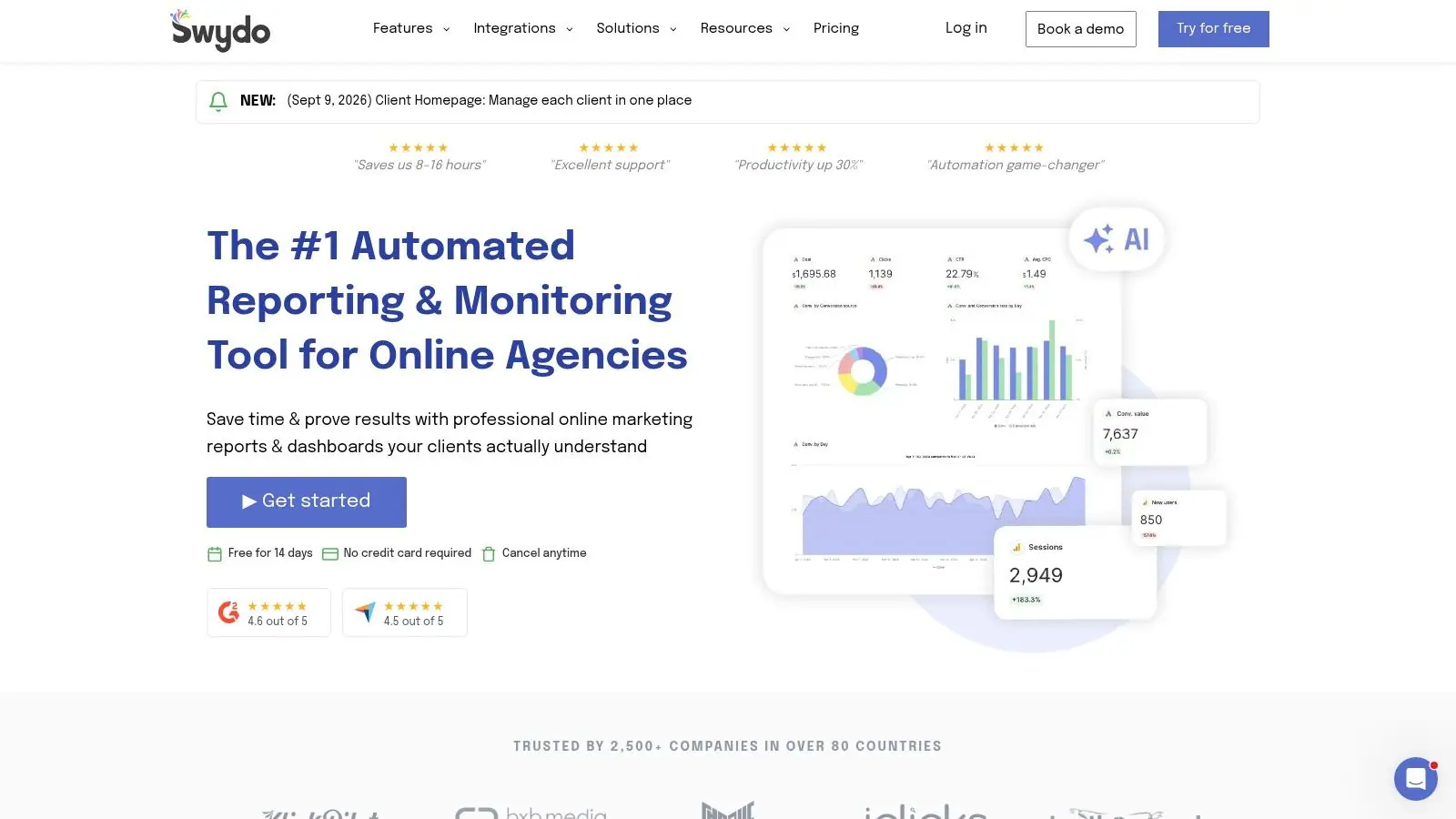
Swydo takes a reporting-first approach with a pricing structure that can suit agencies managing many small accounts. It provides unlimited clients, users, dashboards, and reports, while billing is organized around data sources rather than individual clients or seats.
That distinction matters for agencies with a large portfolio and relatively consistent reporting templates. Once the core sources are connected, the team can apply white-label branding, custom domains, branded email, scheduled reports, custom metrics, and SEO templates across accounts without treating every additional user as a separate cost driver.
Where Swydo fits operationally
Swydo connects directly with GA4 and Google Search Console and can bring in data from tools such as Semrush or SE Ranking through Google Sheets. Its AI-assisted summaries and report builder can reduce the time needed to turn dashboard data into a narrative, but they don't replace strategist review. The person sending the report still needs to explain seasonality, tracking changes, landing-page shifts, and business context.
The trade-off is connector depth. Swydo's integrations catalog is slimmer than some broader marketing dashboards, and the platform relies on external tools for SEO research, audits, and competitive analysis. That can be an advantage if your agency already has a preferred SEO suite, but it creates more ownership points in the stack.
Use Swydo when the agency's problem is repeatable presentation at scale. Don't choose it expecting a complete environment for generating keyword, backlink, or technical SEO insights. It is a reliable reporting layer, especially when the team values unlimited client and user access more than native data generation.
5. Raven Tools
Raven Tools combines client reporting with core SEO utilities, which makes it useful for agencies that don't want a separate reporting product and SEO toolkit for every account. It includes white-label reports, site audits, rank tracking, backlink management, CSV exports, and integrations spanning organic and paid channels.
The platform can pull together data from Moz, Majestic, Google Search Console, Google Analytics, Google Ads, and Meta Ads. That gives an agency enough range to present SEO alongside paid and social performance while keeping the campaign workspace relatively centralized.
The cost of frequent rank checks
Raven Tools bills rank tracking through rank position checks, or RPC usage. That structure can work for light tracking, but frequent checks across many keywords, locations, devices, or clients can make usage harder to predict. Before rolling it out, define the reporting cadence and the exact tracking scope for a representative account.
Its site audit and backlink manager are useful for teams that want actionable SEO data near the report itself. The downside is that the interface and feature depth may feel dated compared with newer suites, particularly for teams expecting advanced AI visibility analysis or modern workflow automation.
Raven Tools makes sense when cost control and broad campaign reporting matter more than the newest interface. It can cover a lot of agency basics, but teams should test how comfortably it handles their client narrative, approval process, and recurring rank-tracking volume.
6. SE Ranking
SE Ranking is a full SEO platform with reporting built into the same subscription. It generates the underlying data through rank tracking, site audits, backlink monitoring, and keyword workflows, then turns that data into branded reports through its Report Builder.
That unified model reduces tool sprawl. A strategist can investigate a ranking change, inspect technical findings, review backlink movement, and include the relevant evidence in a scheduled client report without exporting from several specialist systems. White-label features include platform branding, custom SMTP sender support, and scheduled delivery.
Strong native data generation
SE Ranking also offers Looker Studio connectors and an Agency Pack add-on with unlimited scheduled reports, AI summaries, client seats, and lead-generation widgets. The SMTP option is especially useful when the agency wants reports to arrive from its own domain rather than from a visible software vendor.
The limitation is pricing complexity. Keyword volume, billing term, project limits, and the Agency Pack all affect the total cost, so a simple headline plan comparison won't tell you what a mature agency account will spend. Model usage using your actual projects and tracked terms.
SE Ranking is a good choice for agencies that want a serious SEO research environment and a client-ready reporting layer in one place. It is less suitable if your priority is connecting a wide range of non-SEO sources into a flexible executive dashboard.
7. Semrush
Semrush is a natural choice for agencies that want native SEO research, competitive intelligence, and reporting under one account. Its My Reports module uses a drag-and-drop builder to combine Semrush data from rank tracking, Site Audit, backlinks, and on-page workflows with external sources such as GA4, Google Ads, and social platforms.
The reporting workflow starts with data generation rather than presentation. That helps a strategist move from identifying a keyword or technical issue to explaining it in the monthly report. Templates for monthly SEO, GA4, Google Search Console, Google Ads, and comparison views reduce setup time for recurring accounts.
Powerful, but easy to overbuy
Semrush supports branded reports, scheduled automated delivery, and AI visibility context in reporting templates. Its broad ecosystem is valuable for agencies that need competitor analysis, content research, PPC context, and SEO reporting in one workspace.
The same breadth creates friction for smaller teams. Setup can feel complex, and the plan or product combination that includes the required white-label features should be confirmed before purchase. Agencies should also separate two decisions: whether they need Semrush's research data, and whether My Reports is sufficient for their client delivery model.
Semrush is strongest when the agency uses its research depth every week. If the only requirement is a clean monthly dashboard assembled from GA4 and Search Console, a reporting-first tool may be easier to operate and defend financially.
8. Ahrefs
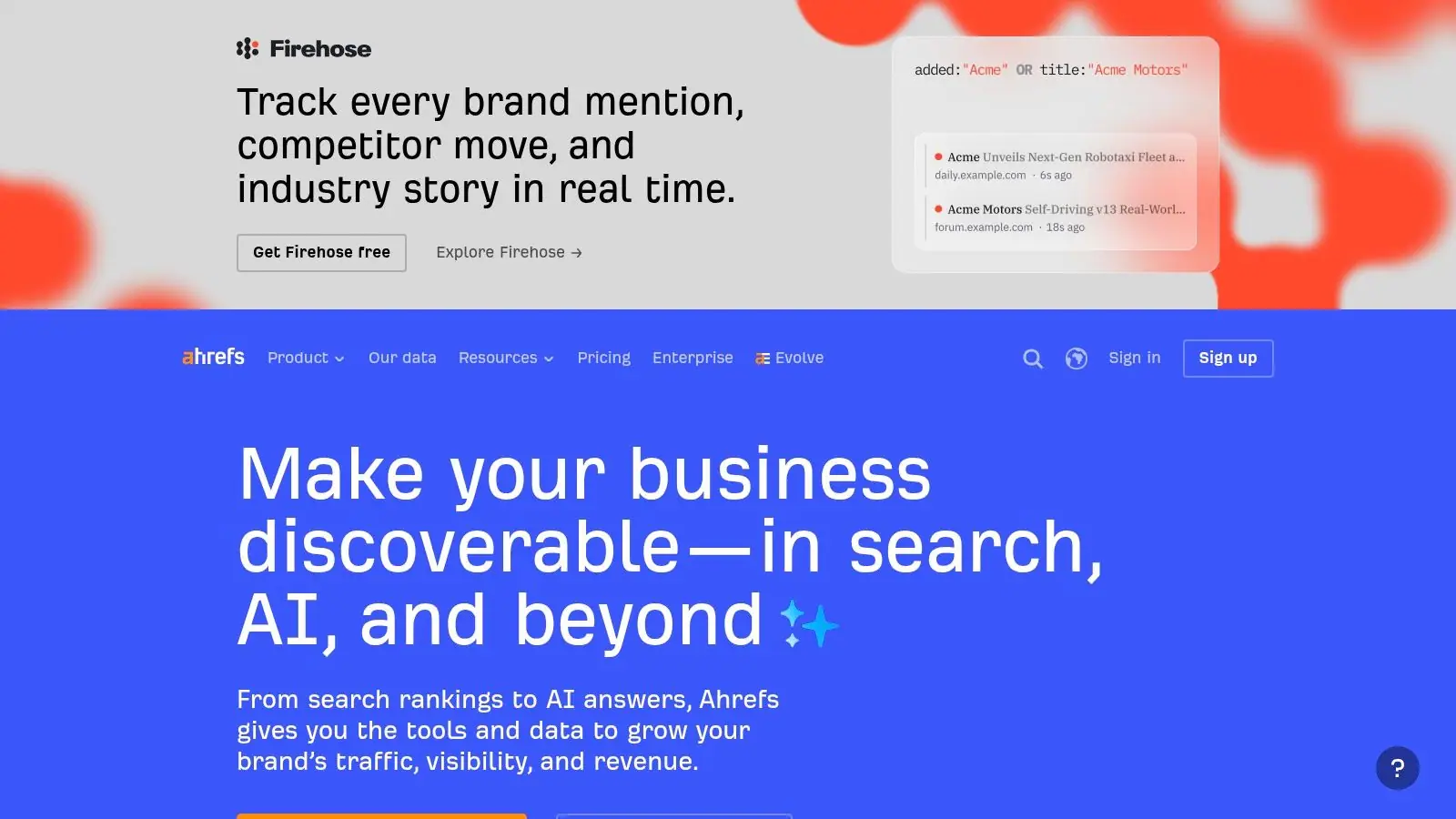
Ahrefs is best known for its backlink and keyword research depth, and its Report Builder extends that data into scheduled PDF reporting. Teams can use metric widgets, commentary blocks, flexible scheduling, and templates for monthly SEO, competitor intelligence, local rankings, and AI visibility.
The advantage is direct access to the same datasets used during research. A strategist can investigate a lost link or keyword movement in Site Explorer, Keywords Explorer, Site Audit, or Rank Tracker, then place the relevant metric into a report without introducing another data layer.
Strong SEO evidence, narrower source coverage
Recipients don't need an Ahrefs login to view a report, which removes a common client-access obstacle. The platform also supports exports and an API ecosystem for agencies that want to build supplementary workflows around its data.
The limitation appears when the report must combine many non-Ahrefs sources. GA4, CRM, paid media, and operational data may require connectors, exports, or a separate dashboarding tool. Report Builder scheduling and volume limits also depend on the selected plan and optional add-ons, so agencies should test the exact delivery pattern they intend to run.
Ahrefs suits agencies whose client story is primarily organic search, backlinks, content opportunities, and competitor movement. It isn't the most natural central hub for a fully integrated, multi-channel business report unless the team is comfortable building the missing connections elsewhere.
9. Moz Pro
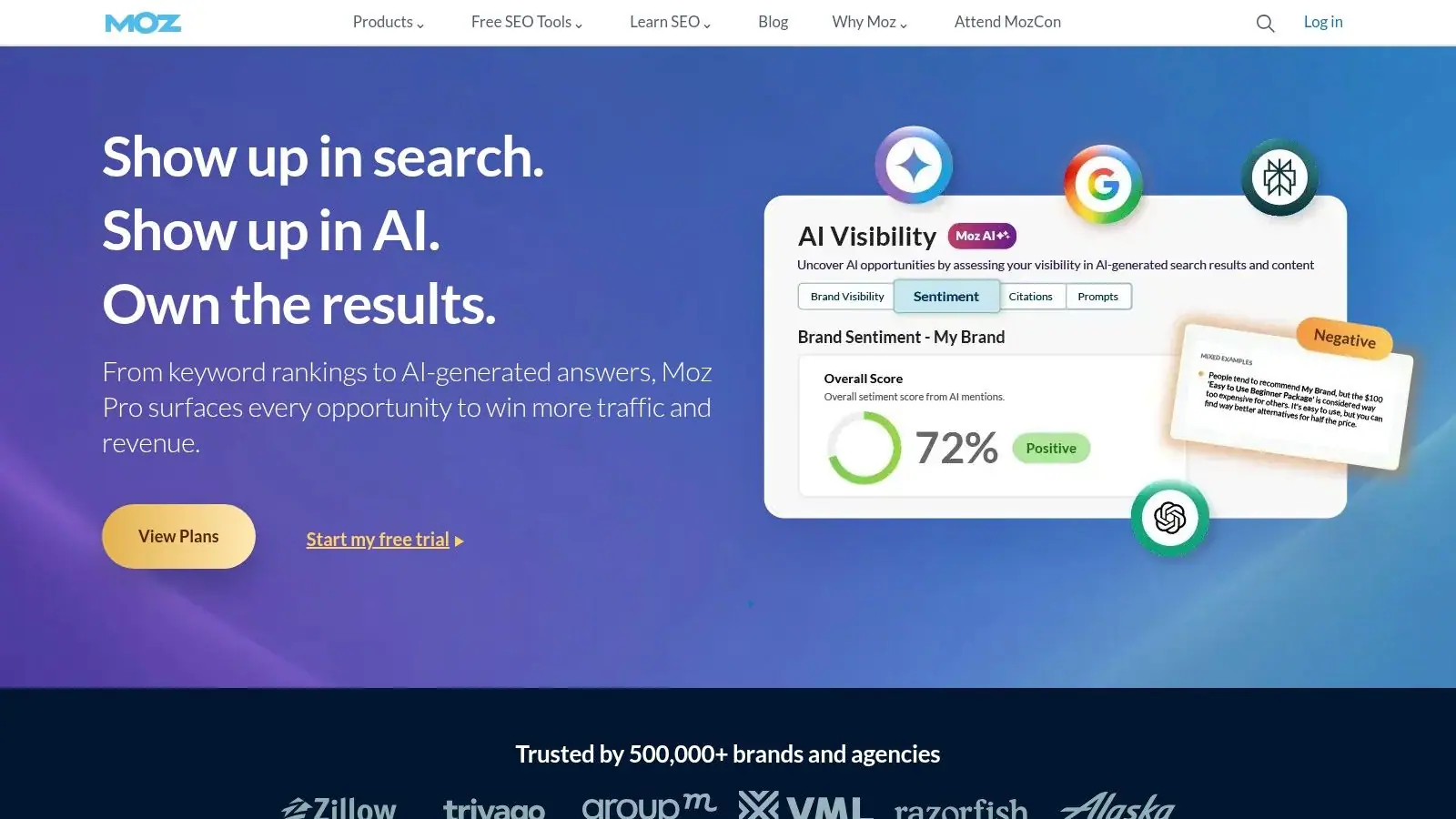
Moz Pro keeps the reporting workflow straightforward. Its Custom Reports builder creates scheduled, customizable PDF reports from campaign data such as rankings, site crawl findings, and on-page recommendations. Teams can also export campaign data to PDF or CSV for offline reviews and client meetings.
That simplicity helps smaller teams avoid a long implementation cycle. Moz Pro includes the core SEO functions needed to generate a credible report, including rank tracking, site crawling, and keyword research. A consultant can keep the research and scheduled delivery in one familiar environment.
A focused option for core SEO
Moz Pro has fewer native external connectors than reporting-first platforms, so it isn't designed to be the central layer for a broad analytics, CRM, paid media, and ecommerce stack. If a client expects one dashboard covering every acquisition channel, the agency may need Looker Studio, Sheets, or another reporting system alongside Moz.
Feature limits and report caps vary by edition, so verify the current plan before assigning a large client portfolio. Moz Pro works well when the report stays focused on organic visibility and technical health. It becomes less compelling when the agency needs AI citation tracking, deep cross-source normalization, or a highly customized client portal.
10. SEOmonitor
SEOmonitor is built around agency campaign operations as much as SEO analysis. It includes report management status across campaigns, email digests, alerts, Looker Studio and Google Sheets connectors, daily rank tracking, AI Overviews and AI Search visibility connectors, and an unrestricted API.
The campaign status workflow is useful for account managers managing many reporting deadlines. Seeing whether a report is submitted, pending, or overdue turns reporting from an individual reminder system into an operational process. Signals and performance digests also help teams contact clients proactively when something important changes.
Strong for custom agency stacks
SEOmonitor's connectors and API make it a good fit for agencies that already have an internal reporting layer or want to assemble one. The platform can provide SEO and AI-search data while the agency controls the final dashboard, data model, and client experience.
Pricing scales by keyword and AI-search volumes, and public pricing is shown in EUR by default. That means agencies need to model currency, tracked terms, AI prompts, and account growth before comparing it with per-client or per-dashboard alternatives. Smaller teams may also find its broader campaign-management feature set heavier than they need.
Use SEOmonitor when operational control, alerts, connectors, and AI-search tracking are central to the service. For a simple PDF report with a few SEO metrics, its capabilities may exceed the workflow.
For agencies trying to reduce repetitive manual work, this guide to automate SEO reporting offers useful workflow context.
Top 10 SEO Reporting Tools Comparison
| Product | Core features | Quality (★) | Price & value (💰) | Target (👥) | Unique selling points (✨ / 🏆) |
|---|---|---|---|---|---|
| 🏆 Surnex | AI visibility + full SEO suite (ranks, backlinks, audits, APIs) | ★★★★★ | 💰 Four plans $49–$399/mo; 14‑day trial | 👥 Agencies, in‑house teams, developers | 🏆 Recommended, ✨AI Overviews & LLM benchmarking; citation‑gap analysis; API‑first & white‑label |
| AgencyAnalytics | Branded client dashboards, 85+ integrations, client portals | ★★★★ | 💰 Per‑client pricing; predictable for multi‑accounts | 👥 Client‑focused agencies | ✨85+ native connectors; scheduled reports & client portal |
| DashThis | Polished dashboards, templates, exports, white‑label | ★★★★ | 💰 Tiered by dashboards & sources; unlimited users | 👥 Agencies needing fast, branded reports | ✨Fast setup; visually polished templates; PDF/email automation |
| Swydo | White‑label reports, unlimited clients, AI summaries | ★★★★ | 💰 Per‑data‑source billing (good for many small clients) | 👥 Multi‑client agencies | ✨Per‑source billing; AI‑assisted report builder; unlimited dashboards |
| Raven Tools | Reporting + audits, backlink manager, integrations | ★★★ | 💰 Cost‑effective; RPC charges for rank checks | 👥 Teams wanting reporting + core SEO tools | ✨Site audits + backlink tools bundled with reporting |
| SE Ranking | Rank tracking, audits, backlink monitoring, Report Builder | ★★★★ | 💰 Subscription; Agency Pack add‑on for unlimited reporting | 👥 Agencies seeking research + white‑label | ✨Agency Pack (white‑label + AI summaries); daily tracking |
| Semrush | Comprehensive SEO toolkit + My Reports builder | ★★★★ | 💰 Higher‑tier for white‑label; broad feature set | 👥 Teams needing deep research + client reports | ✨All‑in‑one research + report templates; mature ecosystem |
| Ahrefs | Authoritative backlink & keyword datasets + Report Builder | ★★★★ | 💰 Mid‑to‑high; report limits vary by plan | 👥 SEO researchers & agencies | ✨Top backlink data; automated report scheduling |
| Moz Pro | Rank tracking, site crawl, custom reports | ★★★ | 💰 Entry‑level options; edition limits apply | 👥 Small teams & SEO beginners | ✨Simple reporting flow tied to core Moz metrics |
| SEOmonitor | Campaign reporting, API, AI search connectors, alerts | ★★★★ | 💰 Scales by keywords/AI volumes (prices shown in EUR) | 👥 Agency campaign managers | ✨Unrestricted API, AI Overviews connectors, report status workflows |
Choose the Reporting Stack You Can Sustain
There isn't one universal winner because agencies don't all have the same reporting architecture. The right choice depends on where your data originates, who owns the client narrative, how often reports go out, and whether AI-search visibility is now part of the service you sell.
Choose Surnex when you need AI visibility, citation gaps, traditional SEO metrics, white-label workflows, and API automation in one platform. It is especially relevant when clients ask why rankings and traffic no longer tell the whole story. Surnex can show conventional SEO signals alongside visibility across Google AI experiences, ChatGPT, Perplexity, and Claude, which gives strategists a stronger basis for explaining where a brand is cited, summarized, or excluded.
Choose AgencyAnalytics, DashThis, or Swydo when the agency's main requirement is polished, multi-source client reporting. AgencyAnalytics is the broadest fit for connector-heavy workflows and client portals. DashThis is attractive when speed and presentation matter more than native SEO research. Swydo suits agencies that want unlimited clients and users while managing cost around data sources.
Choose SE Ranking, Semrush, Ahrefs, Moz Pro, or Raven Tools when native SEO data generation matters most. SE Ranking combines research and reporting in one workflow. Semrush offers a broad research ecosystem and multi-channel report construction. Ahrefs is compelling for backlink and keyword-led analysis. Moz Pro keeps core SEO reporting simple. Raven Tools adds agency reporting to audits, rank tracking, and backlink utilities.
Choose SEOmonitor when agency campaign operations, alerts, connectors, and AI-search tracking are central. Its report-status workflow and API are particularly useful for teams with internal processes that extend beyond a vendor dashboard.
Before migrating, test one representative client. Don't use a clean, simple account for the trial. Pick an account with the source mix, reporting cadence, regional tracking, conversion data, and stakeholder expectations that your team handles most often.
Map every recurring report input. Record which platform owns rankings, audits, backlinks, organic traffic, conversions, CRM outcomes, and AI visibility. Then calculate expected usage under the actual pricing model. Per-client pricing, dashboard pricing, data-source pricing, rank-check usage, keyword limits, AI-search volumes, and usage-capped plans create very different cost curves.
Finally, verify the current limits before you sign. Check white-label branding, custom domains, sender settings, scheduled delivery, PDF exports, secure links, AI visibility coverage, API access, connector availability, client seats, and usage allowances. Product plans change, and a reporting workflow that looks affordable at launch can become difficult to sustain when every client receives a different dashboard.
The best SEO reports software is the stack your team can operate accurately every month. A report that arrives late, mixes incompatible definitions, or hides important AI-search changes creates more work than it removes. Select the platform that matches your delivery model, validate it with real client data, and make the reporting process repeatable before expanding it across the portfolio.
Surnex combines AI-search visibility tracking, citation gap analysis, rankings, backlinks, audits, Core Web Vitals, white-label reporting, and an API-ready workflow for modern agency reporting. Visit Surnex to test the platform with a representative client and see whether one unified system can replace the manual stitching in your current reports.