Your SEO process probably looks familiar. Export from Google Search Console. Clean the sheet. Pull crawl data. Check titles. Compare competitors. Update a report. Then do it again next week for another client.
That workflow works until the account list grows, the site gets bigger, or leadership asks harder questions. Manual SEO breaks first in the boring places: repeated exports, inconsistent checks, and analysis that depends on whoever had time to look. That’s where python for seo stops being a nice technical extra and starts becoming part of the job.
I’ve seen the biggest gains come from simple scripts that remove recurring friction. Not glamorous machine learning projects. Just reliable automation that checks pages, processes search data, and flags changes before they become client problems.
Why Python for SEO Is Your New Superpower
Most SEO teams don’t lose time on strategy. They lose it on repetition.
A specialist downloads ranking data, copies columns into a spreadsheet, fixes formatting issues, filters for branded terms, and tries to compare this week with last week. Someone else exports crawl results, hunts for missing metadata, and sends over a CSV nobody wants to open. The work is necessary, but it doesn’t scale.
Python changes the operating model. Instead of touching the same dataset over and over, you write the logic once and run it whenever you need it. That’s the difference between “doing SEO tasks” and building SEO systems.
Why manual SEO hits a wall
Traditional workflows rely on people to repeat low-value steps:
- Data exports: Pulling the same files from GSC, crawlers, and analytics tools.
- Spreadsheet cleanup: Renaming columns, removing junk rows, fixing encoding problems.
- Basic checks: Looking for duplicate titles, broken links, thin metadata, or redirect chains.
- Competitive review: Repeating the same SERP checks across clients and keyword groups.
That’s manageable on a small site. It gets messy fast on larger accounts.
According to 85Sixty’s analysis of Python in SEO, Python has become a powerful tool for automating manual SEO work, and the seoanalyze script runs considerably faster than commercial tools like Screaming Frog for basic analysis tasks. The same piece also notes that Python can process enterprise-scale datasets, including workflows built around 130,000+ keywords, which is where spreadsheet-first SEO starts to break.
Practical rule: If a task happens every week, Python should probably own it.
The real advantage is control
Python doesn’t just save time. It gives you control over logic, data structure, and output. You decide what to crawl, how to classify pages, which errors matter, and what goes into a report.
That matters in agency work because clients rarely fit cleanly inside one third-party interface. One account needs custom hreflang checks. Another needs product page extraction. Another needs daily change detection tied to rankings. Scripts handle those differences better than generic dashboards.
Teams also use Python to automate recurring work like ranking updates, backlink monitoring, traffic forecasting, and competitor analysis, reducing dependence on expensive tool interfaces, as described in the same 85Sixty overview of Python-driven SEO operations.
Python is now part of modern SEO execution
You don’t need to become a software engineer to get value from python for seo. You do need to think like someone building repeatable processes.
That shift is the superpower. Once the repetitive work moves into scripts, your time goes back to diagnosis, prioritization, and strategy. That’s where senior SEO work takes place.
Building Your Python SEO Toolkit
The best python for seo setup is boring. It should be easy to install, easy to rerun, and hard to break.
A lot of beginners make the same mistake. They install packages globally, paste scripts into random files, and don’t separate one client project from another. It works for a day, then dependencies conflict and nothing runs cleanly.
Start with a clean local setup
Install Python from the official distribution for your operating system, then create a project folder for your SEO scripts. Inside that folder, use a virtual environment so each project has its own dependencies.
A practical structure looks like this:
/project-namefor the client or workflow/datafor raw exports and API pulls/outputfor reports and cleaned CSVs/scriptsfor the actual Python filesrequirements.txtto lock package versions
Use a virtual environment before you install anything. That prevents one crawling project from breaking another because of package version mismatches.
Keep every script tied to a clear input and output. If you can’t tell what goes in or what comes out, the workflow isn’t production-ready.
For teams that want a stronger foundation in working with datasets, this overview of Python programming for data analysis is useful because it explains the mindset behind data handling, not just syntax.
The core libraries that actually matter
You don’t need a huge stack to start. Most SEO automation work sits on a small set of dependable libraries.
Requests
Use requests when you need to fetch URLs, call APIs, or download data from a service like Google Search Console.
It’s the workhorse for:
- pulling endpoint responses
- checking status codes
- sending authenticated API calls
- collecting HTML before parsing it
If a task involves HTTP communication, requests is usually your first tool.
BeautifulSoup
Use BeautifulSoup when you need to parse HTML from a page and extract specific elements like title tags, meta descriptions, canonicals, headings, or internal links.
It’s ideal for:
- single-page checks
- quick metadata extraction
- validating page elements after deployment
- lightweight scraping jobs
It is not the best option for large site crawls. That’s where people often misuse it.
Pandas
pandas is where SEO data becomes usable. It cleans malformed exports, merges datasets, filters keyword groups, joins crawl results to performance data, and structures the output into something you can analyze.
This is the library I’d call foundational for python for seo. If your script ends with a dataframe and a clean export, you’re usually on the right track.
Scrapy
Use Scrapy when the project is no longer small. It’s better for broad crawls, repeated extraction, structured pipelines, and workflows where you need control over crawl behavior.
It’s useful for:
- site-wide technical audits
- custom extraction rules
- paginated crawling
- repeatable audit jobs across multiple domains
For more technical teams managing a wider automation stack, the SEO automation tech stack reference is a good model for thinking about where crawling, APIs, storage, and reporting fit together.
Core Python SEO Library Comparison
| Task | Simple/Small Scale | Complex/Large Scale | Key Benefit |
|---|---|---|---|
| Fetch pages or API data | Requests | Requests with structured retry logic | Reliable HTTP access |
| Parse page HTML | BeautifulSoup | Scrapy selectors | Fast extraction of SEO elements |
| Clean and analyze datasets | Pandas | Pandas chained with larger pipelines | Strong data manipulation |
| Crawl a site | Requests plus BeautifulSoup | Scrapy | Better scaling and crawl control |
| Reporting output | Pandas export | Pandas plus charting libraries | Reusable reporting workflows |
What to install first
As a general approach, start with:
requestsfor API and page accessbeautifulsoup4for HTML parsingpandasfor data cleanup and reportingmatplotlibfor visual output laterscrapywhen you’re ready to crawl at scale
The right toolkit isn’t the biggest one. It’s the one your team can understand, maintain, and run repeatedly without guesswork.
Automate Core SEO Tasks with Python Recipes
Most SEO scripts fail because they try to do too much. Good automation solves one clear problem, handles bad input without crashing, and produces output someone can act on.
That’s the standard I use for python for seo in agency work. If a script doesn’t save real time or improve decision quality, it doesn’t stay in the stack.
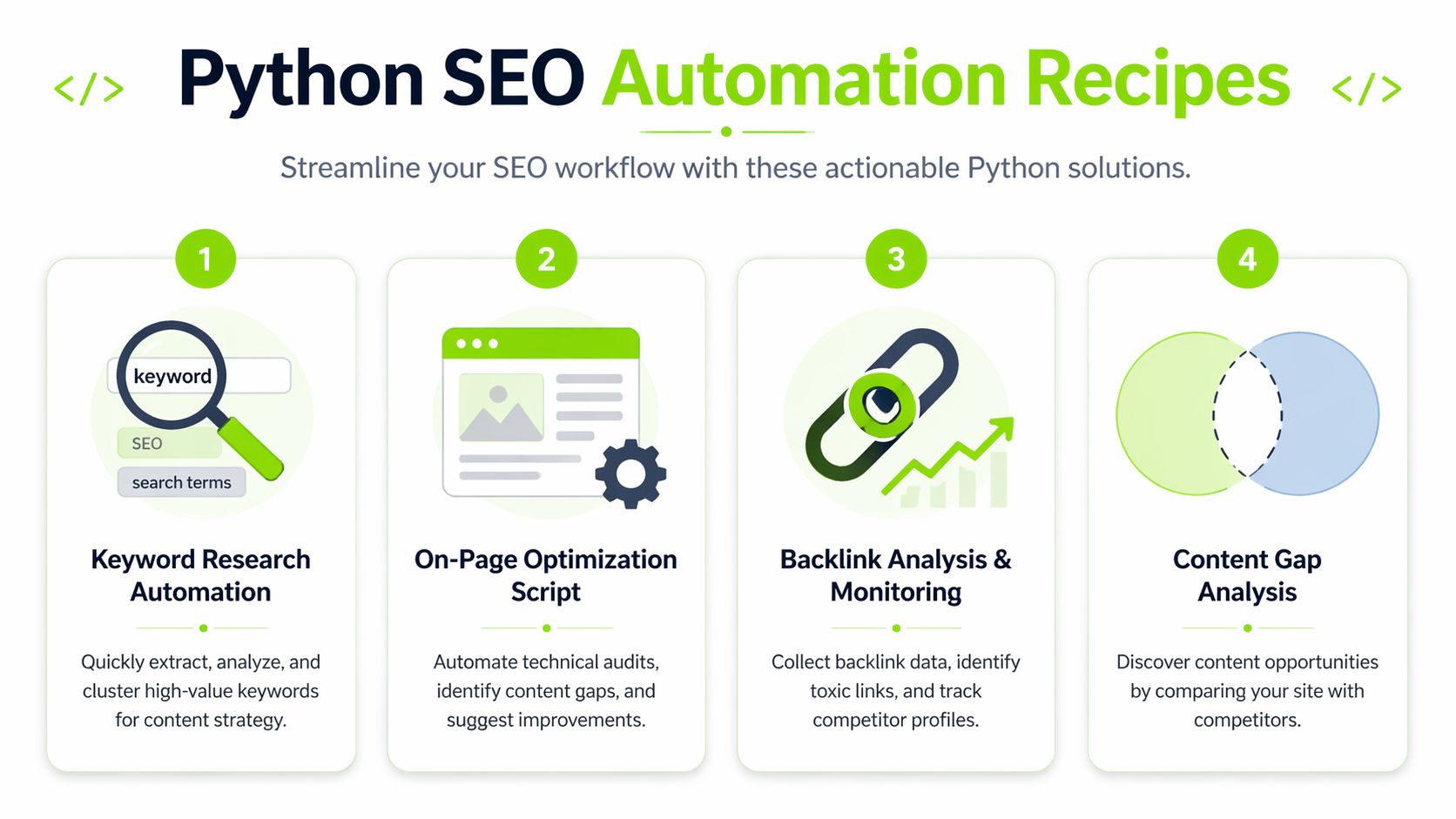
Experts documented that custom crawler workflows can drive a 55% organic traffic uplift from optimized on-page elements, and chaining libraries like Scrapy, Pandas, and Matplotlib can reduce work from hours or days to minutes while cutting human time and errors by 80-90%, according to Gurkha Technology’s Python SEO workflow breakdown. That matches what production automation should do. Less manual handling, more repeatable output.
Recipe one for lightweight SERP checks
This is useful when you need a simple view of who ranks for a query and what title patterns appear on the page. It is not a replacement for a full SERP platform, and you need to be careful with request volume and terms of service.
Use it for: spot-checking competitor pages, title comparisons, and quick research.
Libraries: requests, BeautifulSoup, pandas
import requests
from bs4 import BeautifulSoup
import pandas as pd

query = "technical seo audit"
url = f"https://www.google.com/search?q={query.replace(' ', '+')}"

headers = {
    "User-Agent": "Mozilla/5.0"
}

response = requests.get(url, headers=headers, timeout=10)
soup = BeautifulSoup(response.text, "html.parser")

results = []
for h3 in soup.find_all("h3"):
    title = h3.get_text(strip=True)
    parent = h3.find_parent("a")
    link = parent.get("href") if parent else None
    if title and link:
        results.append({"query": query, "title": title, "url": link})

df = pd.DataFrame(results)
print(df.head())
df.to_csv("output/serp_titles.csv", index=False)
What works:
- fast checks
- headline pattern review
- one-off query analysis
What breaks:
- HTML structures change
- search pages are inconsistent
- naive scraping gets fragile fast
For recurring rank checks, use APIs or a monitored workflow instead of scraping raw SERPs at scale. A managed process for rank monitoring and SEO change detection is usually safer once the job becomes daily.
Recipe two for a practical technical crawler
Python for SEO begins to pay off quickly. A custom crawler doesn’t need to replicate every feature in Screaming Frog. It just needs to answer the client problem in front of you.
This version checks:
- status codes
- title tags
- meta descriptions
- internal links discovered on the domain
import requests
from bs4 import BeautifulSoup
from urllib.parse import urljoin, urlparse
import pandas as pd

start_url = "https://example.com"
visited = set()
to_visit = [start_url]
rows = []

while to_visit:
    url = to_visit.pop(0)
    if url in visited:
        continue

    visited.add(url)

    try:
        response = requests.get(url, timeout=10)
        status_code = response.status_code

        if "text/html" not in response.headers.get("Content-Type", ""):
            rows.append({
                "url": url,
                "status_code": status_code,
                "title": None,
                "meta_description": None
            })
            continue

        soup = BeautifulSoup(response.text, "html.parser")
        title = soup.title.get_text(strip=True) if soup.title else None

        meta_tag = soup.find("meta", attrs={"name": "description"})
        meta_description = meta_tag.get("content") if meta_tag else None

        rows.append({
            "url": url,
            "status_code": status_code,
            "title": title,
            "meta_description": meta_description
        })

        for a in soup.find_all("a", href=True):
            next_url = urljoin(url, a["href"])
            parsed = urlparse(next_url)

            if parsed.netloc == urlparse(start_url).netloc:
                clean_url = f"{parsed.scheme}://{parsed.netloc}{parsed.path}"
                if clean_url not in visited and clean_url not in to_visit:
                    to_visit.append(clean_url)

    except Exception as e:
        rows.append({
            "url": url,
            "status_code": "error",
            "title": None,
            "meta_description": str(e)
        })

df = pd.DataFrame(rows)
df.to_csv("output/technical_audit.csv", index=False)
print(df.head())
Where this script is useful
On small and medium sites, this catches obvious problems fast. You can expand it to pull canonicals, robots directives, heading usage, image alt text, or internal link counts.
Where people get it wrong
They try to make it crawl everything immediately. Then they hit duplicate URL patterns, faceted navigation, calendar traps, or timeout issues and assume Python is the problem. It usually isn’t. The problem is weak crawl controls.
Production crawlers need URL normalization, exclusion rules, and error handling before they need fancy features.
Recipe three for processing GSC exports
Google Search Console exports are useful but annoying. The data usually needs filtering, grouping, and sorting before anyone can use it.
This kind of script helps you find high-potential keywords by looking for terms with strong visibility but weaker average positions.
Libraries: pandas
import pandas as pd

df = pd.read_csv("data/gsc_queries.csv")

# Expected columns:
# query, clicks, impressions, ctr, position

df = df.dropna(subset=["query"])
df["query"] = df["query"].str.strip()

opportunities = df[
    (df["impressions"] > 0) &
    (df["position"] > 8)
].sort_values(by=["impressions", "clicks"], ascending=[False, False])

brand_terms = ["example brand", "examplebrand"]
opportunities = opportunities[
    ~opportunities["query"].str.lower().isin(brand_terms)
]

opportunities.to_csv("output/gsc_opportunities.csv", index=False)
print(opportunities.head(20))
This works because it removes the spreadsheet bottleneck. Instead of filtering manually every time, you keep the logic and rerun it as fresh data comes in.
Recipe four for content gap comparisons
This one is simple but useful. Compare URL lists or keyword sets between your site and a competitor set, then isolate what they cover that you don’t.
import pandas as pd

your_keywords = pd.read_csv("data/your_keywords.csv")
competitor_keywords = pd.read_csv("data/competitor_keywords.csv")

your_set = set(your_keywords["query"].dropna().str.strip().str.lower())
competitor_set = set(competitor_keywords["query"].dropna().str.strip().str.lower())

gap = competitor_set - your_set

gap_df = pd.DataFrame(sorted(gap), columns=["missing_keyword"])
gap_df.to_csv("output/content_gap.csv", index=False)
print(gap_df.head(20))
This won’t replace deeper intent analysis. It will give you a clean starting point that content teams can use without waiting on manual comparisons.
What makes these recipes usable in real client work
The code is the easy part. The hard part is making scripts dependable enough for account teams.
That usually means:
- Stable inputs: Agree on file names, columns, and locations.
- Basic validation: Check whether expected columns exist before processing.
- Clear outputs: Save exports into a predictable folder with a predictable name.
- Client-specific logic: Keep brand exclusions, templates, and segment rules configurable.
- Version control: Track changes so nobody inadvertently breaks production logic.
A script that saves ten minutes once is a toy. A script that runs every week across multiple accounts without hand-holding is an asset.
Scaling Your SEO Impact with Advanced Python Techniques
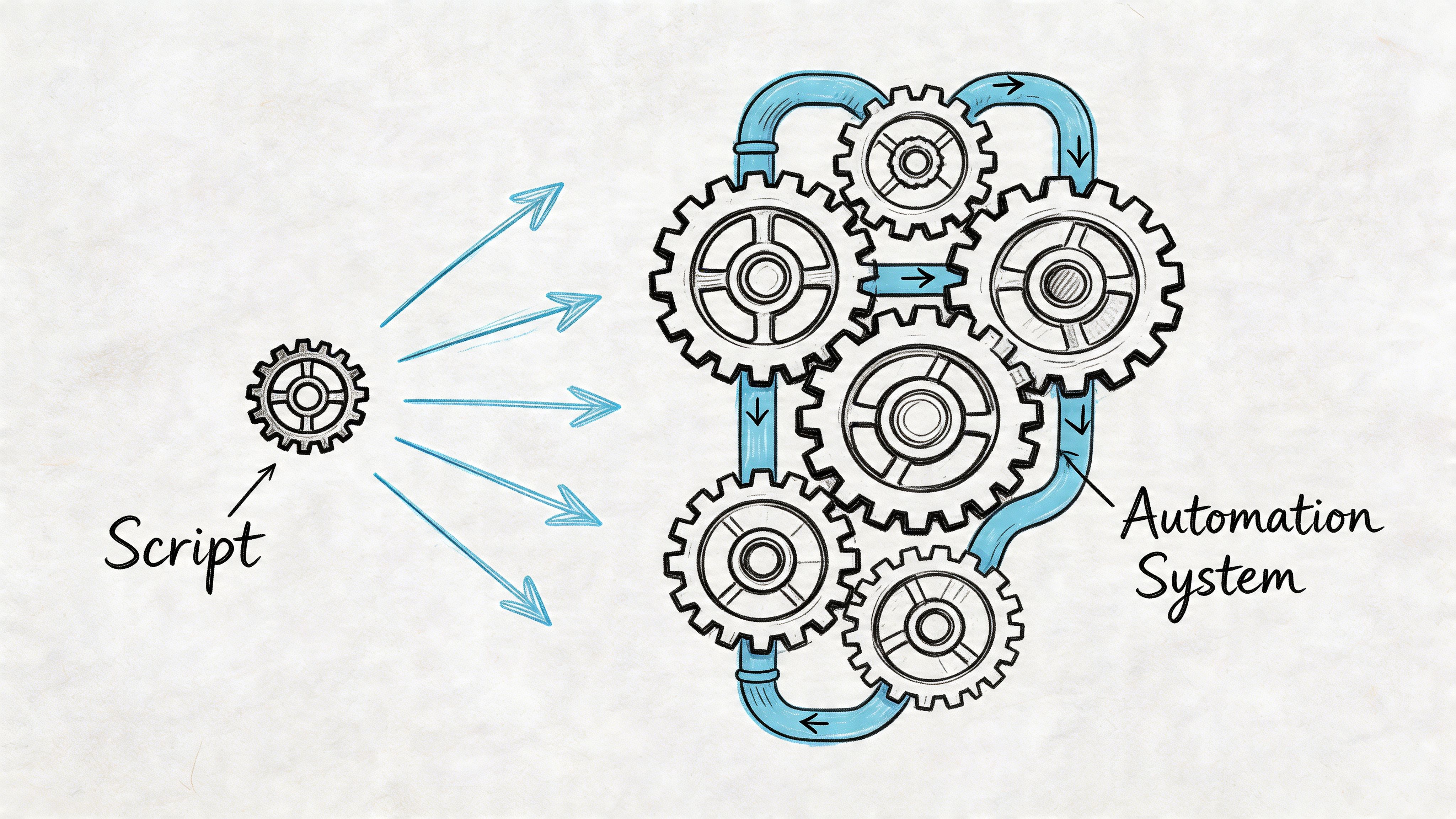
There’s a clear line between running scripts and operating automation. The line shows up when jobs need to run on schedule, store history, survive bad inputs, and support decisions across multiple clients.
That’s where most python for seo stacks either mature or collapse.
Move from one-off outputs to historical data
A script that checks today’s rankings is useful. A system that stores ranking history, page changes, and crawl signals becomes strategic.
For that, keep raw data and processed data separate. Store daily pulls in a consistent format, then run transformations on top of them. When a client asks why visibility changed, you want yesterday’s and last month’s snapshots available without rebuilding the dataset from scratch.
Server log parsing is a good example. It tells you how bots crawl the site, which sections get attention, and where crawl waste shows up. In practice, logs are messy. You need consistent parsing rules, normalized fields, and enough storage discipline to compare patterns over time.
Validate changes before full rollout
A lot of SEO teams still ship templates sitewide based on instinct. That’s risky, especially on large sites.
Python gives you a better way to test. According to Search Engine Journal’s Python split testing methodology, a proper workflow targets 220,000 data points to reach 90% confidence, and experts using Scikit-Learn measured an average 17-position lift in Google rankings, from 22.58 to 5.87, at 98% significance when comparing validated variants. The same methodology argues that rank position data often converges faster than traffic-based metrics for non-enterprise sites.
That matters because split testing protects credibility. If you can pre-test a theory, model the likely outcome, and then deploy only after validation, you avoid the common pattern of overconfident rollouts followed by messy reversals.
The production rules that keep scripts alive
Most failures aren’t about SEO logic. They’re operational.
Use these rules early:
- Add logging first: If a job fails at 3 a.m., you need logs that tell you where and why.
- Handle exceptions deliberately:
try-exceptblocks shouldn’t hide everything. Catch expected failures and record them. - Schedule jobs cleanly: Cron jobs, task schedulers, or cloud functions work well if each script has a clear entry point.
- Separate config from logic: Keep credentials, file paths, and client-specific settings outside the script body.
- Profile slow code: Bottlenecks usually come from unnecessary loops, repeated requests, or poor dataframe operations.
Reliable automation is less about clever code and more about predictable behavior under bad conditions.
What usually breaks at scale
Three things show up again and again.
First, scripts depend on one person’s local machine. When that person is away, the workflow stops.
Second, error handling is weak. A small HTML change or API response issue causes silent failures, and nobody notices until reporting day.
Third, teams build disconnected scripts instead of a pipeline. You get ten little tools and no shared structure for inputs, outputs, retries, or storage.
If you want python for seo to scale, treat it like internal product development. Name jobs clearly. Document assumptions. Store output consistently. Make reruns safe. That’s what turns a clever script into agency infrastructure.
Monitor AI Search and LLMs with Python
A lot of SEO teams still act like traditional rankings are the full picture. They aren’t.
AI-generated search results now shape what users see before they ever click a blue link. If you only track classic SERPs, you’re missing where brand mentions, citations, and summaries increasingly influence discovery.
As of early 2026, AI-generated results like Google’s AI Overviews appear in 15-20% of queries, and relying only on classic SERP scraping misses a growing share of interactions, according to Gracker’s analysis of Python for AI search monitoring. That’s why this part of python for seo matters now, not later.
What to track in AI search
For practical monitoring, I care about a few things more than vanity screenshots:
- Brand citations: Is your brand named in the response?
- Source presence: Are your pages cited or linked as support?
- Intent coverage: Which query types trigger AI summaries tied to your topics?
- Competitor overlap: Which brands appear alongside you most often?
- Response drift: Does visibility improve, disappear, or change by prompt pattern?
Traditional rank tracking doesn’t capture that cleanly. You need scripts that fetch results, parse response blocks, classify mentions, and store history.
A workable Python approach
For lightweight monitoring, use requests and BeautifulSoup where HTML is accessible. For dynamic rendering and changing interfaces, use Selenium. The point is not just to capture a page once. The point is to build a repeatable daily process.
A useful pipeline looks like this:
- Collect target prompts or keyword sets
- Fetch search results or rendered pages
- Extract AI Overview text, cited domains, and visible brands
- Normalize the output into structured rows
- Compare against prior runs
- Push the cleaned data into reporting or APIs
A simple data model might include:
- query
- date
- AI Overview present or not
- cited domain
- cited page
- mentioned brand
- response text snapshot
If your reporting still says “ranking improved” but your brand vanished from AI-generated answers, the report is incomplete.
Use APIs where scraping becomes fragile
Agency workflows need to get practical. Scraping dynamic AI interfaces every day across many clients gets brittle quickly. Selectors change. Rendering changes. Rate limits and anti-bot protections become part of the maintenance burden.
That’s where API-connected workflows help. If you’re consolidating AI visibility with broader SEO operations, an LLM benchmark workflow for AI search monitoring is a better model than trying to maintain a pile of one-off browser scripts.
The video below gives a helpful visual frame for how these newer search surfaces behave in practice.
Production advice for AI Overview tracking
The biggest mistake is treating AI search monitoring like old-school rank scraping. It isn’t the same.
Use Python to:
- store text snapshots for later review
- cluster prompts by intent
- compare cited domains over time
- flag when a client disappears from AI answers
- benchmark visibility across multiple LLM environments
What works is a hybrid approach. Use scraping carefully where needed, rely on structured APIs where possible, and keep historical records so changes aren’t reduced to anecdotes.
That’s the underserved part of python for seo right now. Plenty of guides explain how to pull title tags. Very few explain how to monitor whether a brand is even visible inside AI-mediated discovery.
Create Agency-Grade SEO Reports with Python
Collecting data is only half the job. Clients pay for interpretation.
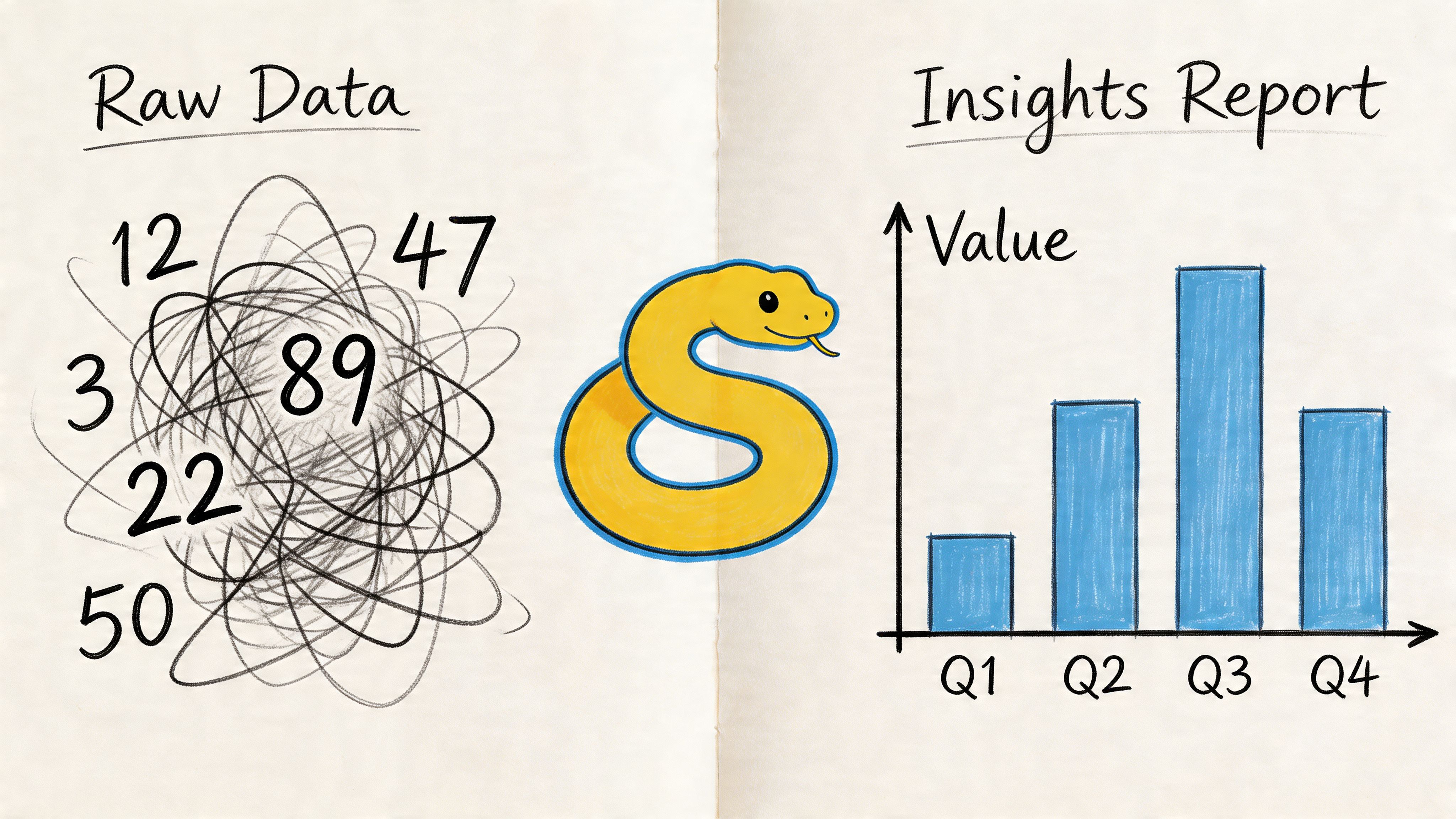
The strongest reporting setups in python for seo combine multiple inputs into one stable output. A crawl script surfaces metadata issues. A GSC processor highlights query opportunities. An AI monitoring job tracks citation visibility. Then Python turns all of that into charts and summaries that account teams can use.
What a good report template includes
A useful reporting template usually has:
- Trend charts: Line charts for rankings, indexed pages, or AI citation presence over time
- Change summaries: Clear notes on what improved, declined, or needs action
- Segment views: Brand vs non-brand, directory-level performance, or page type splits
- Operational flags: Crawl errors, missing metadata groups, or pages needing review
matplotlib is enough for a lot of this. seaborn can help when you want cleaner defaults. The key isn’t fancy visuals. It’s repeatability.
Keep reporting logic reusable
Build one template, then feed it fresh data every cycle. That’s much better than rebuilding slides by hand.
I prefer a reporting pipeline that:
- reads cleaned CSVs or API pulls
- generates charts to an output folder
- writes a short summary table
- exports a client-ready bundle
That keeps the work consistent across accounts and avoids the usual “copy chart from one tab into another deck” chaos.
For teams refining that process, this guide on automation client reporting is worth reading because it focuses on operational reporting workflows rather than dashboard theory.
The best SEO report is the one that makes the next decision obvious.
What clients actually respond to
Clients rarely care that you used Python. They care that the report is clear, timely, and confident.
Show trend movement, explain likely causes, and tie findings to actions. If your scripts make reporting faster but the output is still noisy, you haven’t finished the job. Python should remove reporting labor and improve reporting quality at the same time.
Start Automating Your SEO Today
Python doesn’t need to replace your full SEO workflow this week. It just needs to remove one repeated pain point.
Start with one script. A crawler for titles and descriptions. A GSC cleanup job. A simple AI Overview monitor. Run it, improve it, and keep it if it saves time or sharpens decisions. That’s how strong python for seo systems are built. One dependable workflow at a time.
Surnex gives agencies and in-house teams one place to track modern search performance across traditional SEO and emerging AI visibility. If you need a clearer view of rankings, audits, backlinks, AI Overviews, and LLM benchmarking without stitching together too many tools, Surnex is worth a look.