You're probably feeling this already. A client asks when Google last saw a page, whether the new title tag is in the index, or why a competitor jumped in rankings after a quiet content update. The old habit was simple: click the cached result, compare it to the live page, and make a call.
That shortcut is gone, but the job didn't go away.
Cached google results still matter because they sit close to the core question every SEO team has to answer: what version of this page did a search system process? In 2026, that question matters even more because indexing, JavaScript rendering, and AI search visibility are tied together. If the crawler didn't capture the right content, your page can look fine to a user and still underperform in search.
What Are Cached Google Results and Why They Changed
A cached Google result is a saved snapshot of a page that Googlebot captured when it crawled that URL. The easiest way to think about it is a camera shot, not a live video feed. It reflects what Google stored at that moment, not necessarily what a user sees right now.
That's why cached views were so useful. They gave SEO teams a fast way to check whether Google had picked up recent edits, whether important text was present in the stored HTML, and whether a page had been crawled recently enough to trust current ranking signals.
The change that broke old workflows
Google confirmed the removal of its publicly accessible Cached link button from search results in February 2024, which changed how users and SEO professionals access historical page snapshots, as covered in Semrush's explanation of the removed cache link. Before that, many teams used the three-dot result menu or the cache: approach as a quick diagnostic step.
The impact was bigger than it looked. Losing the visible cache button removed a shared habit across SEO, content, QA, and client services. It also made troubleshooting slower because teams could no longer rely on a simple SERP-side check during meetings or reporting reviews.
Practical rule: If you can't quickly see what Google stored, you need a repeatable workflow for checking crawl evidence, stored HTML, and rendering gaps.
Why this matters more in AI search
AI search systems raise the bar. Traditional ranking issues still matter, but so does whether your page exposes clean, extractable information that can be cited, summarized, or surfaced in AI-driven experiences. If your content is trapped behind rendering issues or weak HTML signals, you can lose visibility in both classic search and newer interfaces like Google AI Mode monitoring.
Cached google results are no longer a convenience feature. They're part of a broader evidence trail for understanding how search systems saw your content.
Four Ways to View a Cached Page in 2026
The old one-click method is gone, so teams need a decision process instead of a habit. Different methods answer different questions. Some show the stored page. Others show crawl timing. Others help when Google's own public cache view isn't available.
The four methods that still work
-
Use the
cache:operatorThis is still the first thing many SEOs try. Enter
cache:yoururl.com/pageinto Google. If Google returns a cached version, you'll get a snapshot or some indication of stored content.It's useful for quick spot checks, but it's inconsistent. It also doesn't solve rendering analysis well because a cache view is not the same as a full browser rendering.
-
Use Google Search Console
Search Console doesn't replace the old public cache, but it does provide crawl and inspection clues. The URL Inspection tool is the operational fallback when you need to verify whether Google has crawled a page, whether it's indexed, and what canonical or indexing state Google reports.
This is usually the better choice when the question is not “Can I see an old page copy?” but “Did Google process this URL recently, and is it indexable?”
-
Use third-party archives
Tools like the Wayback Machine are useful for historical comparison. They're not Google's cache, so they shouldn't be treated as proof of what Google indexed. But they are useful when you need to compare old page versions, investigate content changes, or document when a page materially shifted.
If your task is removal rather than diagnostics, the ContentRemoval.com guide on cached pages gives a practical overview of how cache-related removals differ from standard indexing controls.
-
Use an SEO platform or internal monitoring stack
Teams managing many URLs need one place to compare crawl evidence, on-page changes, and visibility changes. A platform that combines indexing clues with AI search monitoring is more useful than a manual page-by-page process. For example, AI visibility tracking helps teams connect stored content issues with appearance in newer search experiences.
Comparison of Cache Viewing Methods
| Method | How to Access | What It Shows | Best For |
|---|---|---|---|
cache: operator | Search cache:URL in Google | Public cache snapshot when available | Fast spot checks |
| Google Search Console | URL Inspection tool | Crawl status, indexing signals, last crawl information | Verifying indexation and crawl recency |
| Third-party archives | Archive tools such as Wayback Machine | Historical page captures from external systems | Comparing past versions of a page |
| SEO platform or internal workflow | Dashboard, crawler, API, or reporting setup | Combined view of crawl evidence, content changes, and performance shifts | Agency-scale monitoring |
Don't use one tool for every cache question. Use the operator for quick checks, Search Console for verification, archives for history, and a platform or internal system for scale.
What works and what doesn't
What works is matching the method to the task. What doesn't work is assuming any one view is a full picture of what Google understood. A cache snapshot can help. Search Console can help. A historical archive can help. None of them, by themselves, tell you everything about rendering, extraction, and AI citation readiness.
How to Read and Interpret a Cache Snapshot
Seeing a cached page is only half the job. The useful part is interpretation.
A cache snapshot works like an X-ray of stored HTML. It tells you what Googlebot captured at crawl time, and that can reveal gaps that are easy to miss on the live page.
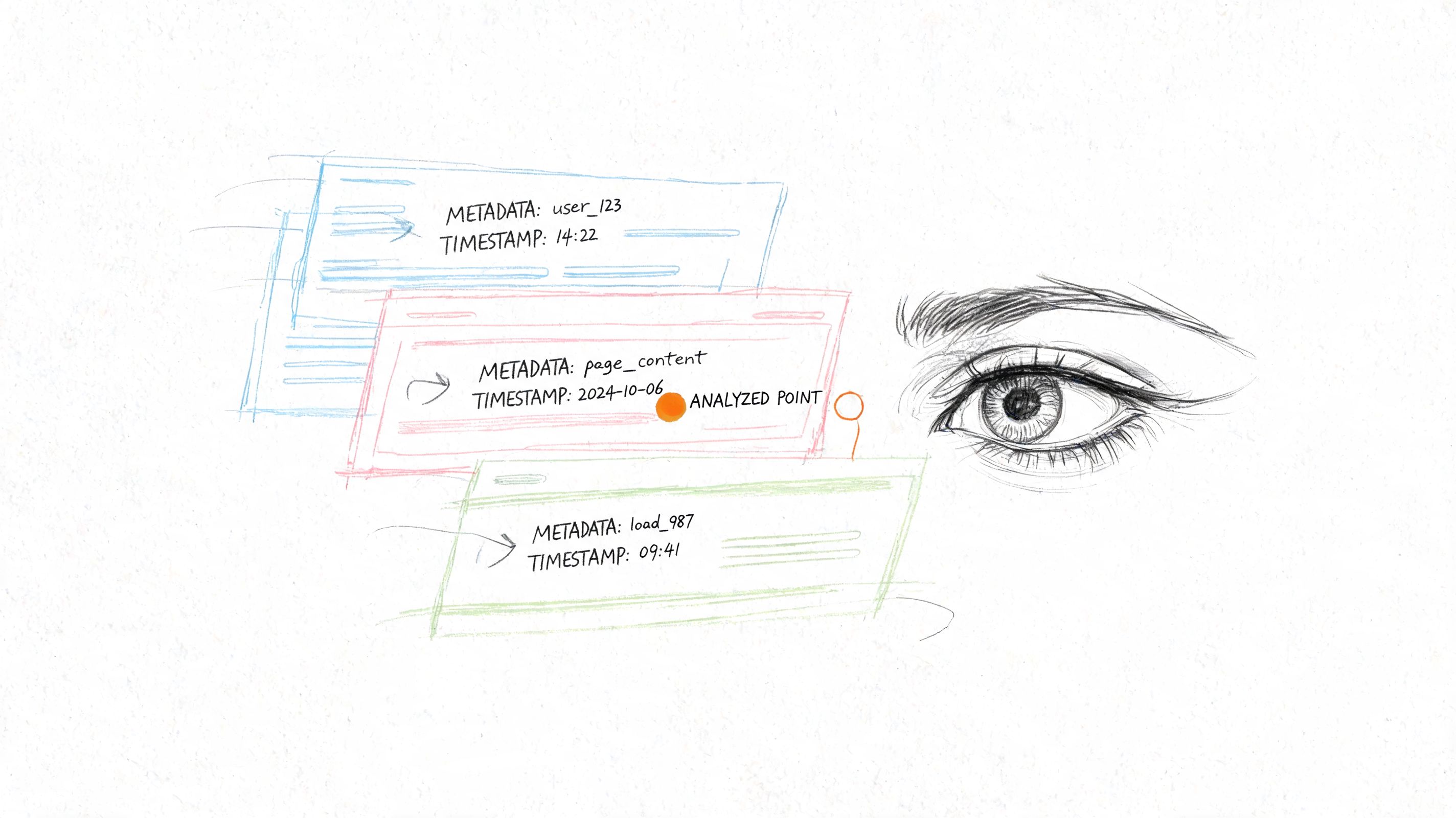
Google's cache stores raw HTML snapshots captured during crawls and supports fast query handling by letting Google work from pre-rendered HTML through the index rather than relying on live fetches, as explained in Seobility's overview of Google Cache.
Start with the timestamp
If a cached view includes a timestamp, treat it as a clue, not a verdict. It helps answer a narrow question: when did Google last store this version? If your content team changed a title, heading, or key body copy and the cached timestamp predates that change, you know Google may still be working from an older version.
That doesn't automatically mean a problem exists. It does mean you shouldn't assume the search system has processed your latest update.
Use the text-only view like a content extraction test
The text-only version is one of the most useful cache diagnostics. It strips away design and exposes what's available at the HTML level. If core product details, FAQs, author signals, or key commercial terms disappear there, you may have a rendering or markup problem.
Look for these mismatches:
- Missing body copy if important text is injected late by JavaScript
- Broken content order if templates load content in an odd sequence
- Missing metadata signals if titles or descriptions haven't updated
- Thin page text if a visually rich page is HTML-poor
Compare the stored version against the live page
A side-by-side check usually reveals more than a single view. Open the live page, then compare:
- Title and headings
- Primary body copy
- Internal links
- Structured content blocks
- Visible product or pricing language
- Boilerplate that may have overwritten unique copy
This walkthrough is a useful companion while you review examples:
A cached page rarely tells you why rankings changed on its own. It tells you whether Google had the material needed to understand the page.
What a cache snapshot cannot tell you
It cannot confirm how a modern AI system summarized your content. It cannot fully represent rendered experiences built heavily with client-side JavaScript. It also cannot stand in for log analysis, Search Console inspection, or live rendering tests.
Use it as evidence. Don't use it as the whole diagnosis.
Why Cache Still Matters for Indexing and Debugging
Many teams treated cache checks as a convenience feature. In practice, they were part of three different jobs: confirming indexation, checking content parity, and debugging technical SEO problems. Those jobs still exist.
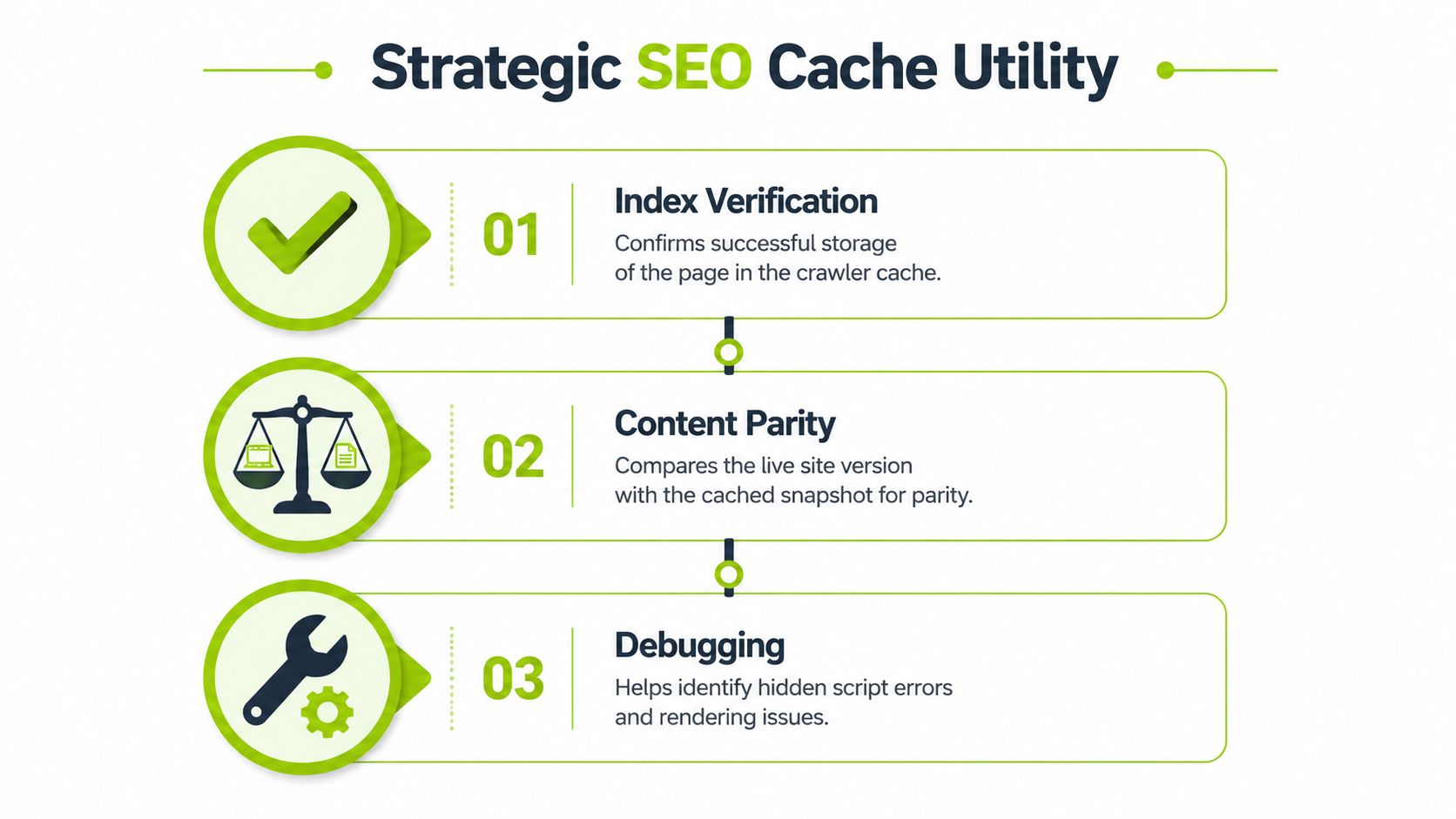
Index verification
A stored page tells you that Googlebot captured something. That matters when a page is technically live but behaves inconsistently in search. If a page exists in your CMS and loads in a browser but has no clear signs of fresh storage or crawl activity, indexing may be lagging.
For teams doing production SEO, this is the difference between “the page is published” and “the page has been processed.”
Content parity checks
Many content launches go wrong at this stage. The live page looks polished, but the stored or text-focused version shows missing sections, weak copy exposure, or stale metadata. A page can be present in search and still be represented badly.
That matters more for AI search because extractable, well-structured content is easier to summarize and cite. When parity is weak, your page may rank less consistently and appear less often in AI-driven surfaces.
Technical debugging for JavaScript-heavy pages
This is the biggest blind spot after the public cache change. Post-2024, agencies have a harder time diagnosing JavaScript-rendered crawlability because Google's cache primarily stores HTML and omits external CSS and JavaScript, which makes it poor for verifying dynamic rendering on modern sites, as noted in this analysis of post-cache-button SEO workflows.
That trade-off matters in real audits. If product descriptions, reviews, navigation, or comparison modules load late through scripts, a cached view may show a thin page while users see a complete one. In that situation, rankings can slip for reasons content teams don't immediately recognize.
What still works in real teams
A workable debugging sequence usually looks like this:
- Check stored HTML signals to see whether key content appears at all
- Inspect the URL in Search Console to verify crawl and index state
- Run a live rendering test in your preferred technical audit setup
- Compare with user-facing output on desktop and mobile templates
- Document differences before developers change templates again
For larger sites, this becomes an operational process rather than a one-off check. A formal technical site audit workflow is often the only way to keep rendering issues from resurfacing after releases.
Cache analysis still matters because it answers a blunt question that dashboards often hide: what did the crawler actually get?
How to Request a Recrawl or Cache Removal
When you find a stale or problematic stored version, there are only a few levers you can pull. Some are meant to encourage a refresh. Others are meant to stop future caching or temporarily hide content.
Request a recrawl through Google Search Console
If you updated a page and want Google to process the new version, use URL Inspection in Search Console and request indexing. This doesn't guarantee an immediate update, but it tells Google the page changed and should be reconsidered.
Use this when:
- You changed important on-page content
- You fixed canonical or indexing issues
- You repaired a broken template
- You published a high-priority landing page
This works best when the page is indexable, internally linked, and technically stable. Requesting indexing on a page that still has rendering problems or conflicting directives usually just sends Google back to a broken state.
Prevent future caching with noarchive
If you don't want a page stored in cache going forward, use the noarchive directive. This is a control mechanism, not a cleanup shortcut for every problem. It's useful when you want search engines to avoid showing a cached version of a page in the future.
That said, teams should be careful. Blocking archive behavior doesn't fix weak indexing, and it can remove a useful diagnostic signal from your own workflow.
Use temporary removal tools for urgent cases
If a page exposes sensitive or outdated content and you need faster suppression, use Google's removal tools. This is the urgent path, not the long-term policy. You'll still need the underlying page and indexing settings corrected.
For a broader operational view of robots.txt, noindex, and AI-related controls, this guide on controlling search and AI indexing is a practical reference.
The trade-off teams forget
Many requests for cache removal are really requests for better publishing hygiene. If your process includes pre-launch QA, rendering checks, and a post-publish crawl review, you'll need emergency removals less often.
Advanced Cache Workflows for Agencies and SEO Teams
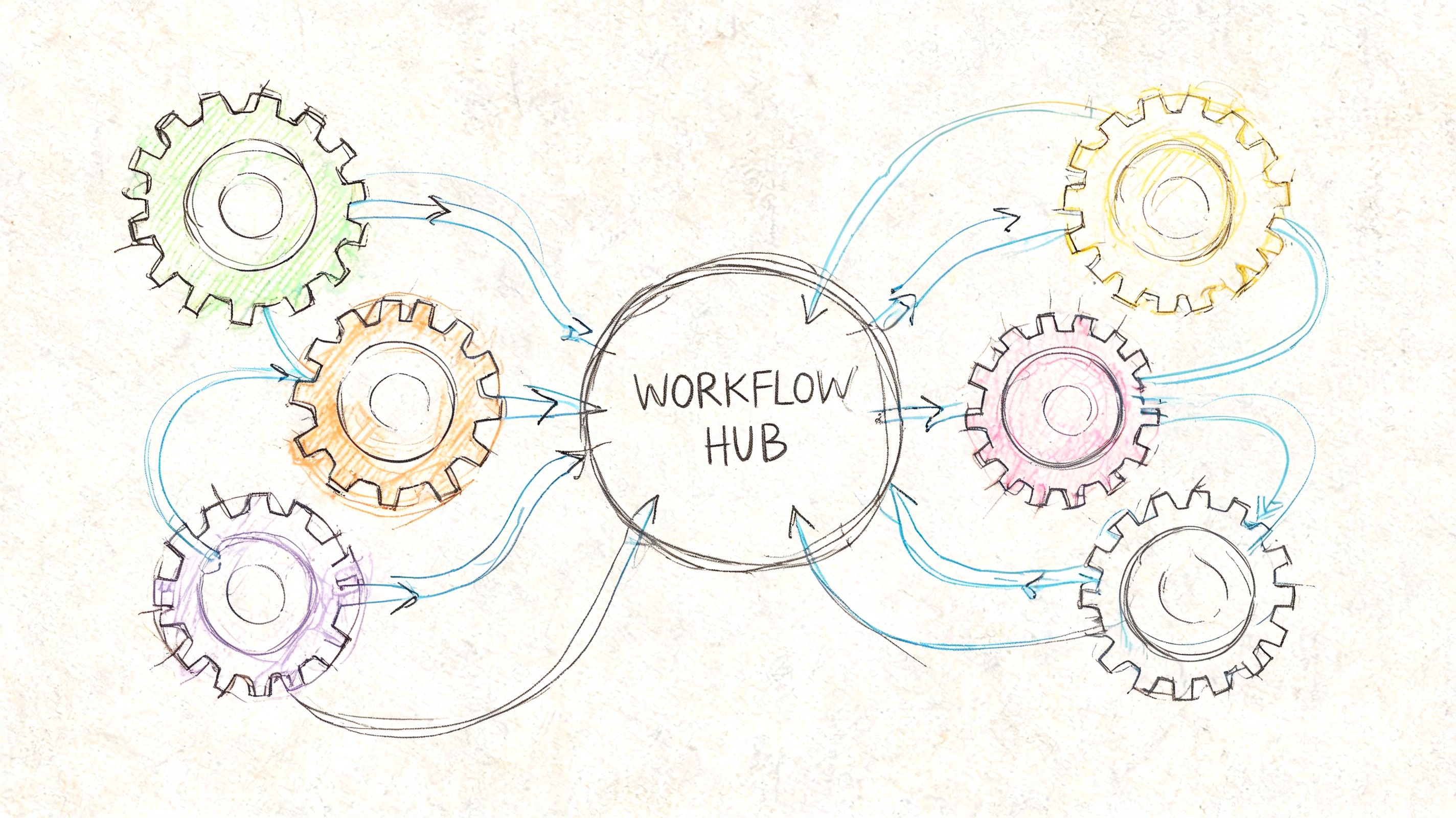
At small scale, cache analysis is a spot check. At agency scale, it becomes a monitoring layer.
The most useful teams don't ask “Can I still see the cached page?” They ask “How do we turn crawl evidence into repeatable decisions across clients, competitors, and reporting?”
Competitor change tracking
A competitor gains ground. Their rankings improve before any visible redesign or major backlink event. The old move was to check the live page against a cached snapshot and identify what changed.
That workflow still exists, but now it usually blends archive captures, SERP tracking, manual page comparison, and Search Console-like reasoning applied to your own pages. The goal is not nostalgia for the old cache button. The goal is reconstruction. What changed in the content, structure, or crawl accessibility before visibility moved?
Client reporting with crawl evidence
Clients often ask whether a content rollout “went live” in search. A better answer is not “yes, it's published.” A better answer is “the page is published, crawled, and now reflected in how search systems process the page.”
Cache-related evidence improves reporting by providing necessary context. You can show that key pages were updated, recrawled, and aligned with the intended messaging. That's a stronger reporting artifact than rankings alone because it explains process, not just outcome.
Cache age as a leading signal
One analysis found that pages with caches older than 30 days have a 3.2x higher risk of being de-indexed, and it argues that automating cache age tracking matters because manual checks don't scale for agency portfolios, according to this review of cache age and SEO impact.
That doesn't mean every older cache predicts a loss. It does mean stale storage can be a warning sign worth monitoring, especially on pages that should update regularly or support core commercial terms.
A practical agency workflow
A workable team process often looks like this:
- Weekly exception review for pages with stale crawl or cache clues
- Competitor spot checks after visible ranking jumps
- Launch validation after major content or template releases
- Escalation to dev when rendered and stored content diverge
- Cross-checks with AI search reporting when citation or overview visibility drops
For teams that need to connect crawl evidence with newer search surfaces, an AI visibility audit workflow helps tie those signals together without relying on one old cache habit.
Manual cache checks are fine for one URL. They break down fast when you manage many clients, templates, and release cycles.
Automation APIs and The Future of Cache Analysis
Manual cache review doesn't survive contact with scale. Once you manage hundreds or thousands of URLs, the fundamental challenge is system design. You need ways to flag stale pages, compare rendered versus stored content, and route issues into reporting or engineering queues.
Where automation helps
Automation is useful in three places:
- Collection, where systems pull crawl clues, page output, and change history
- Comparison, where stored HTML or extracted text is checked against the live page
- Alerting, where teams get notified when important pages stop reflecting intended content
This is why API-first SEO operations are becoming more common. The bottleneck is no longer knowing that cache matters. The bottleneck is monitoring it across a changing site and tying it to search outcomes.
BigQuery is a useful parallel
Google's BigQuery cached query results are a good example of how modern teams think about cache operationally. Cached query results keep data for about 24 hours and generate zero storage costs, while repeated identical queries in that window return cached results instead of rescanning source data, as documented in Google Cloud's BigQuery cached results guide.
That isn't the same as a page cache, but the lesson is relevant. Good teams treat cache as an efficiency layer and an analysis layer. They know when freshness matters, when reuse is acceptable, and how to expose that logic in dashboards and recurring reports.
The next frontier is not just cache
The future of cache analysis is broader than page snapshots. As AI search grows, teams need to monitor what language models can extract, summarize, and cite from a page. In practice, that means combining crawl evidence, rendered output, structured content checks, and AI visibility signals into one workflow.
Cached google results still matter. They're just no longer the whole story.
Surnex helps agencies, in-house teams, and developers track search visibility across traditional results and newer AI experiences from one platform. If you need a cleaner way to connect indexing clues, audits, rankings, and AI search reporting, Surnex is built for that workflow.